
- Course
Physically-based Rendering in Substance Painter
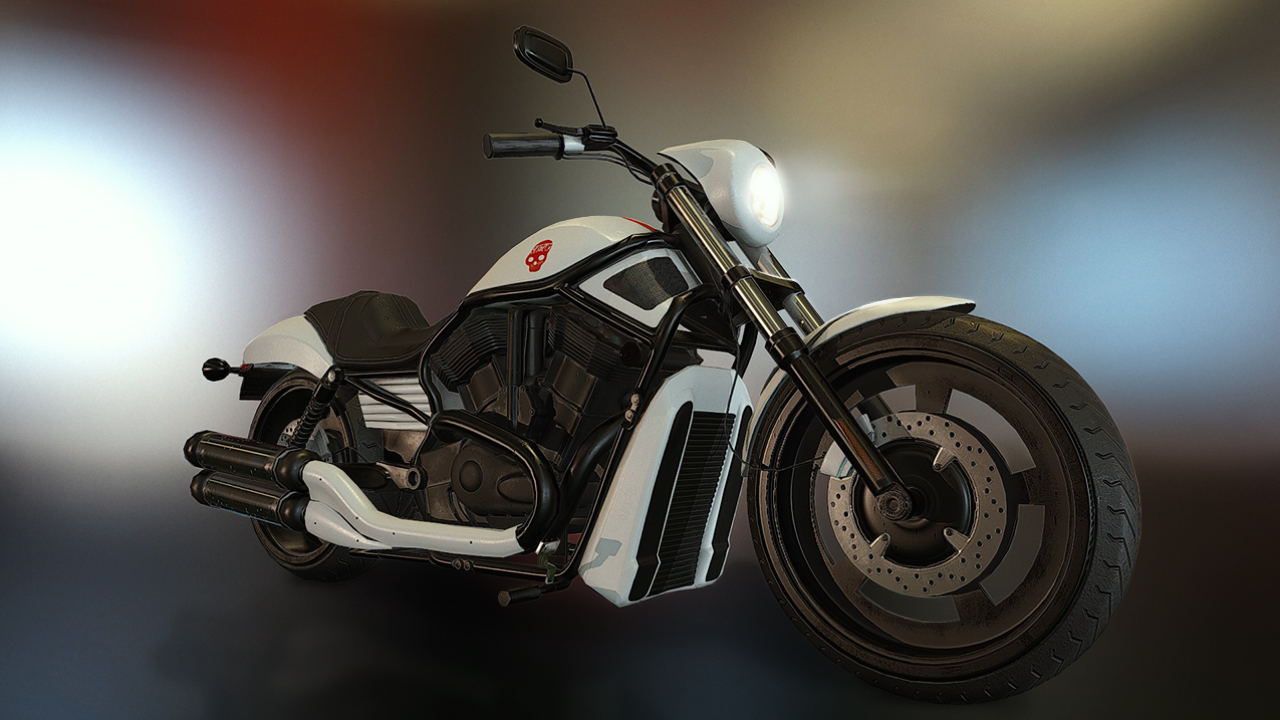
In this Substance Painter tutorial, we'll learn how to texture a 3D model from scratch using a physically-based rendering (PBR) workflow. Software required: 3ds Max 2015, Substance Painter 1.4, Marmoset Toolbag 2.
Advanced
- Course
Physically-based Rendering in Substance Painter
In this Substance Painter tutorial, we'll learn how to texture a 3D model from scratch using a physically-based rendering (PBR) workflow. Software required: 3ds Max 2015, Substance Painter 1.4, Marmoset Toolbag 2.
Advanced
Get started today
Access this course and other top-rated tech content with one of our business plans.
Try this course for free
Access this course and other top-rated tech content with one of our individual plans.
This course is included in the libraries shown below:
- Core Tech
What you'll learn
In this Substance Painter tutorial, we'll learn how to texture a 3D model from scratch using a physically-based rendering (PBR) workflow. While the workflow in this tutorial is dedicated more to game assets, most of the techniques can be applied to any CG asset. First, we'll look at the steps required to create PBR textures from scratch, starting with using 3ds Max to set up our meshes. We'll then use Substance Painter to texture our model using different tools and techniques to create our texture maps in a non-destructive way. By the end of this Substance Painter training, you'll be able to master different techniques to work efficiently and easily texture your 3D models using PBR textures. Software required: 3ds Max 2015, Substance Painter 1.4, Marmoset Toolbag 2.
Physically-based Rendering in Substance Painter
Advanced
Table of contents
