
- Course
JavaFX 8 Playbook: Controls with Data Model
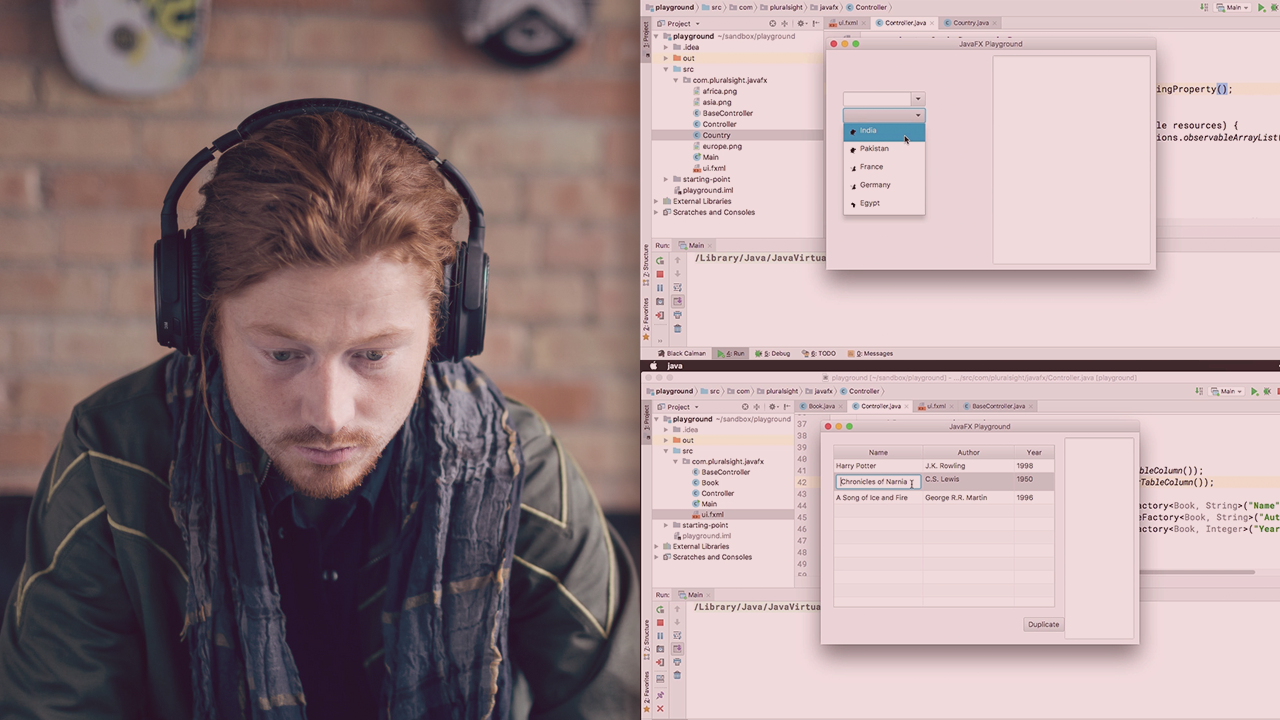
JavaFX is the go-to UI library in the Java ecosystem. This course focuses on how to use controls with the data model; handle large amounts of data from simple to complex use cases from the creation; and use customization until event handling.
Beginner
- Course
JavaFX 8 Playbook: Controls with Data Model
JavaFX is the go-to UI library in the Java ecosystem. This course focuses on how to use controls with the data model; handle large amounts of data from simple to complex use cases from the creation; and use customization until event handling.
Beginner
Get started today
Access this course and other top-rated tech content with one of our business plans.
Try this course for free
Access this course and other top-rated tech content with one of our individual plans.
This course is included in the libraries shown below:
- Core Tech
What you'll learn
At the core of developing desktop applications using JavaFX is a thorough knowledge of controls. In this course, JavaFX Playbook: Controls with Data Model, you will learn how to use the five most complex controls of JavaFX in order to create useful applications. First, you will learn about creating simple dropdowns using a choice box and move on to complex dropdowns with the help of ComboBox. Next, you will explore list view to display a list of items at once and proceed to learn how to create tables that are static as well as editable. Finally, you will discover how to display hierarchical data using a TreeView. When you are finished with this course, you will have a foundational knowledge of creating, styling, and customizing these controls along with how to use StringConverters, PropertyValueFactories, CellFactories, and CellValueFactories to help you create a truly interactive, engaging, and data-centric application using JavaFX platform.
JavaFX 8 Playbook: Controls with Data Model
Beginner
Table of contents
-
Version Check | 15s
-
Course Introduction and Module Outline | 2m 9s
-
The Basics: Containers and Controls | 4m 21s
-
Using FXML to Add Controls Inside Containers | 2m 7s
-
Demo: Playground Creation | 8m 28s
-
Demo: Dynamic Controls | 3m 1s
-
Observables and Properties | 7m 17s
-
Demo: Observable Lists | 6m 54s
-
Demo: Observable Sets and Maps | 6m 40s
-
Demo: Properties and Binding | 7m 20s
-
Summary | 36s


Buddha Jyothiprasad is an Author with Pluralsight and has more than 10 years of experience in software development. Previously worked with IBM & Oracle and now works as a Developer at Amazon.
