
- Course
PowerPoint 2019 Pro
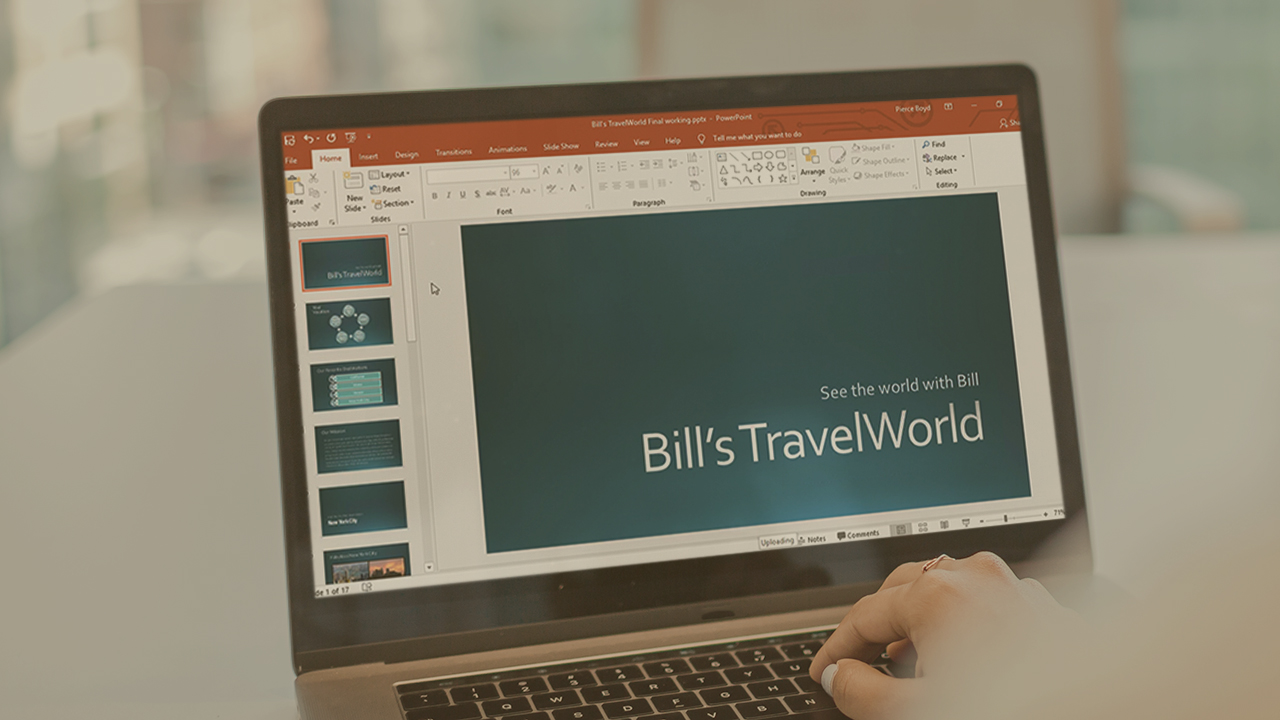
In this course, you’ll advance to the final levels of working with PowerPoint 2019. You'll learn how to work with document outlines and masters, work with SmartArt and Media, and present a polished and complete slide show.
Beginner
- Course
PowerPoint 2019 Pro
In this course, you’ll advance to the final levels of working with PowerPoint 2019. You'll learn how to work with document outlines and masters, work with SmartArt and Media, and present a polished and complete slide show.
Beginner
Get started today
Access this course and other top-rated tech content with one of our business plans.
Try this course for free
Access this course and other top-rated tech content with one of our individual plans.
This course is included in the libraries shown below:
- Core Tech
What you'll learn
Gain a full understanding of the many uses of PowerPoint 2019. In this course, PowerPoint 2019 Pro, you will build upon your already mature understanding of the PowerPoint interface and settings. First, you'll learn how to work with document outlines and use morph transitions. Next, you'll explore how to work with slide masters, SmartArt graphics, and media. Finally, you'll discover how to combine presentations, inspect and review a presentation, and deliver your presentation to an audience. When you’re finished with this course, you'll have the skills and knowledge of PowerPoint 2019 Pro needed to create, polish, and deliver professional slide presentations (and continue preparation for the Microsoft Office exams).
PowerPoint 2019 Pro
Beginner
Table of contents
-
Modify the Slide Master Content | 5m 33s
-
Modify a Slide Layout | 3m 47s
-
Add a Picture to the Slide Master | 2m 1s
-
Change the Slide Master Theme or Background | 4m 11s
-
Create a Second Slide Master | 5m 12s
-
Create a Slide Layout | 5m 57s
-
Modify the Handout Master | 5m 7s
-
Modify the Notes Master | 4m 44s



Bill Kulterman is an educator, author, and a Microsoft Certified Trainer (MCT). Bill has been a trainer for more than a dozen years, educating students in Excel, Visio and a bevy of additional solutions. In recent years he has focused solely on SharePoint and SharePoint Online through Office 365. When he's not creating courses, he can usually be found riding his bike or relaxing near his Koi pond.
