
- Course
Premiere Pro CC Building on the Fundamentals
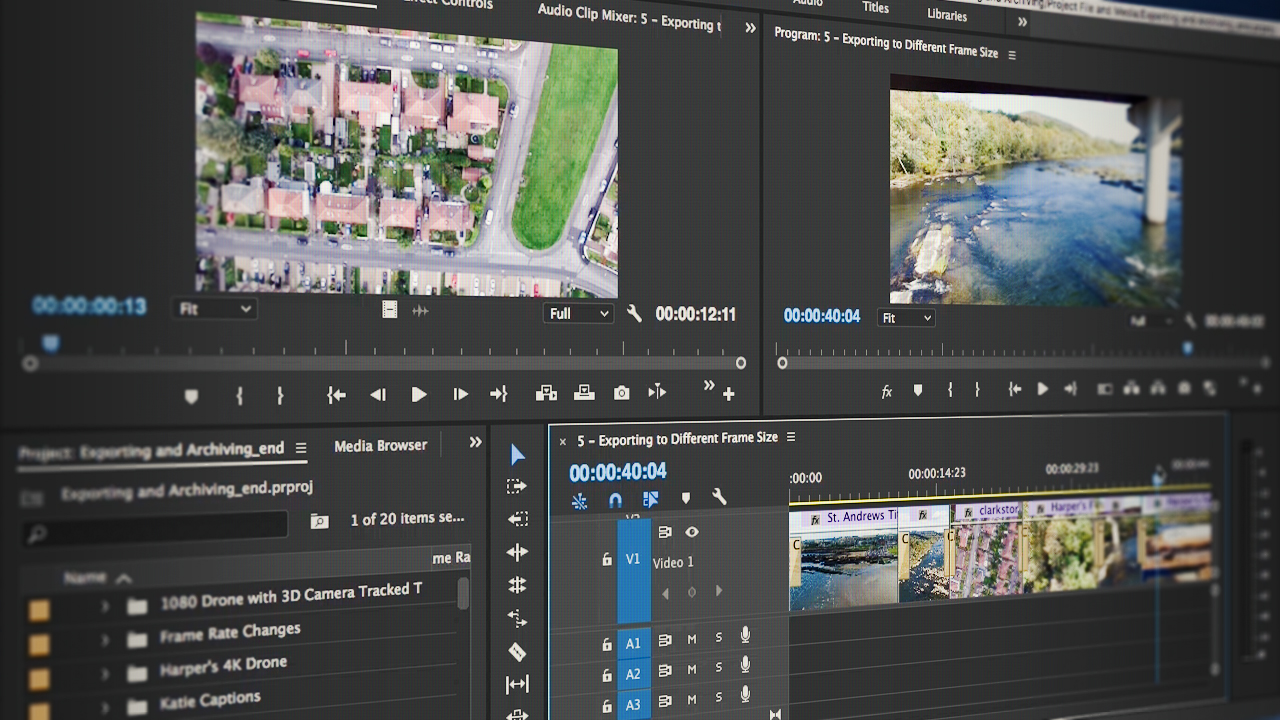
Adobe continues to innovate aggressively with every new release of Premiere Pro CC. This course will take you on a deeper tour of the Premiere Pro CC toolset and get you creating professional looking videos faster and more efficiently. Software required: Premiere Pro CC.
Beginner
- Course
Premiere Pro CC Building on the Fundamentals
Adobe continues to innovate aggressively with every new release of Premiere Pro CC. This course will take you on a deeper tour of the Premiere Pro CC toolset and get you creating professional looking videos faster and more efficiently. Software required: Premiere Pro CC.
Beginner
Get started today
Access this course and other top-rated tech content with one of our business plans.
Try this course for free
Access this course and other top-rated tech content with one of our individual plans.
This course is included in the libraries shown below:
- Core Tech
What you'll learn
If you're looking to dig deeper into Premiere Pro CC and learn about the tools professional editors use on a daily basis to make their videos stand out from the rest, then this course is for you. In this course, Premiere Pro CC Building on the Fundamentals, you'll build on what was learned in Premiere Pro CC Fundamentals. First, you'll discover more editing tools and tips. Next, you'll add some strength to your audio and color. Finally, you'll get into effects, multicam editing, and advanced export tricks. When you're finished with this course, you'll not only know more of what Premiere Pro CC has to offer, but you'll also learn to take familiar concepts to a more advanced level during the creation of your videos. Software required: Premiere Pro CC.
Premiere Pro CC Building on the Fundamentals
Beginner
Table of contents
-
Playing with a Clip's Speed | 7m 9s
-
Making a Variable Speed Change | 4m 58s
-
Creating Freeze Frames | 3m 44s
-
Unlinking Audio and Video | 5m 6s
-
Editing in Just Video or Audio | 4m
-
Performing J and L Cuts | 3m 57s
-
Nesting One Sequence into Another | 5m 5s
-
Creating a Nest Inside of an Existing Sequence | 4m 48s
-
Creating and Customizing Keyboard Shortcuts | 5m 53s



Jason has spent most of his life in and around the nation's capital and currently operates as a freelance trainer in Adobe and Apple software. He's taught at NAB, written a book on Final Cut Pro X, and runs his own training business, Some Might Say Media, LLC.
