
- Course
PyCharm IDE 2022 Fundamentals
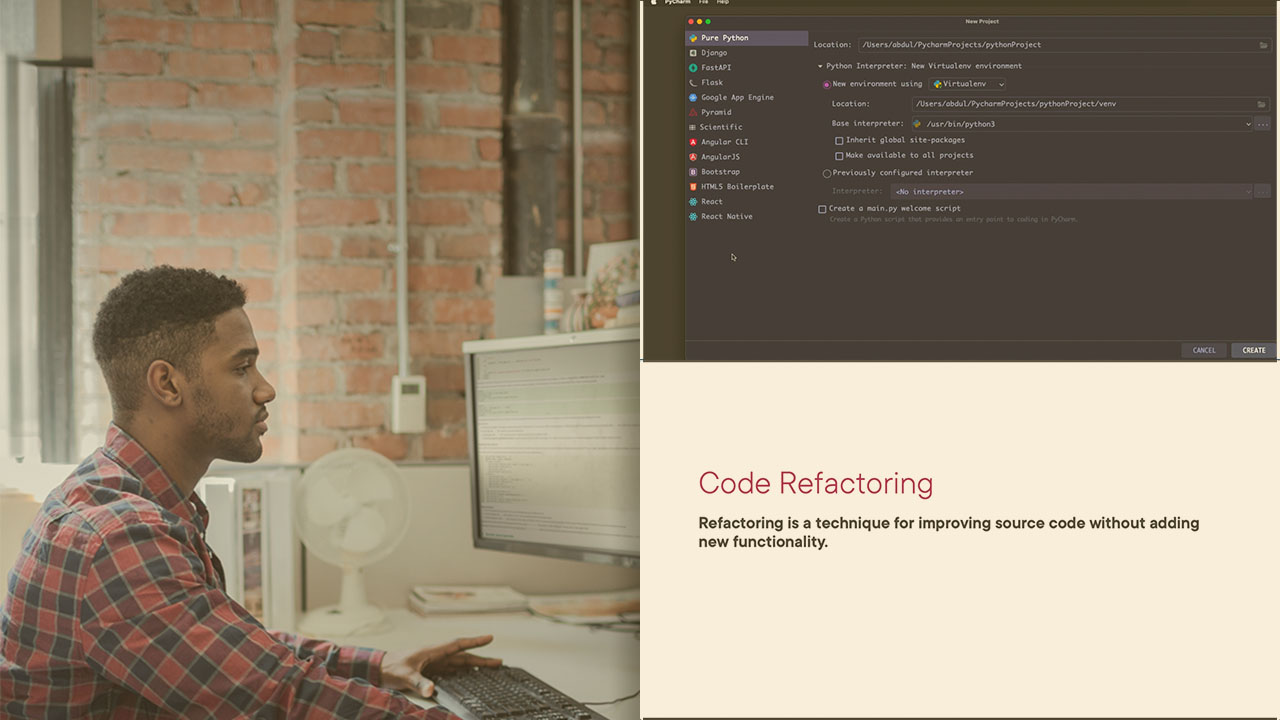
This course will teach you the fundamentals of PyCharm IDE - a modern IDE for Python development - how to install and configure it, how to create a new project, and add required configurations to execute the project.
Beginner
- Course
PyCharm IDE 2022 Fundamentals
This course will teach you the fundamentals of PyCharm IDE - a modern IDE for Python development - how to install and configure it, how to create a new project, and add required configurations to execute the project.
Beginner
Get started today
Access this course and other top-rated tech content with one of our business plans.
Try this course for free
Access this course and other top-rated tech content with one of our individual plans.
This course is included in the libraries shown below:
- Core Tech
What you'll learn
PyCharm is the Python IDE for Professional Developers. In this course, PyCharm IDE 2022 Fundamentals, you’ll learn how to use PyCharm IDE for rapid and productive development of Python. First, you’ll explore how to download and install PyCharm on your system. Next, you’ll discover the available configuration options for PyCharm IDE itself and for your project. Finally, you’ll learn how to write code and create projects in a more productive way using various features provided by PyCharm. When you’re finished with this course, you’ll have the skills and knowledge of PyCharm IDE needed for productive and rapid Python development.
PyCharm IDE 2022 Fundamentals
Beginner
Table of contents
-
Overview | 1m 42s
-
What to Expect from This Course? | 1m 29s
-
Introducing the PyCharm IDE | 1m 53s
-
Choose PyCharm Editions | 3m 20s
-
Demo: Download and Install PyCharm | 5m 3s
-
Demo: Create and Run First Python Project | 7m 53s
-
Demo: Overview of PyCharm User-interface | 6m 3s
-
Demo: Interpreters in PyCharm | 6m 45s
-
Summary | 1m 20s
