
- Course
Using Expressions in Qlik Sense
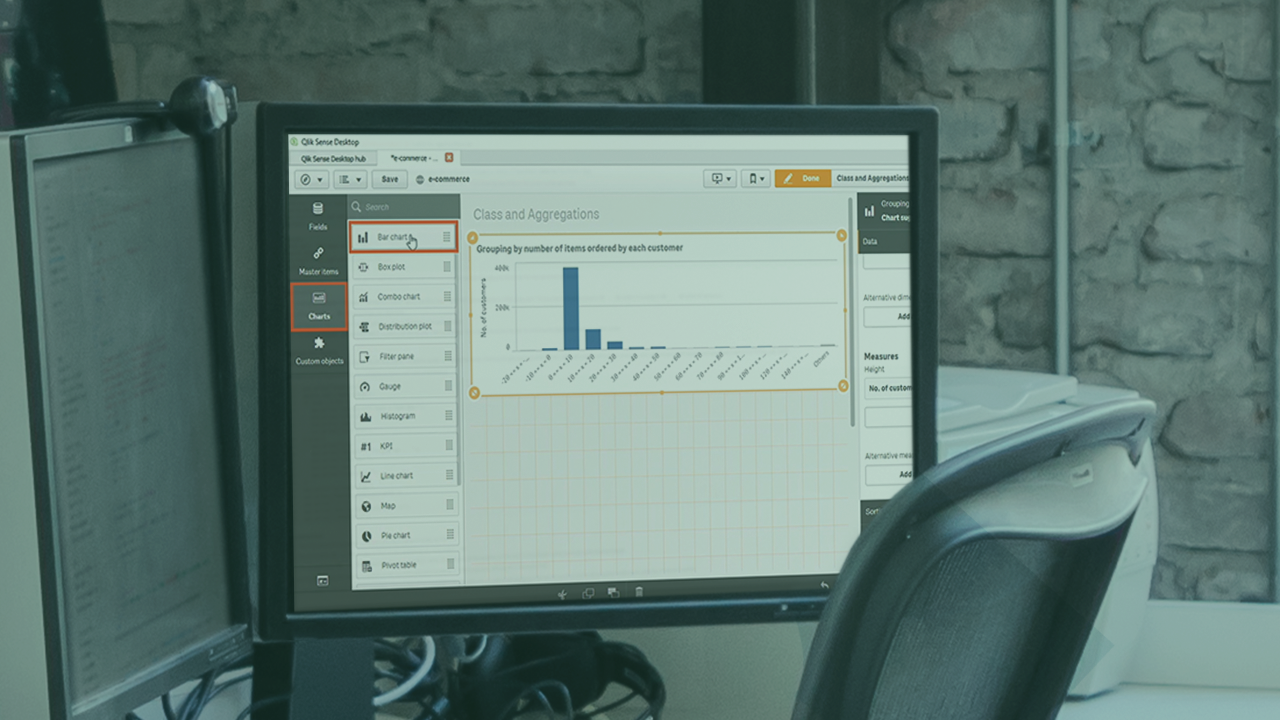
The insights present in data are often the result of fairly complex calculations, and Qlik Sense expressions allow you to construct such calculations in a step-by-step manner. The results are dynamic and will be updated as underlying data changes.
Beginner
- Course
Using Expressions in Qlik Sense
The insights present in data are often the result of fairly complex calculations, and Qlik Sense expressions allow you to construct such calculations in a step-by-step manner. The results are dynamic and will be updated as underlying data changes.
Beginner
Get started today
Access this course and other top-rated tech content with one of our business plans.
Try this course for free
Access this course and other top-rated tech content with one of our individual plans.
This course is included in the libraries shown below:
- Data
What you'll learn
Qlik Sense expressions allow you to create not just dynamic charts but also chart elements such as titles, subtitles, footnotes and even dimensions - which then update as the underlying data changes. In this course, Using Expressions in Qlik Sense, you will learn to build visualizations with simple and complex expressions and perform comparative analysis using set analysis to make your dashboards and reports even more powerful and compelling. First, you will explore using expressions in basic chart elements such as labels, titles, subtitles and reference lines. Then, you will create reusable containers for data and calculations using variables and reference them in expressions. Next, you will study a range of built-in functions available in Qlik Sense including date time functions, string functions, conditional evaluation, and categorization of numeric values into bins. Finally, you will work with set analysis and set expressions to understand the use of the $, 1, and the 1-$ identifiers, and work with a range of modifiers and operators to perform comparative analysis. By the end of this course, you will be comfortable using expressions, variables, and set analysis in your Qlik Sense charts and sheets
Using Expressions in Qlik Sense
Beginner
Table of contents
-
Module Overview | 1m 4s
-
Prerequisites and Course Outline | 1m 23s
-
Introducing Expressions | 1m 32s
-
Exploring the Dataset | 3m 34s
-
Exploring the Expressions Editor | 6m 46s
-
Autosuggest and Help in the Expressions Editor | 2m 56s
-
Building Simple Expressions Using the Expressions Editor | 5m 36s
-
Using Complex Expressions in Charts | 5m 27s
-
Working with the if() Condition | 3m 54s
-
Using Expressions in Titles, Subtitles and, Footnotes | 5m 14s
-
Using Expressions in Reference Lines | 4m 6s
-
Using Expressions to Sort Data | 4m 34s
-
Using Expressions to Assign Colors | 4m 40s


A problem solver at heart, Janani has a Masters degree from Stanford and worked for 7+ years at Google. She was one of the original engineers on Google Docs and holds 4 patents for its real-time collaborative editing framework.
