
- Course
Quick Start to ZBrush: Volume 4
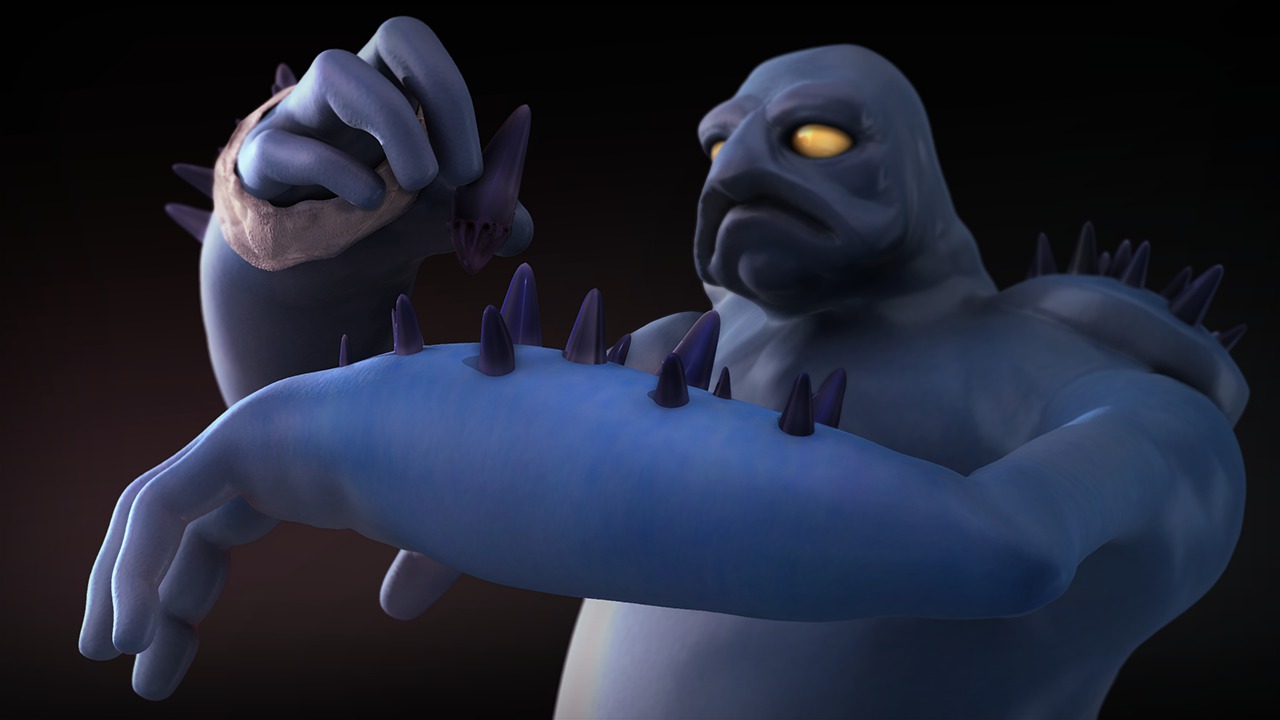
In Volume 4 of the Quick Start to ZBrush, we'll build on the concepts covered in the previous volumes. We'll begin by learning to use Insert Mesh brushes to quickly add geometry. We'll also cover the powerful Dynamesh feature and how it can aid in quick mesh design. We'll cover curve-based brushes and talk about some very specialized insert brushes, the Insert Multi-mesh and Insert Tri-part brushes. We'll also cover some of the topology tools in ZBrush as well as using Spotlights to project textures onto our geometry. At the conclusion of this volume, we'll have a finished base along with a sculpted and painted character. These courses are designed to be taken in sequence so we really encourage you to start with Volumes 1 through 3 before continuing with this section.
Beginner
- Course
Quick Start to ZBrush: Volume 4
In Volume 4 of the Quick Start to ZBrush, we'll build on the concepts covered in the previous volumes. We'll begin by learning to use Insert Mesh brushes to quickly add geometry. We'll also cover the powerful Dynamesh feature and how it can aid in quick mesh design. We'll cover curve-based brushes and talk about some very specialized insert brushes, the Insert Multi-mesh and Insert Tri-part brushes. We'll also cover some of the topology tools in ZBrush as well as using Spotlights to project textures onto our geometry. At the conclusion of this volume, we'll have a finished base along with a sculpted and painted character. These courses are designed to be taken in sequence so we really encourage you to start with Volumes 1 through 3 before continuing with this section.
Beginner
Get started today
Access this course and other top-rated tech content with one of our business plans.
Try this course for free
Access this course and other top-rated tech content with one of our individual plans.
This course is included in the libraries shown below:
- Core Tech
What you'll learn
In Volume 4 of the Quick Start to ZBrush, we'll build on the concepts covered in the previous volumes. We'll begin by learning to use Insert Mesh brushes to quickly add geometry. We'll also cover the powerful Dynamesh feature and how it can aid in quick mesh design. We'll cover curve-based brushes and talk about some very specialized insert brushes, the Insert Multi-mesh and Insert Tri-part brushes. We'll also cover some of the topology tools in ZBrush as well as using Spotlights to project textures onto our geometry. At the conclusion of this volume, we'll have a finished base along with a sculpted and painted character. These courses are designed to be taken in sequence so we really encourage you to start with Volumes 1 through 3 before continuing with this section. We also encourage you to take advantage of the assignments that follow each volume. These assignments will allow you to take what you've learned and apply those tools and techniques to your own projects. See the full Quick Start to ZBrush Learning Path
Quick Start to ZBrush: Volume 4
Beginner
Table of contents



Justin thrives as a lead modeling author at Pluralsight. Growing up, Justin found a deep interest for the computer graphics industry after watching movies like Jurassic Park, Toy Story and The Abyss. His ambition would lead him to work at Sony Imageworks in Los Angeles on movies like Monster House and Surf's Up. Justin has also had numerous articles, tutorials and images published in 3D World and 3D Artist.
