
- Course
Removing Objects with Camera Projection in NUKE
In this NUKE tutorial, we'll be entirely removing a foreground object using camera projection techniques. Software required: NUKE 6.3v1.
Advanced
- Course
Removing Objects with Camera Projection in NUKE
In this NUKE tutorial, we'll be entirely removing a foreground object using camera projection techniques. Software required: NUKE 6.3v1.
Advanced
Get started today
Access this course and other top-rated tech content with one of our business plans.
Try this course for free
Access this course and other top-rated tech content with one of our individual plans.
This course is included in the libraries shown below:
- Core Tech
What you'll learn
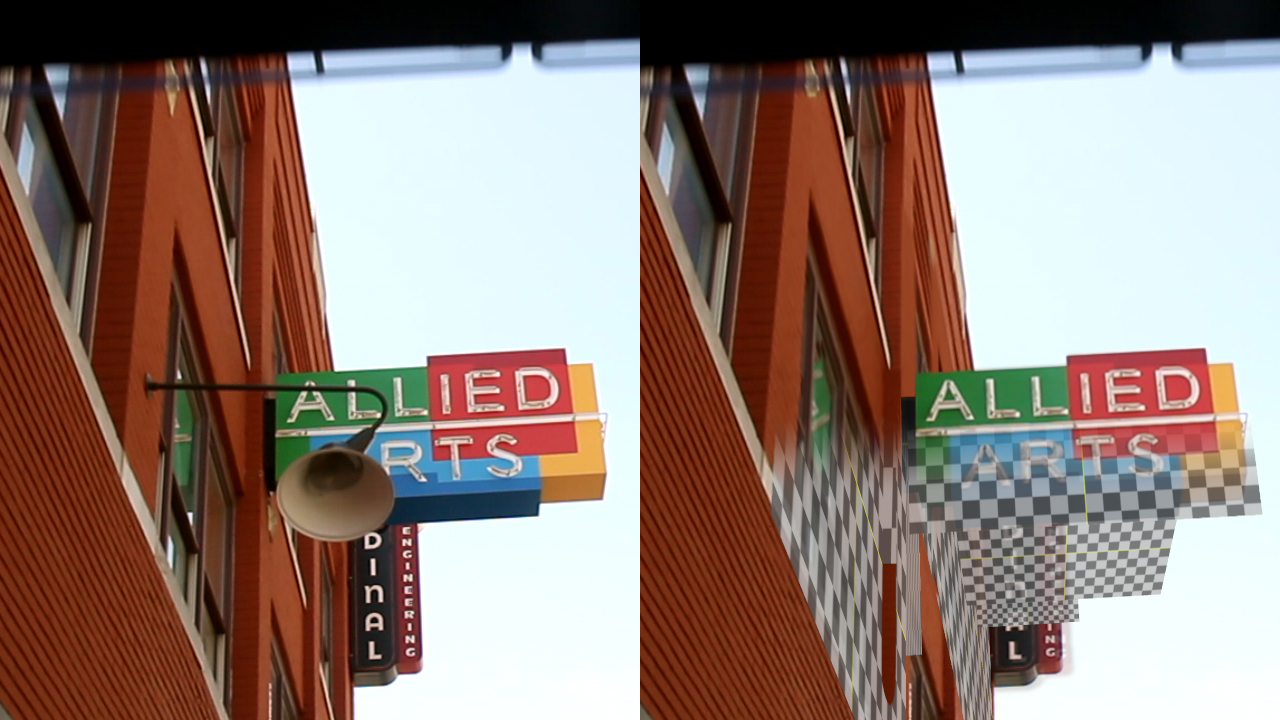
In this NUKE tutorial, we'll be entirely removing a foreground object using camera projection techniques. We'll create clean plates in Photoshop, then put them onto cards in NUKE to re-create the scene in 3D. We'll begin the tutorial by solving a 3D camera with the NUKEX camera tracker. Then we'll make the 3D scene more human readable and examine the card workflow. Then we'll use Photoshop to create a clean-plate of our primary foreground element. Then we'll learn techniques for matching a card to our 3d footage. For here we will repeat the process a number of times for the rest of the foreground sign, the background sign and even the walls. Along the way we will encounter issues and examine ways to fix or get around these common problems. We'll finish the tutorial with a shot that has the object completely removed. Software required: NUKE 6.3v1.
Removing Objects with Camera Projection in NUKE
Advanced
Table of contents
