
- Course
Responsive Style Guide and Pattern Library Creation in Axure
Responsive design will give your users the best experience. This course will teach you how to use Axure's widget library to create different kinds of responsive components, like buttons or logos, for all kinds of devices. Software required: Axure 7.
Intermediate
- Course
Responsive Style Guide and Pattern Library Creation in Axure
Responsive design will give your users the best experience. This course will teach you how to use Axure's widget library to create different kinds of responsive components, like buttons or logos, for all kinds of devices. Software required: Axure 7.
Intermediate
Get started today
Access this course and other top-rated tech content with one of our business plans.
Try this course for free
Access this course and other top-rated tech content with one of our individual plans.
This course is included in the libraries shown below:
- Core Tech
What you'll learn
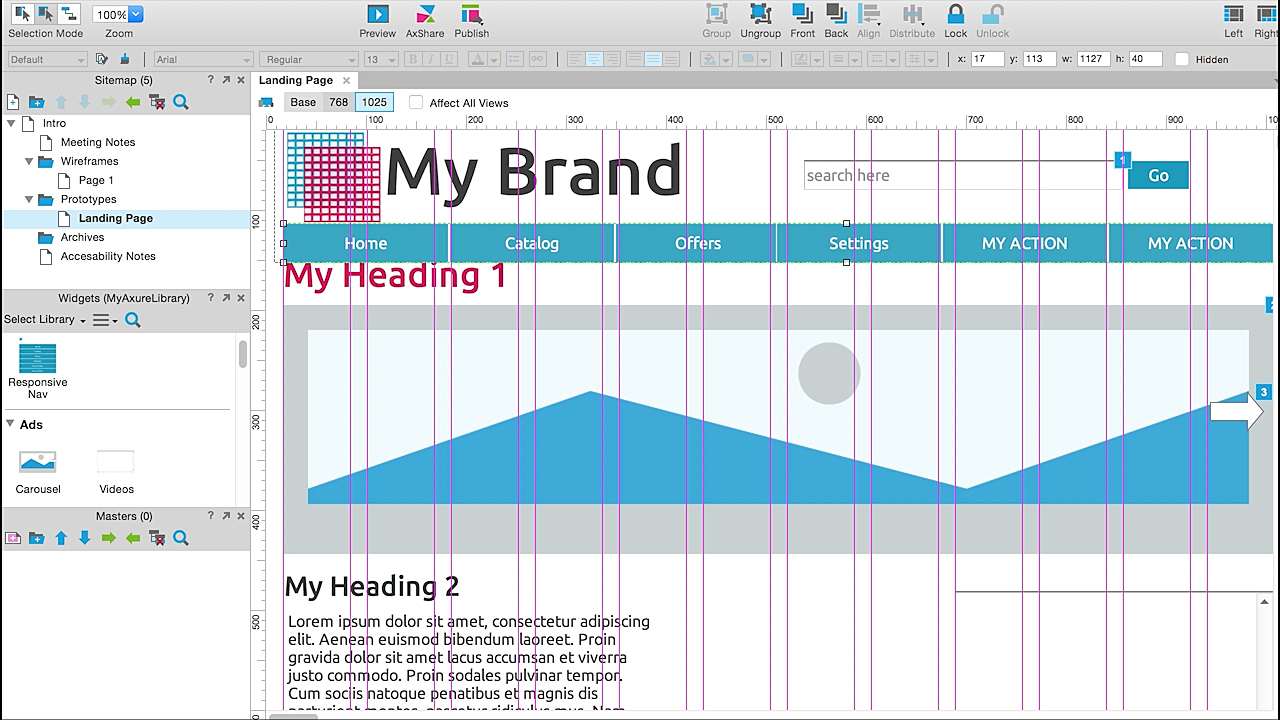
Designing responsive components that adapt to any device's display is important to providing the best user experience. In this course, Responsive Style Guide and Pattern Library Creation in Axure, you'll learn how to create responsive components for mobile, tablet, and desktop, wrapped in an Axure widget library. You'll start by creating a widget library to match your brand typography, then move onto other brand elements. Next, you'll cover how to make other components such as checkboxes, buttons, grids, and dropdowns, even looking at how to make them touch-friendly. Finally, you'll learn about other important advertising elements and how to make your navigation responsive for your user. By the end of the course, you will have a solid understanding on how to prototype any component required to create a responsive style guide and pattern library. Software required: Axure 7.
Responsive Style Guide and Pattern Library Creation in Axure
Intermediate
Table of contents



With a dual degree in Engineering and Education, Sandra also has extensive knowledge in developing curriculums for clients such as NASA, GE and Scholastic.
