
- Course
Sculpting Caricatures in ZBrush
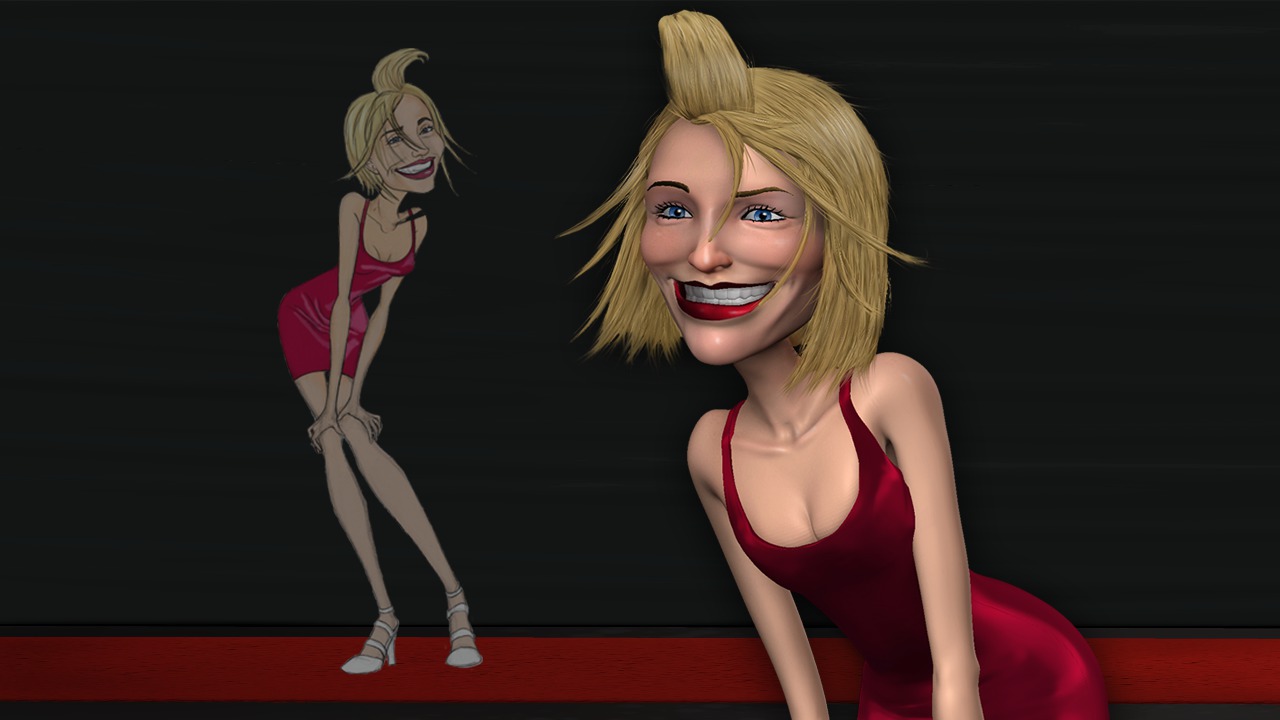
Learn an artist-friendly workflow to sculpting caricatures and an array of practical techniques for exaggerating key characteristics, working with art direction, and capturing believable likenesses of your subjects in ZBrush. Software required: ZBrush 3.1 and up.
Intermediate
- Course
Sculpting Caricatures in ZBrush
Learn an artist-friendly workflow to sculpting caricatures and an array of practical techniques for exaggerating key characteristics, working with art direction, and capturing believable likenesses of your subjects in ZBrush. Software required: ZBrush 3.1 and up.
Intermediate
Get started today
Access this course and other top-rated tech content with one of our business plans.
Try this course for free
Access this course and other top-rated tech content with one of our individual plans.
This course is included in the libraries shown below:
- Core Tech
What you'll learn
Learn an artist-friendly workflow to sculpting caricatures and an array of practical techniques for exaggerating key characteristics, working with art direction, and capturing believable likenesses of your subjects in ZBrush. Provides over 6 hours of project-driven training for artists using ZBrush for sculpting and illustration. Popular highlights include: Exaggerating Key Features; Working with Subtool Master; Posing Models with Transpose Master; Merging Subtools; Creating Clothing using Topology; Redrawing Facial Topology; Blocking Out Geometry with ZSpheres; Creating Adaptive Skins; Projecting Detail into Adaptive Skins; Extracting Geometry to Create Accessories; Creating Layered Compositions; Painting with Depth; Painting over Composition; Sculpting Facial Features; Changing ZSphere Resolution; Working from Reference Art; Building Teeth and Eyes from Primitives; Appending Subtools; Painting Hair; Baking and Merging Layers. Software required: ZBrush 3.1 and up.
Sculpting Caricatures in ZBrush
Intermediate
Table of contents



Justin thrives as a lead modeling author at Pluralsight. Growing up, Justin found a deep interest for the computer graphics industry after watching movies like Jurassic Park, Toy Story and The Abyss. His ambition would lead him to work at Sony Imageworks in Los Angeles on movies like Monster House and Surf's Up. Justin has also had numerous articles, tutorials and images published in 3D World and 3D Artist.
