
- Course
Sculpting a Digital Maquette in ZBrush
In this ZBrush tutorial, we will go through the creation of a digital maquette from the very concept stage to the final high-resolution sculpt. Software required: ZBrush 4R2.
Advanced
- Course
Sculpting a Digital Maquette in ZBrush
In this ZBrush tutorial, we will go through the creation of a digital maquette from the very concept stage to the final high-resolution sculpt. Software required: ZBrush 4R2.
Advanced
Get started today
Access this course and other top-rated tech content with one of our business plans.
Try this course for free
Access this course and other top-rated tech content with one of our individual plans.
This course is included in the libraries shown below:
- Core Tech
What you'll learn
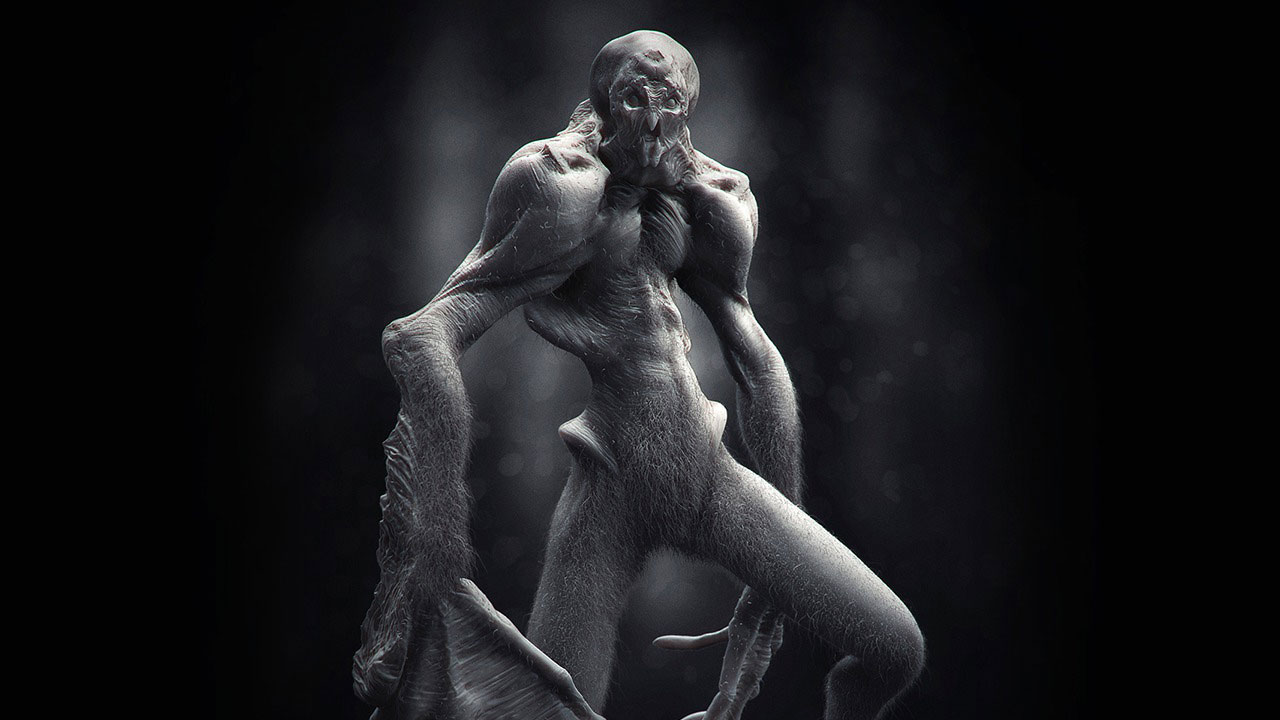
In this ZBrush tutorial, we will go through the creation of a digital maquette from the very concept stage to the final high-resolution sculpt. Throughout these lessons, we will use the DynaMesh feature in ZBrush as a concept tool to explore our ideas and define the character's gesture. From there, we will start the sculpting process, defining primary forms and structure before adding secondary forms and muscles volumes. Finally, we will go through sculpting fine wrinkles and skin details for a very realistic skin surface. Along the way we will explore the use of FiberMesh to create fur and add realism to our character as well as the posing stage. The final steps will be the creation of realistic HDRI-based light solutions to render the various passes to be used for the final illustration. Software required: ZBrush 4R2.
Sculpting a Digital Maquette in ZBrush
Advanced
Table of contents
