
- Course
Site Design and Modeling in Revit
In this series of lessons, we'll learn to create a site model in Revit by using the massing and site tools. Software required: Revit 2014.
Intermediate
- Course
Site Design and Modeling in Revit
In this series of lessons, we'll learn to create a site model in Revit by using the massing and site tools. Software required: Revit 2014.
Intermediate
Get started today
Access this course and other top-rated tech content with one of our business plans.
Try this course for free
Access this course and other top-rated tech content with one of our individual plans.
This course is included in the libraries shown below:
- Core Tech
What you'll learn
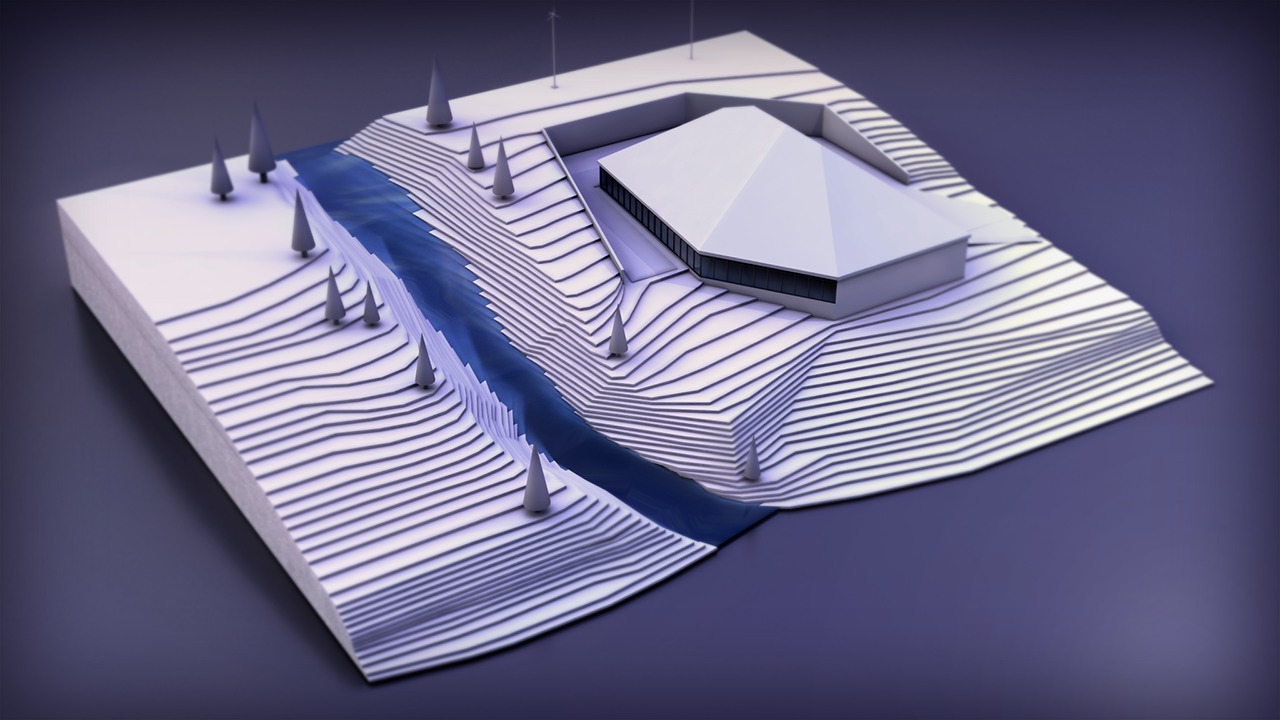
In this series of lessons, we'll learn to create a site model in Revit by using the massing and site tools. We'll start by importing a 2D CAD file into Revit to be used as a template for our contour lines. We'll explore how to create a topographical surface with varying elevations and even a natural water feature. From there, we'll begin developing the site model by adding such building elements as a property line, a building mass and pad, retaining walls and even trees. And finally, we'll learn to create a cut/fill schedule derived from the existing and new site conditions we'll be creating. Software required: Revit 2014.
Site Design and Modeling in Revit
Intermediate
Table of contents
