
- Course
Tactics and Tools for Troubleshooting Front-end Web Development
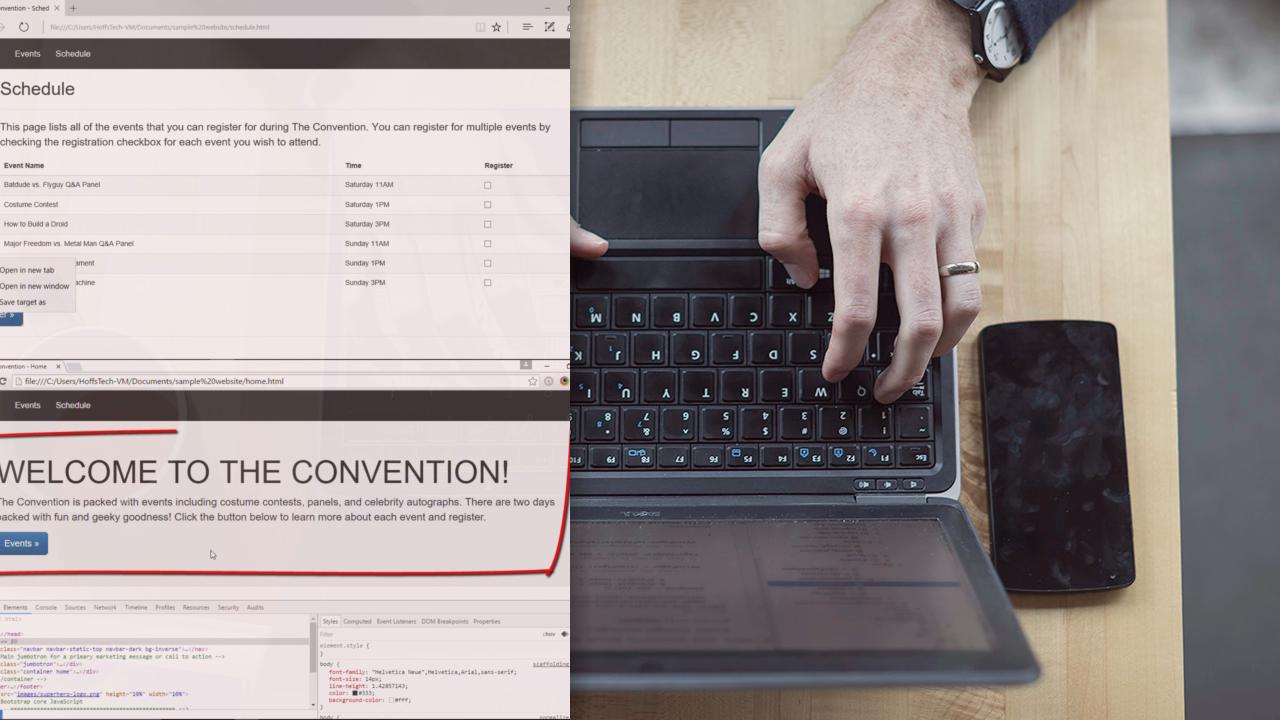
This course introduces front-end web developers to the most popular professional tools available to help them troubleshoot issues in HTML, CSS, and JavaScript and make their websites cross-browser compatible.
Beginner
- Course
Tactics and Tools for Troubleshooting Front-end Web Development
This course introduces front-end web developers to the most popular professional tools available to help them troubleshoot issues in HTML, CSS, and JavaScript and make their websites cross-browser compatible.
Beginner
Get started today
Access this course and other top-rated tech content with one of our business plans.
Try this course for free
Access this course and other top-rated tech content with one of our individual plans.
This course is included in the libraries shown below:
- Core Tech
What you'll learn
At the core of any fully responsive website is a thorough knowledge of how to troubleshoot HTML, CSS, and JavaScript. This course, Tactics and Tools for Troubleshooting Front-end Web Development, will show you how to troubleshoot HTML, CSS, and JavaScript using the Chrome DevTools, Firebug, Firefox Developer Edition, and IE Developer Tools. You will learn how to view and test CSS for any HTML element, log JavaScript errors to the console, and step through JavaScript code using the debugger. Then, you will build on this knowledge and use these tools in BrowserStack's live testing environments for any OS, Browser, and Device combination. When you're finished with this course, you will have the knowledge to troubleshoot any front-end issue on your website, which will help you as you move forward to building a completely responsive website that displays properly across all browsers and devices.
Tactics and Tools for Troubleshooting Front-end Web Development
Beginner



Shelley has 20+ years of experience in IT as an Entrepreneur, Manager, Trainer, and Sitecore MVP. She has a passion for technology, gaming, and general nerdery. She loves to learn new things as well as mentor and teach others.
