
- Course
Texturing Game Props in 3ds Max and Photoshop
In this course, we will cover techniques for texturing assets in 3ds Max and Photoshop. Software required: 3ds Max, Photoshop.
Intermediate
- Course
Texturing Game Props in 3ds Max and Photoshop
In this course, we will cover techniques for texturing assets in 3ds Max and Photoshop. Software required: 3ds Max, Photoshop.
Intermediate
Get started today
Access this course and other top-rated tech content with one of our business plans.
Try this course for free
Access this course and other top-rated tech content with one of our individual plans.
This course is included in the libraries shown below:
- Core Tech
What you'll learn
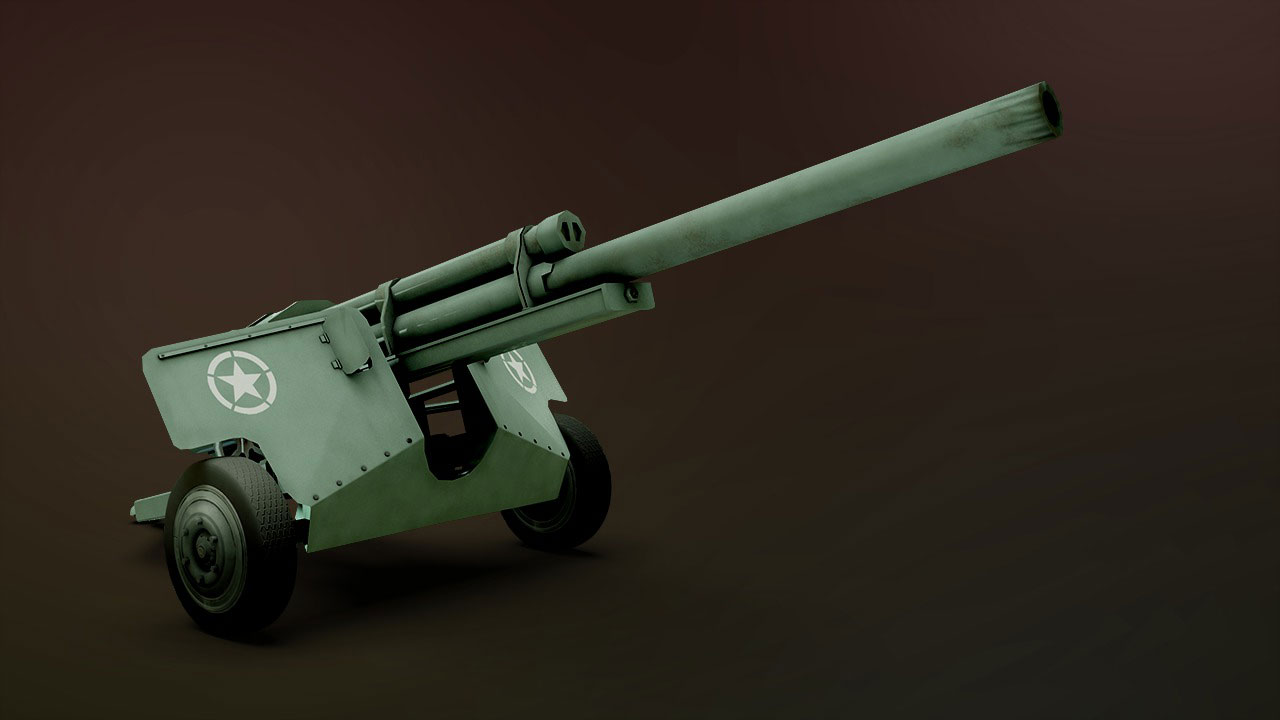
In this course, we will cover techniques for texturing assets in 3ds Max and Photoshop. When building low resolution models meant for real-time applications, texturing will play a big part in communicating a lot of information about that model. Many of the details that we are unable to add when modeling can be simulated with textures. In addition, we can simulate lighting effects or occlusion in textures. In this course, we'll go through the process of preparing our model, an antitank gun, for texture by creating and assembling useable UV layouts. We'll then use a variety of techniques in Photoshop to paint texture maps for the gun. Finally, we'll bake out an ambient occlusion map that we can integrate into our texture. Upon completion, you'll have a textured gun, but you will also have the knowledge you need to start creating textures for your own models. Software required: 3ds Max, Photoshop.
Texturing Game Props in 3ds Max and Photoshop
Intermediate
Table of contents



Justin thrives as a lead modeling author at Pluralsight. Growing up, Justin found a deep interest for the computer graphics industry after watching movies like Jurassic Park, Toy Story and The Abyss. His ambition would lead him to work at Sony Imageworks in Los Angeles on movies like Monster House and Surf's Up. Justin has also had numerous articles, tutorials and images published in 3D World and 3D Artist.
