
- Course
Texturing a Stylized Game Environment in Photoshop
In this tutorial, we'll learn how to create low-polygon meshes for stylized game props. Software required: ZBrush 4R7, 3ds Max 2015, Photoshop CC 2014, Marmoset Toolbag 2.07, xNormal v3.18.10.
Advanced
- Course
Texturing a Stylized Game Environment in Photoshop
In this tutorial, we'll learn how to create low-polygon meshes for stylized game props. Software required: ZBrush 4R7, 3ds Max 2015, Photoshop CC 2014, Marmoset Toolbag 2.07, xNormal v3.18.10.
Advanced
Get started today
Access this course and other top-rated tech content with one of our business plans.
Try this course for free
Access this course and other top-rated tech content with one of our individual plans.
This course is included in the libraries shown below:
- Core Tech
What you'll learn
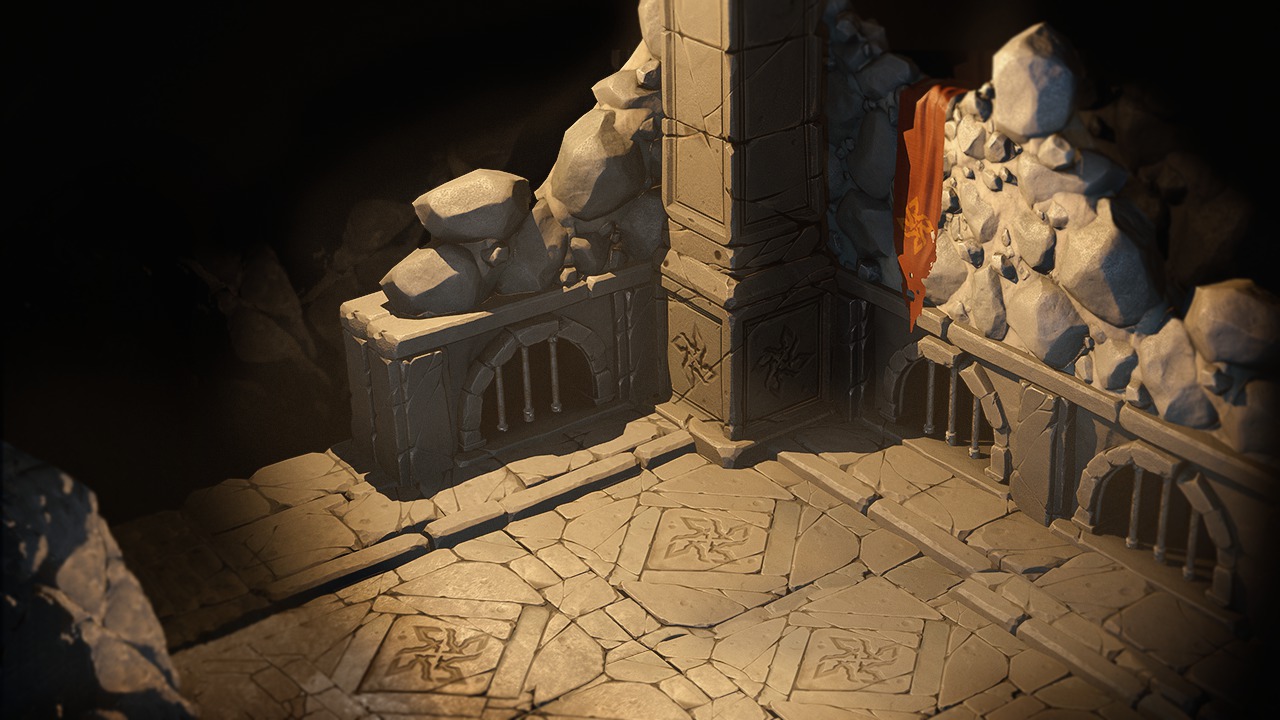
In this tutorial, we'll learn how to create low-polygon meshes for stylized game props. We'll then bake the high-resolution detail in xNormal and create stylized, PBR-ready textures in Photoshop. By the end of this course, you will have a solid understanding of how to create stylized props and textures with physically-based materials. Software required: ZBrush 4R7, 3ds Max 2015, Photoshop CC 2014, Marmoset Toolbag 2.07, xNormal v3.18.10.
Texturing a Stylized Game Environment in Photoshop
Advanced
Table of contents



Alex was born in Soviet Latvia. Since childhood he has loved to build and create, leading him to a love for architecture.
