
- Course
Topology Tools in TopoGun 2.0
In this course, we will talk about some of the topology tools in TopoGun 2.0 and how they can enhance your workflow. Software required: TopoGun 2.0.
Intermediate
- Course
Topology Tools in TopoGun 2.0
In this course, we will talk about some of the topology tools in TopoGun 2.0 and how they can enhance your workflow. Software required: TopoGun 2.0.
Intermediate
Get started today
Access this course and other top-rated tech content with one of our business plans.
Try this course for free
Access this course and other top-rated tech content with one of our individual plans.
This course is included in the libraries shown below:
- Core Tech
What you'll learn
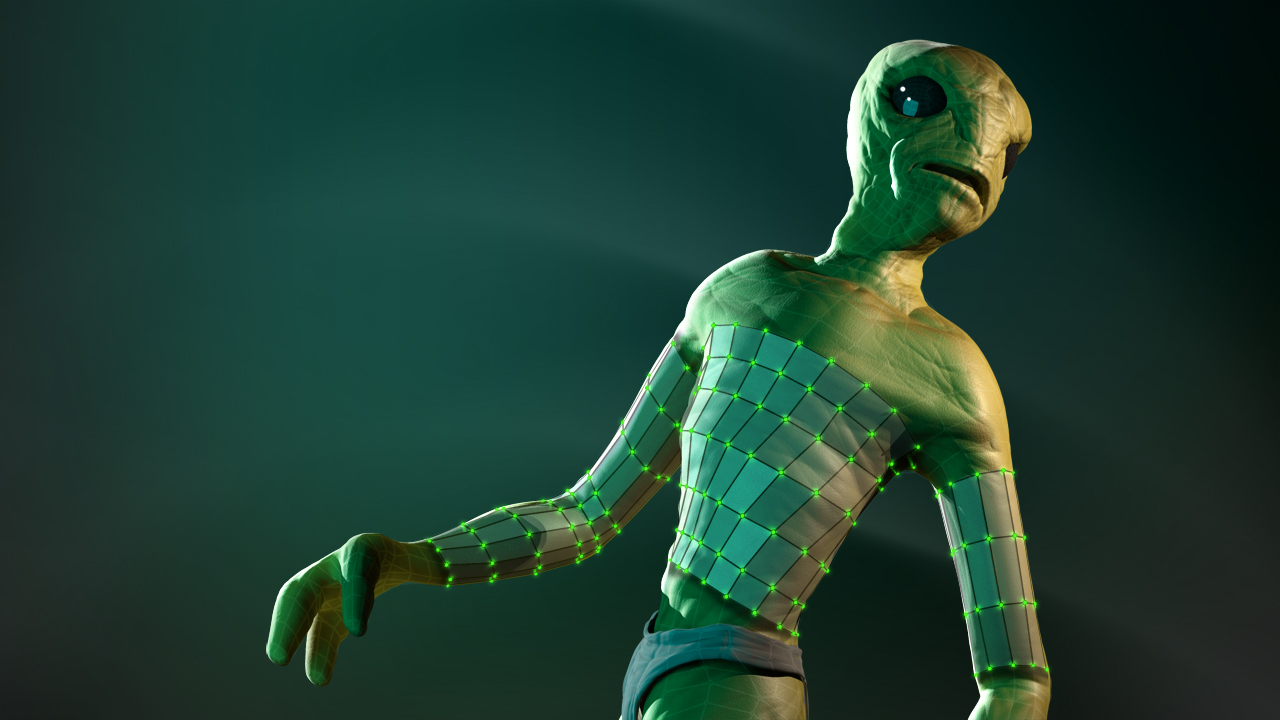
In this course, we will talk about some of the topology tools in TopoGun 2.0 and how they can enhance your workflow. We'll begin by looking at several different ways to very quickly create new topology along cylindrical surfaces like arms or other appendages. We'll look at modifications to the Draw Tool as well as the new Tubes Tool. We'll also explore the Extrude Tool and how it can be used to quickly extend existing topology along the surface of our reference meshes. The Brush Tool is a great tool for moving new topology around along the reference surface, or for redistributing points to create a cleaner layout. We'll talk about the many different ways the Brush Tool can be used. We'll also cover the new symmetry features, how they apply to our tools, and how we can customize the symmetry planes for slightly asymmetrical shapes. Finally, we'll talk about using the Morpher to modify existing topology to fit changes to the reference meshes. In the end, you'll have a better idea of the features available in TopoGun 2.0 and how those features can benefit you as you retopologize your own models. TopoGun 2.0 is in beta, so there may still be some issues, but it has been out for some time and the efficiency increase from some of these tools makes it a great option. Software required: TopoGun 2.0.
Topology Tools in TopoGun 2.0
Intermediate
Table of contents



Justin thrives as a lead modeling author at Pluralsight. Growing up, Justin found a deep interest for the computer graphics industry after watching movies like Jurassic Park, Toy Story and The Abyss. His ambition would lead him to work at Sony Imageworks in Los Angeles on movies like Monster House and Surf's Up. Justin has also had numerous articles, tutorials and images published in 3D World and 3D Artist.
