
- Course
Tracking Using SynthEyes and Maya
Throughout this SynthEyes and Maya tutorial, we'll learn how to make use of one point tracking. Software required: SynthEyes 2011, Maya 2013.
Advanced
- Course
Tracking Using SynthEyes and Maya
Throughout this SynthEyes and Maya tutorial, we'll learn how to make use of one point tracking. Software required: SynthEyes 2011, Maya 2013.
Advanced
Get started today
Access this course and other top-rated tech content with one of our business plans.
Try this course for free
Access this course and other top-rated tech content with one of our individual plans.
This course is included in the libraries shown below:
- Core Tech
What you'll learn
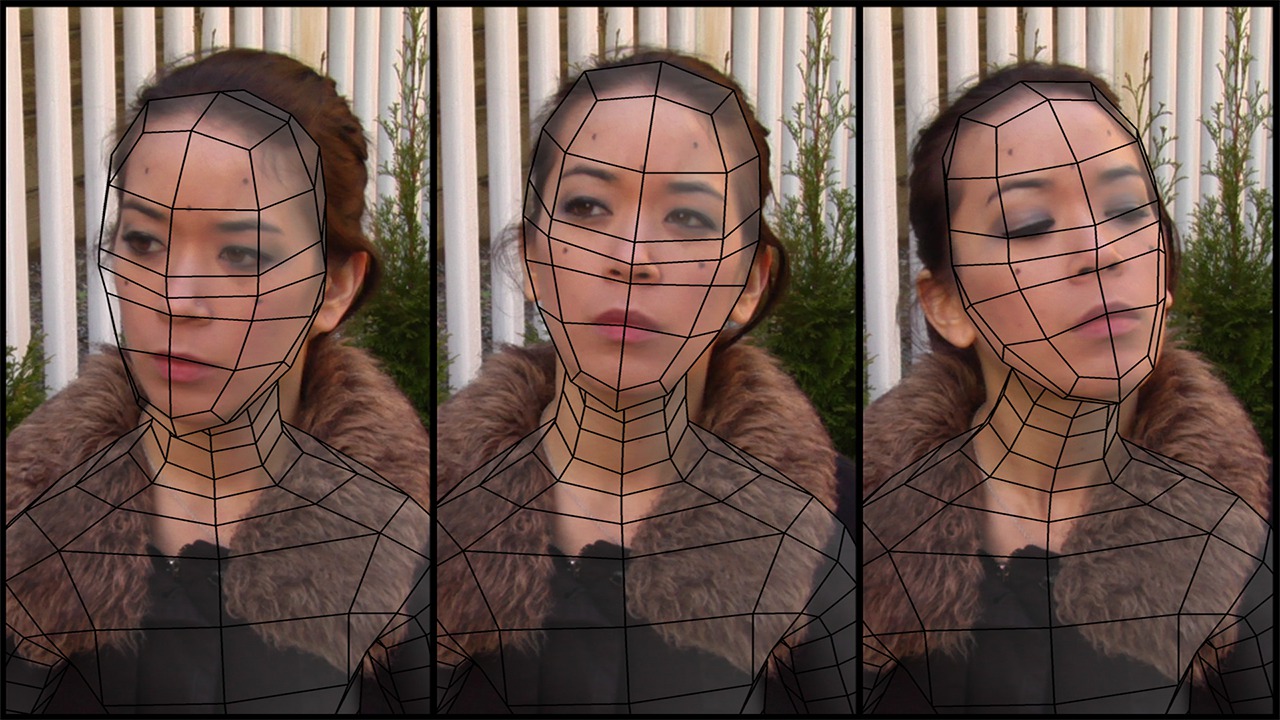
Throughout this SynthEyes and Maya tutorial, we'll learn how to make use of one point tracking. When there is not enough detail in objects, tracking software has limitations. We'll begin with properly setting up our project in SynthEyes and after tracking a single point on our object we'll learn how to export our data into Maya. In Maya, we'll set up a hierarchy for our single tracked point. Using this hierarchy we can find a solution to some of the more complicated matchmoves in visual effects. By the end of this SynthEyes and Maya training, you will have learned an advanced object tracking technique which can be used for matchmoving. Software required: SynthEyes 2011, Maya 2013.
Tracking Using SynthEyes and Maya
Advanced
Table of contents
