
- Course
Unity Mobile Game Development: Character Scripting
In this tutorial, we will learn how to script our character animations to work with our controls and overall game. Software required: Unity 3.4.
Intermediate
- Course
Unity Mobile Game Development: Character Scripting
In this tutorial, we will learn how to script our character animations to work with our controls and overall game. Software required: Unity 3.4.
Intermediate
Get started today
Access this course and other top-rated tech content with one of our business plans.
Try this course for free
Access this course and other top-rated tech content with one of our individual plans.
This course is included in the libraries shown below:
- Core Tech
What you'll learn
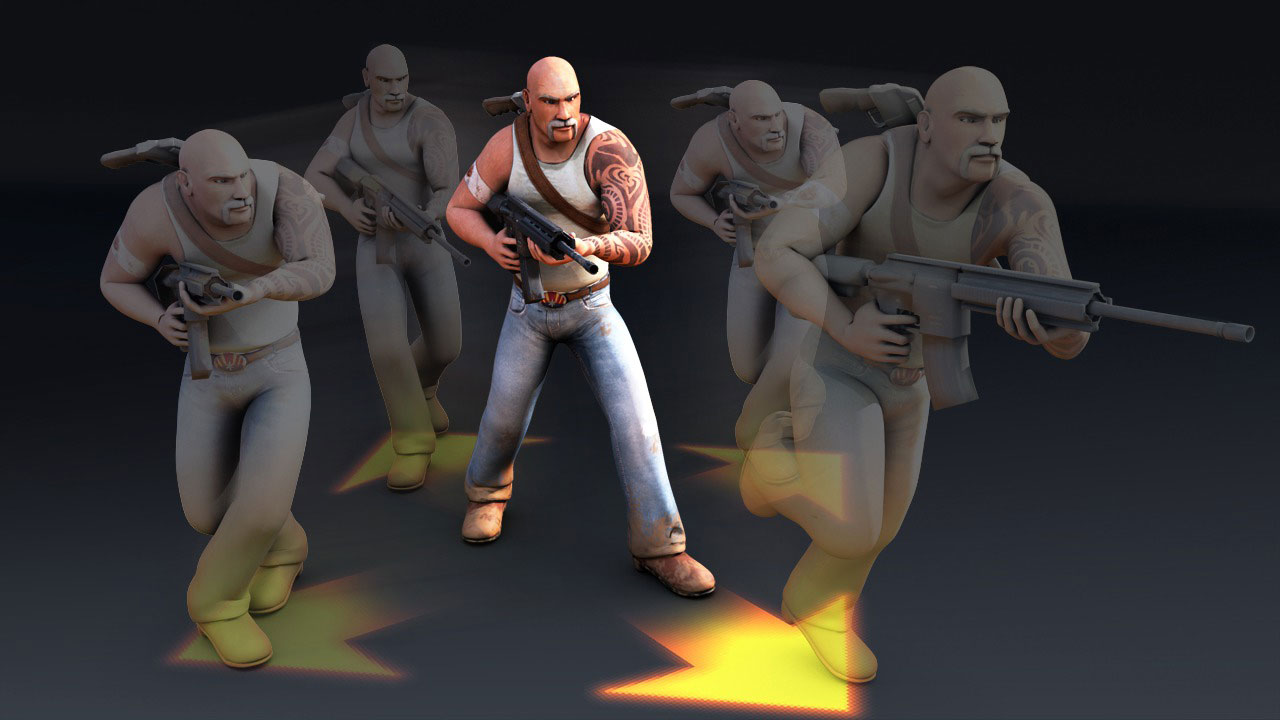
In this tutorial, we will learn how to script our character animations to work with our controls and overall game. To begin, we need to bake our animations into separate animation clips and loop them correctly. Next, we'll connect the left joystick position into our script to drive the base character movement animation. From there, we will use If Else conditionals to drive which animation plays. Next, we'll layer other animations together to easily have our character run while getting hit or swapping weapons. We'll finish our character animation script by freezing the animations while paused and correctly dealing with a 'game over' condition. Software required: Unity 3.4.
Unity Mobile Game Development: Character Scripting
Intermediate
Table of contents
