
- Course
UV Master in ZBrush
In this ZBrush tutorial, we will learn how to use the UV Master within ZBrush 3. Software required: ZBrush 3.5 R3.
Beginner
- Course
UV Master in ZBrush
In this ZBrush tutorial, we will learn how to use the UV Master within ZBrush 3. Software required: ZBrush 3.5 R3.
Beginner
Get started today
Access this course and other top-rated tech content with one of our business plans.
Try this course for free
Access this course and other top-rated tech content with one of our individual plans.
This course is included in the libraries shown below:
- Core Tech
What you'll learn
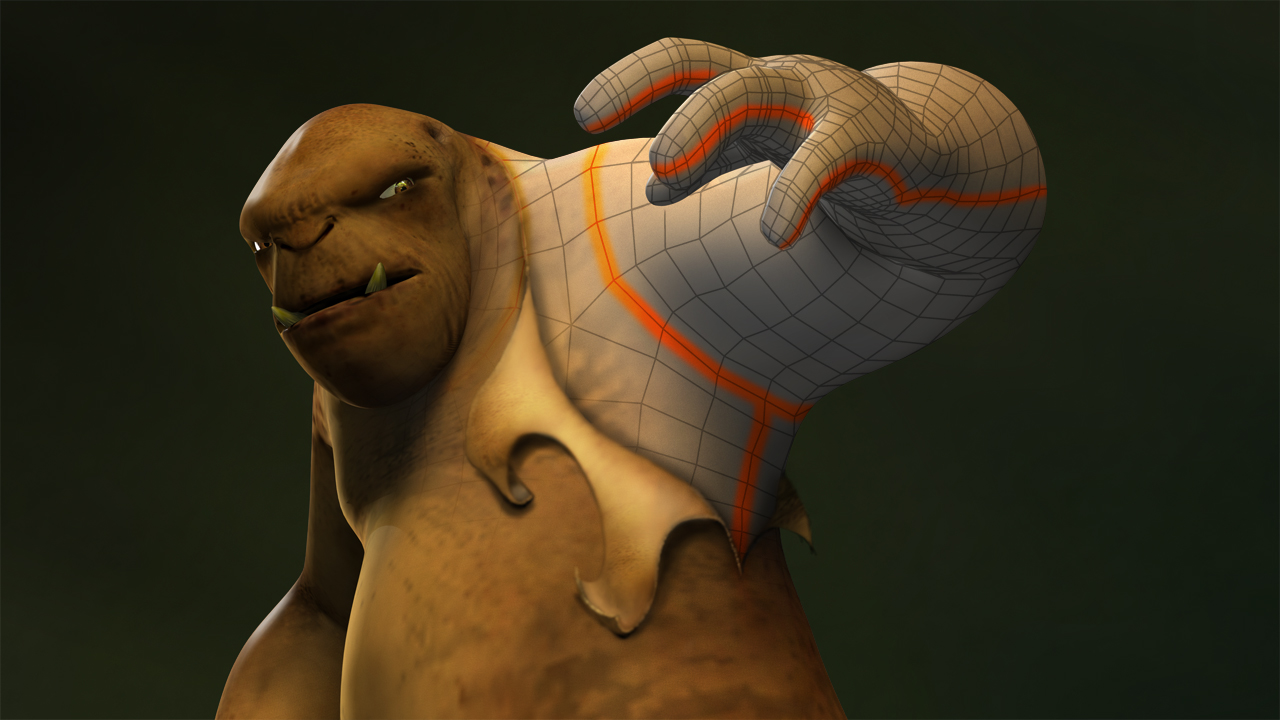
In this ZBrush tutorial, we will learn how to use the UV Master within ZBrush 3.5. The UV Master is a Pixologic-developed plug-in, which allows us to effortlessly create unwrapped UVs for our characters within ZBrush. By using this plug-in, the entire UV layout process can be accomplished in a matter of minutes, allowing us to dedicate more time to the sculpting and texturing of our characters in ZBrush. During this course, we will teach you everything you need to start using the UV Master, including the use of control painting to define UV seams, using density maps to control UV spacing, saving and loading control maps, and several other innovative features. Along the way, we will also make you aware of some common issues and complications that you may run into when using the UV Master, as well as how you can usually work around them. Software required: ZBrush 3.5 R3.
UV Master in ZBrush
Beginner
Table of contents
