
- Course
Putting Windows PowerShell to Work
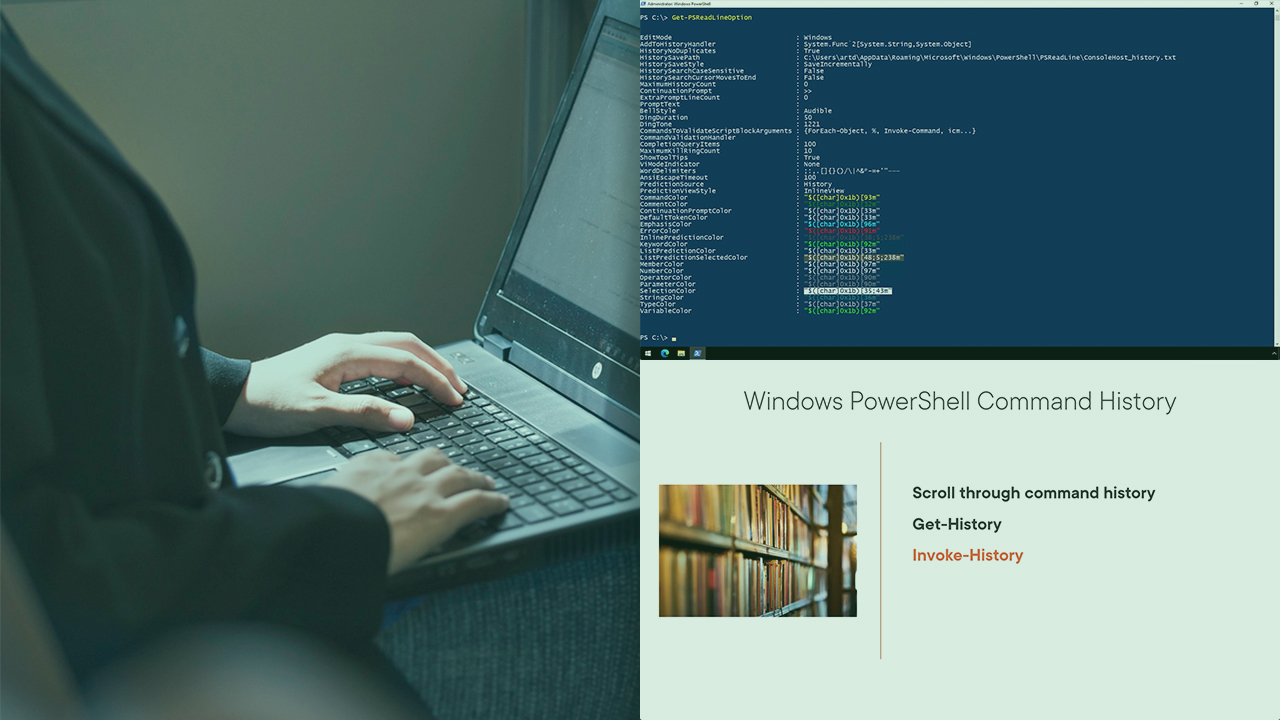
This course will teach you how to get the most from running commands interactively at a Windows PowerShell prompt.
Beginner
- Course
Putting Windows PowerShell to Work
This course will teach you how to get the most from running commands interactively at a Windows PowerShell prompt.
Beginner
Get started today
Access this course and other top-rated tech content with one of our business plans.
Try this course for free
Access this course and other top-rated tech content with one of our individual plans.
This course is included in the libraries shown below:
- Core Tech
What you'll learn
IT pros need to know how to run commands and manage command history to make them more efficient. In this course, Putting Windows PowerShell to Work, you’ll learn how to get the most from your work at a Windows PowerShell prompt. First, you’ll explore how to discover and run native Windows PowerShell commands. Next, you’ll discover how PowerShell uses objects in the pipeline. Finally, you’ll learn how to filter with Windows PowerShell so that you only get the results you need. When you’re finished with this course, you’ll have the Windows PowerShell skills and knowledge to create effective commands and pipelined expressions.
Putting Windows PowerShell to Work
Beginner
Table of contents


Jeffery Hicks is a Microsoft MVP in Windows PowerShell and an IT veteran with many years of experience, much of it spent as an IT consultant specializing in Microsoft server technologies with an emphasis in automation and efficiency.
