
- Course
Working with the Cloud Foundry 7 CLI
In this course, users will learn how to work with Cloud Foundry to create, provision, and work with Cloud Foundry resources.
Beginner
- Course
Working with the Cloud Foundry 7 CLI
In this course, users will learn how to work with Cloud Foundry to create, provision, and work with Cloud Foundry resources.
Beginner
Get started today
Access this course and other top-rated tech content with one of our business plans.
Try this course for free
Access this course and other top-rated tech content with one of our individual plans.
This course is included in the libraries shown below:
- Cloud
What you'll learn
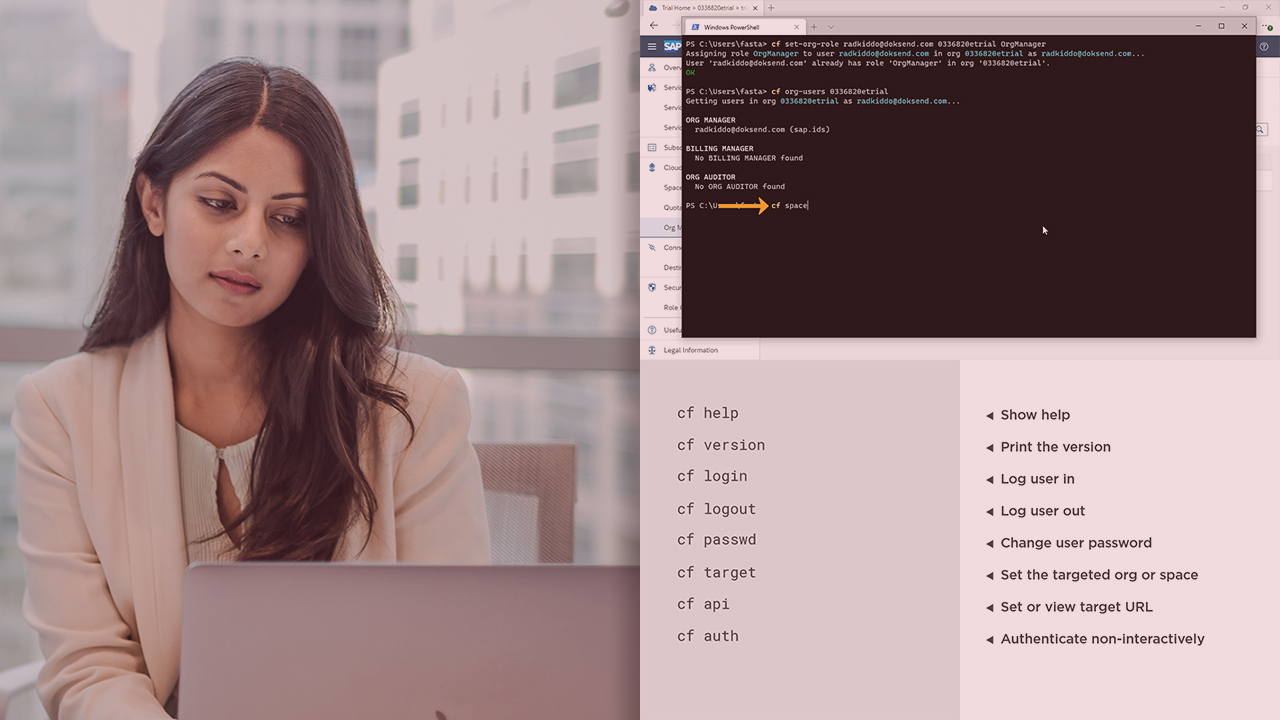
In this course, Working with the Cloud Foundry 7 CLI, users will learn to use the Cloud Foundry CLI to interact with a Cloud Foundry service. First, you will explore the basics of working with the Cloud Foundry CLI, upon installing it, which includes logging into and out of Cloud Foundry. Next, you will explore working with orgs, spaces, permissions, and use the CLI to execute application lifecycle and management commands.
Then, you will learn services and service instances, and know how to invoke services management commands using the CLI. Finally, you will learn about plugins and plugins management commands. When you are finished with this course, users will have the skills and knowledge necessary on how to use the Cloud Foundry CLI to work with Cloud Foundry services.
Working with the Cloud Foundry 7 CLI
Beginner
Table of contents
-
Version Check | 15s
-
Introduction, Overview, and Prerequisites | 1m 31s
-
Introduction to Cloud Foundry | 3m 52s
-
Cloud Foundry CLI Basics | 1m 30s
-
Cloud Foundry CLI Commands | 2m 52s
-
Demo: Installing the CLI and Authentication | 5m 14s
-
Orgs, Spaces, and Roles | 4m 46s
-
User Role Permissions | 3m 51s
-
Demo: Org, Space, and Role Commands | 7m 43s
-
Summary | 57s



Eduardo is a technology enthusiast, software architect and customer success advocate. He's designed enterprise .NET solutions that extract, validate and automate critical business processes such as Accounts Payable and Mailroom solutions. He's a well-known specialist in the Enterprise Content Management market segment, specifically focusing on data capture & extraction and document process automation.
