
- Course
Animating with Extreme Inbetweens and Smears in Maya
In this Maya tutorial, we discover the process of creating smears using traditional concepts on a CG animation. Software required: Maya 2012.
Advanced
- Course
Animating with Extreme Inbetweens and Smears in Maya
In this Maya tutorial, we discover the process of creating smears using traditional concepts on a CG animation. Software required: Maya 2012.
Advanced
Get started today
Access this course and other top-rated tech content with one of our business plans.
Try this course for free
Access this course and other top-rated tech content with one of our individual plans.
This course is included in the libraries shown below:
- Core Tech
What you'll learn
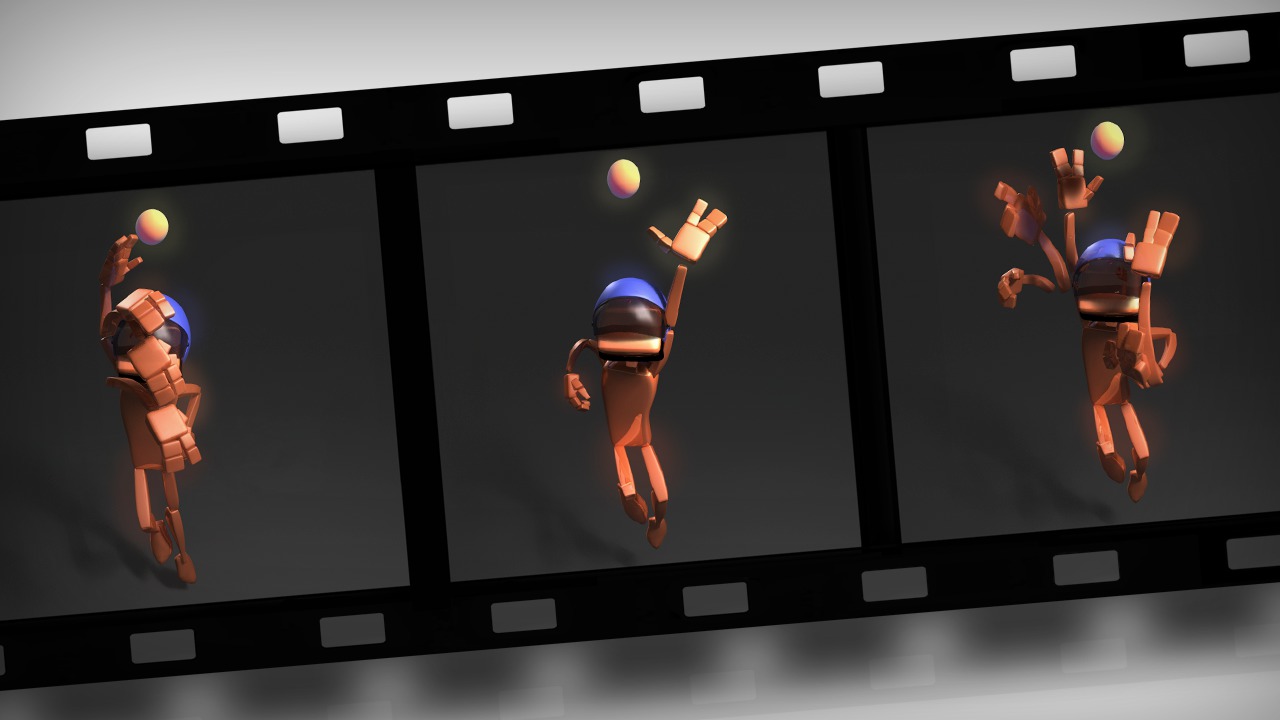
In this Maya tutorial, we discover the process of creating smears using traditional concepts on a CG animation. We will start the project with a blocked animation. Then, we will begin talking about dynamic poses, line of action and silhouette, but also leading edge and how we build smear frames. Throughout the training we will spline the animation, cover hot keys to speed up your workflow, and talk a bit about the graph editor. We then leap into creating duplicate frames and smear frames similar to those created by 2D animators. By the end, not only will you know about smear frames and be able to apply some of the concepts that make 2D animation great, but you will also be able to spline your animation faster with better key poses. Software required: Maya 2012.
Animating with Extreme Inbetweens and Smears in Maya
Advanced
Table of contents
