
- Course
Building a Logo in Illustrator: The Grind Coffee Shop
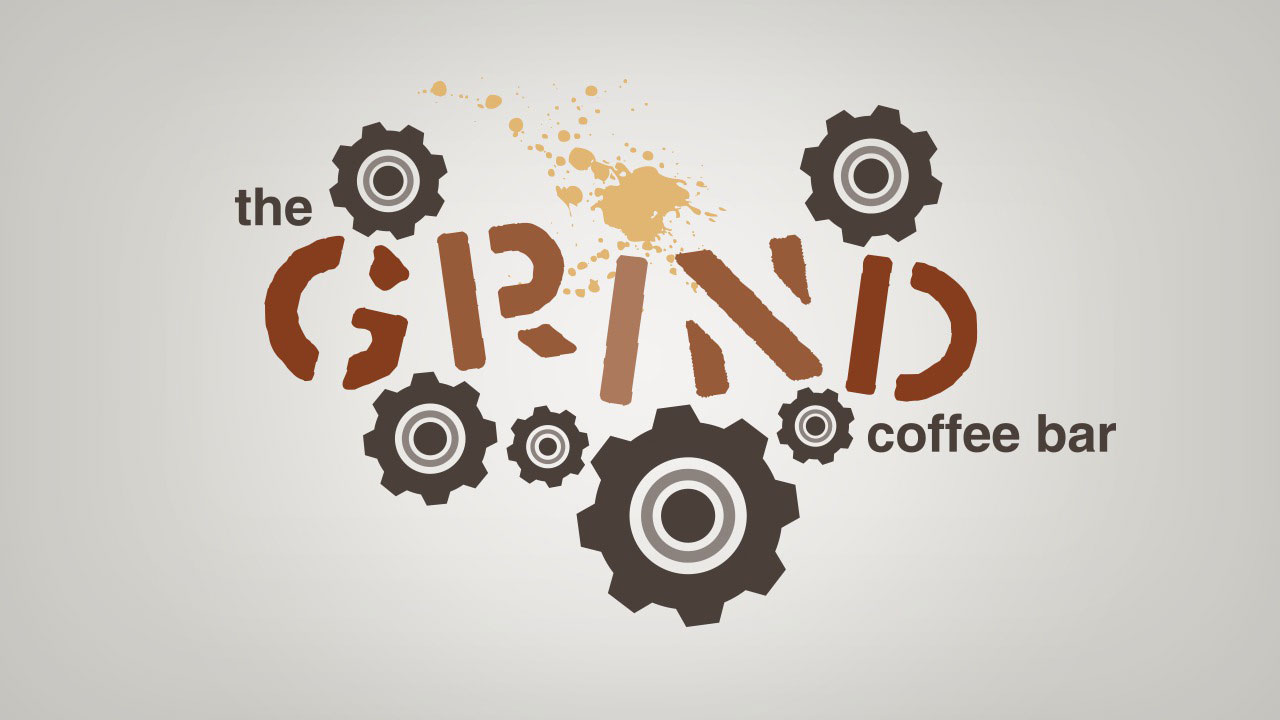
In this series of lessons, we'll work to build a finished vector logo based on an initial sketch. Software required: Illustrator CS4.
Beginner
- Course
Building a Logo in Illustrator: The Grind Coffee Shop
In this series of lessons, we'll work to build a finished vector logo based on an initial sketch. Software required: Illustrator CS4.
Beginner
Get started today
Access this course and other top-rated tech content with one of our business plans.
Try this course for free
Access this course and other top-rated tech content with one of our individual plans.
This course is included in the libraries shown below:
- Core Tech
What you'll learn
In this series of lessons, we'll work to build a finished vector logo based on an initial sketch. We'll start by quickly exploring both the initial sketched idea and the final vector outcome of our logo. From there, we'll proceed to build a gear out of some simple shapes that we can duplicate throughout our logo. Next, we'll begin positioning the key elements of our logo and use the live trace feature within Illustrator to convert raster artwork to vector for use in the logo. We'll move on and add both secondary type and color to the logo then finish up by fine tuning all the elements within the design. Software required: Illustrator CS4.
Building a Logo in Illustrator: The Grind Coffee Shop
Beginner
Table of contents



Eddie is a content producer for Unity as well as a seasoned shading, texturing, lighting and rendering artist. He takes pride in helping creative professionals reach their learning goals.
