
- Course
Creating Graphs in Illustrator
In this series of lessons, we will focus on creating graphs in Illustrator. Software required: Illustrator CS5.
Intermediate
- Course
Creating Graphs in Illustrator
In this series of lessons, we will focus on creating graphs in Illustrator. Software required: Illustrator CS5.
Intermediate
Get started today
Access this course and other top-rated tech content with one of our business plans.
Try this course for free
Access this course and other top-rated tech content with one of our individual plans.
This course is included in the libraries shown below:
- Core Tech
What you'll learn
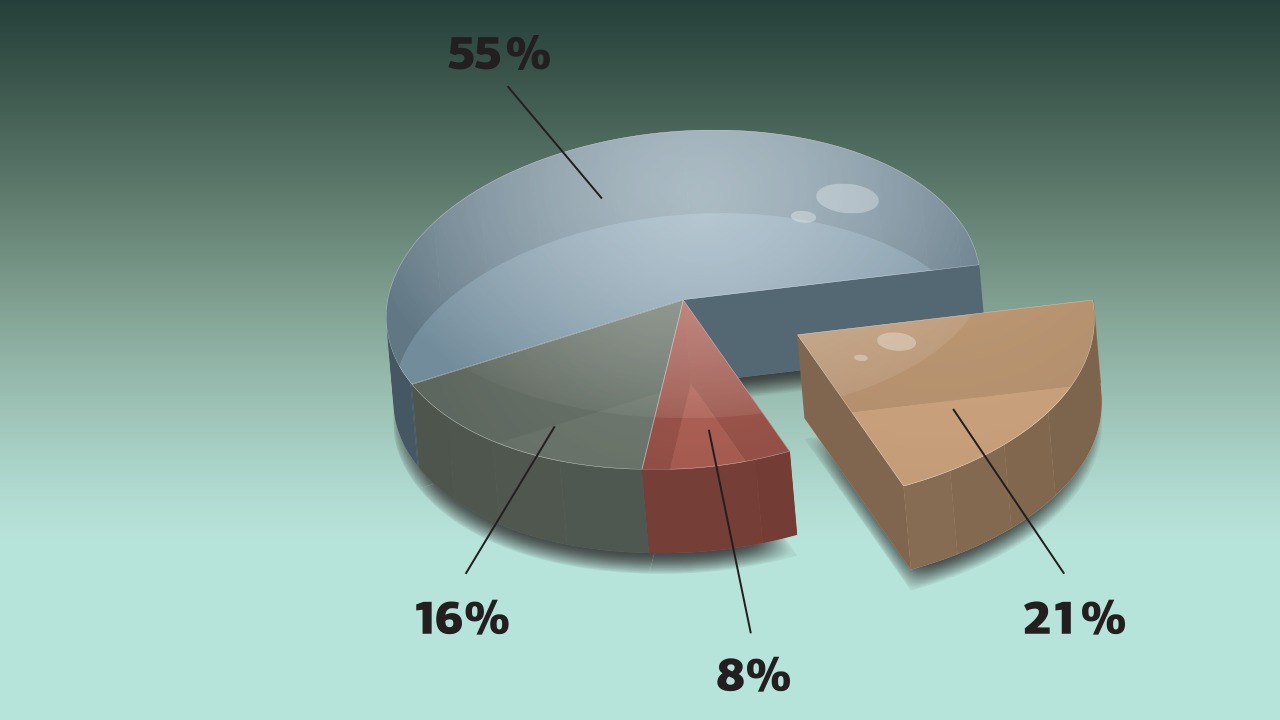
In this series of lessons, we will focus on creating graphs in Illustrator. We'll get started by learning how Illustrator sees our data and what it returns to us as a graph. Next, we'll learn how to create and modify a basic graph using the graph data window. We'll also take a look at some ways that we can bring data in from an outside application such as Microsoft Excel for use in our graph. From there, we'll focus on improving the visual appeal of our graph, first using graph designs, and then by applying graphic styles. Finally, we'll learn how we can really take our graph to the next level using 3D effects inside Illustrator. Software required: Illustrator CS5.
Creating Graphs in Illustrator
Intermediate
Table of contents



Eddie is a content producer for Unity as well as a seasoned shading, texturing, lighting and rendering artist. He takes pride in helping creative professionals reach their learning goals.
