
- Course
Establishing a Texturing Pipeline Between MARI and ZBrush
ZBrush is a very popular high-resolution sculpting application. MARI is a very powerful texture painting application. Learn how to prepare your ZBrush assets and move them to MARI for painting. Software required: MARI 3.1v1, ZBrush 4R7.
Beginner
- Course
Establishing a Texturing Pipeline Between MARI and ZBrush
ZBrush is a very popular high-resolution sculpting application. MARI is a very powerful texture painting application. Learn how to prepare your ZBrush assets and move them to MARI for painting. Software required: MARI 3.1v1, ZBrush 4R7.
Beginner
Get started today
Access this course and other top-rated tech content with one of our business plans.
Try this course for free
Access this course and other top-rated tech content with one of our individual plans.
This course is included in the libraries shown below:
- Core Tech
What you'll learn
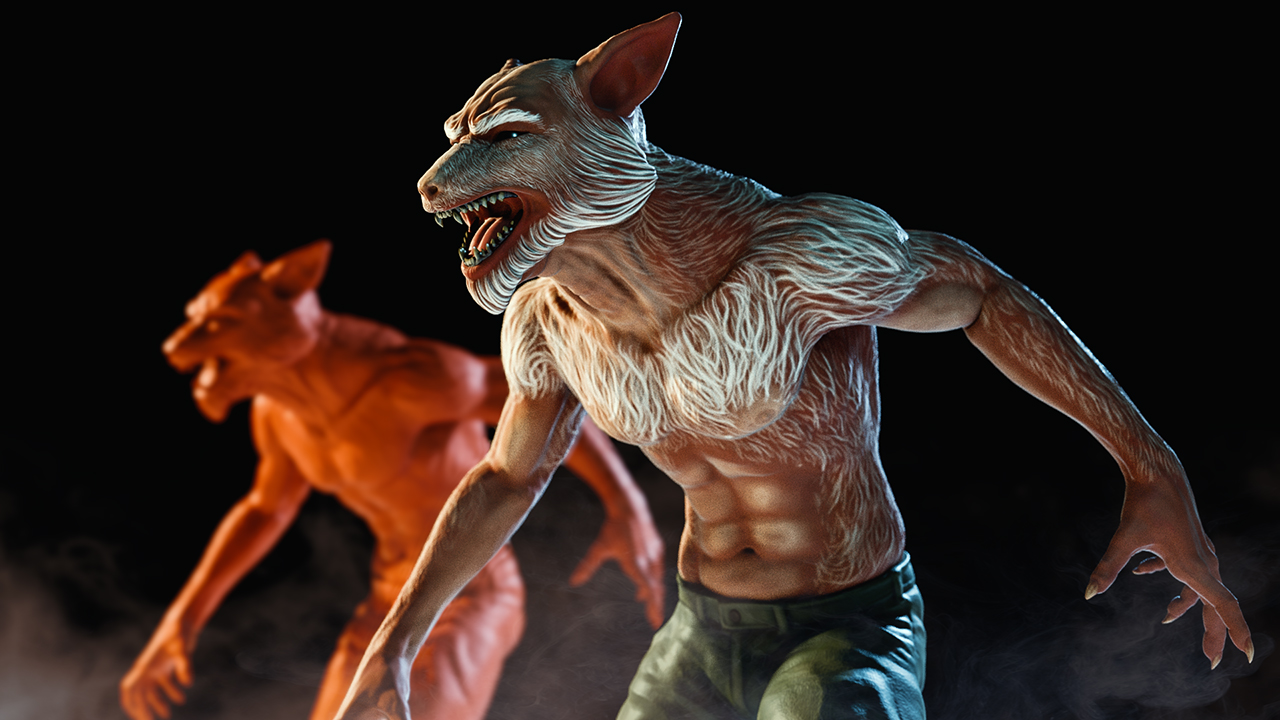
This course, Establishing a Texturing Pipeline Between MARI and ZBrush, will show you how to take your finished, sculpted, fantastic creation in ZBrush to use a better solution to painting textures for it. MARI is a powerful texturing tool used in feature films and it excels at painting high resolution meshes like the ones that ZBrush creates. First, you'll start out in ZBrush and learn how to prepare your assets for painting in MARI. Next, you'll learn about topology and resolution management as well as UV creation and geometry export. From there, you'll dive into MARI and learn how to setup projects for UV and Ptex texturing painting. You'll learn how to configure these projects using channels and shaders in MARI. Then, you'll explore how to effectively paint your assets using MARI's Paintbrush and Paint Through tool. Finally, you'll learn how to render right inside of MARI using the MODO renderer and then how to export your textures out so they can be used in other applications. By the end of this course, you'll have a good understanding of how easy it is to take your ZBrush creations and move them over into MARI so you can paint some amazing textures for them. Software required: MARI 3.1v1, ZBrush 4R7.
Establishing a Texturing Pipeline Between MARI and ZBrush
Beginner



Eddie is a content producer for Unity as well as a seasoned shading, texturing, lighting and rendering artist. He takes pride in helping creative professionals reach their learning goals.

Justin thrives as a lead modeling author at Pluralsight. Growing up, Justin found a deep interest for the computer graphics industry after watching movies like Jurassic Park, Toy Story and The Abyss. His ambition would lead him to work at Sony Imageworks in Los Angeles on movies like Monster House and Surf's Up. Justin has also had numerous articles, tutorials and images published in 3D World and 3D Artist.
