
- Course
Outlook 2019 Power Users
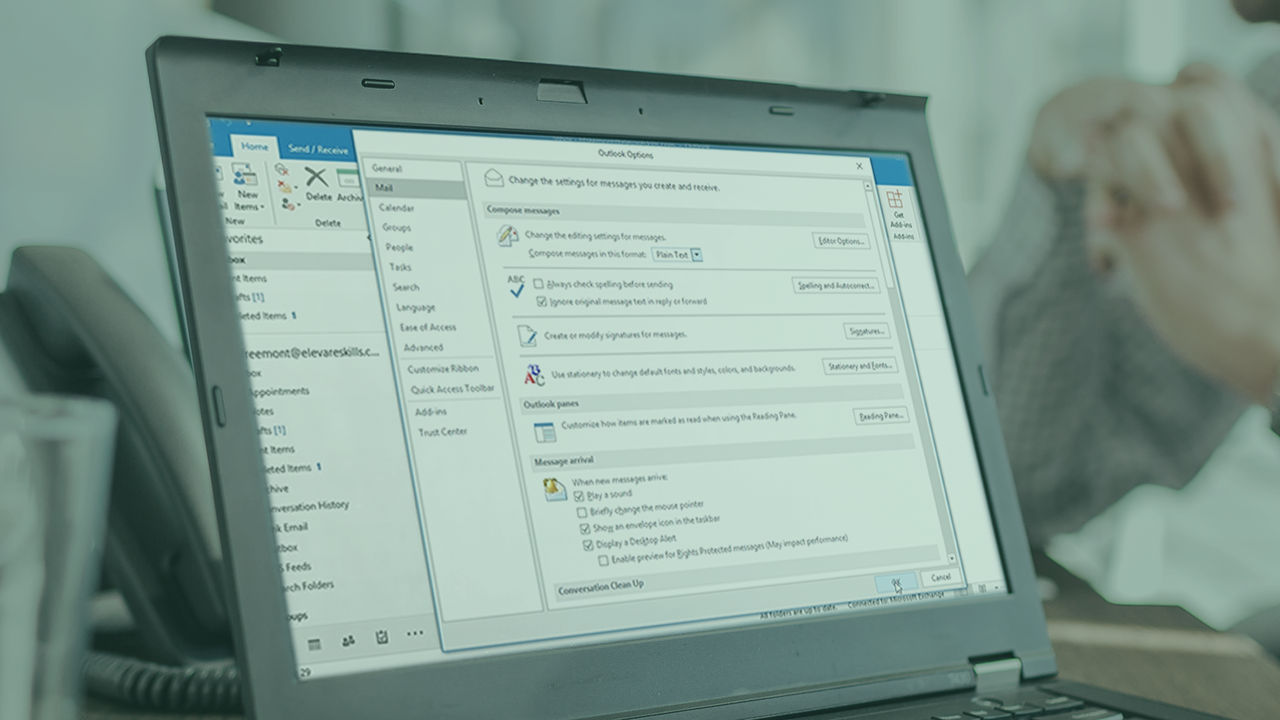
This course will show you the deeper features of Outlook 2019. You’ll learn how to create and manage contacts and groups, print Outlook items, customize settings, and perform advanced scheduling and calendar tasks within Outlook 2019.
Intermediate
- Course
Outlook 2019 Power Users
This course will show you the deeper features of Outlook 2019. You’ll learn how to create and manage contacts and groups, print Outlook items, customize settings, and perform advanced scheduling and calendar tasks within Outlook 2019.
Intermediate
Get started today
Access this course and other top-rated tech content with one of our business plans.
Try this course for free
Access this course and other top-rated tech content with one of our individual plans.
This course is included in the libraries shown below:
- Core Tech
What you'll learn
Learn the deeper aspects of Outlook 2019 and realize its full potential. In this course, Outlook 2019 Power Users, you advance your training with Outlook 2019. First, you will learn how to create and manage both contacts and contact groups. Next, you’ll see how to print Outlook items (emails, contacts, and calendars). Finally, you’ll discover how to customize Outlook settings and how to perform more advanced scheduling. When you’re finished with this course, you will have the skills and knowledge of Outlook 2019 needed to successfully use Outlook collaboration features in a business environment (and continue your preparation for the Microsoft Office exams.)
Outlook 2019 Power Users
Intermediate
Table of contents


Heather Ackmann is an accomplished instructor with a decade of teaching experience, helping students at the high school, college, and adult levels in a variety of topics. Specializing in Microsoft Office computer applications, she is a Microsoft Office Certified Master and holds a degree in English and Secondary Education.
