
- Course
Texture Painting in Maya and Photoshop
No matter what type of asset you are creating, after the modeling has been completed and the UVs have been laid out, its time to begin painting textures. Software required: Maya 2015, Photoshop CC.
Beginner
- Course
Texture Painting in Maya and Photoshop
No matter what type of asset you are creating, after the modeling has been completed and the UVs have been laid out, its time to begin painting textures. Software required: Maya 2015, Photoshop CC.
Beginner
Get started today
Access this course and other top-rated tech content with one of our business plans.
Try this course for free
Access this course and other top-rated tech content with one of our individual plans.
This course is included in the libraries shown below:
- Core Tech
What you'll learn
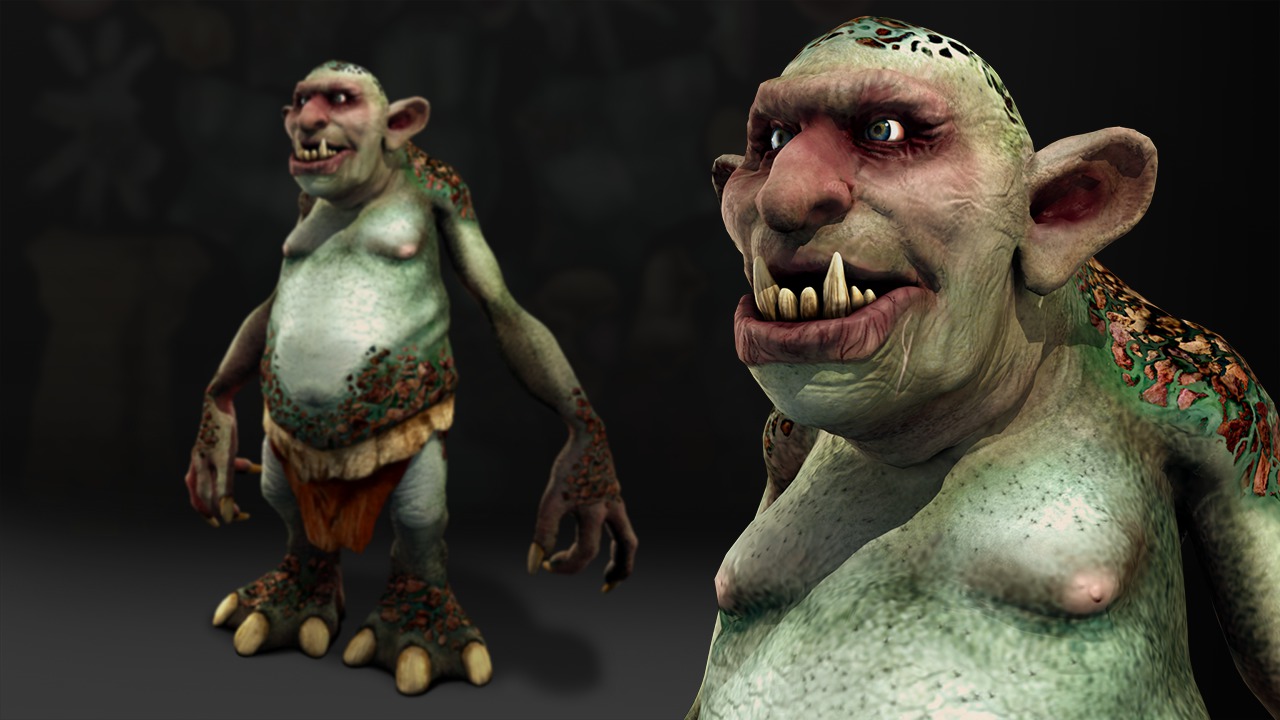
No matter what type of asset you are creating, after the modeling has been completed and the UVs have been laid out, its time to begin painting textures. For many artists, Photoshop is the primary place for this step. This training will explore how Maya and Photoshop work together to create and apply textures to our assets. To get started, we'll first learn how to apply a material to our asset inside of Maya. From here we will export our geometry and bring it into Photoshop's 3D workspace for texturing, where we will paint a diffuse and specular map. Photoshop offers an unparalleled layer-based workflow, and we'll learn how to take advantage of it both in 3D and 2D space. To wrap this course up, we will export our textures out of Photoshop and then apply them within our material using Maya's Hypershade before rendering. After finishing this course, you will have learned how to paint textures in Photoshop's 3D environment and apply them within a Maya material. Software required: Maya 2015, Photoshop CC.
Texture Painting in Maya and Photoshop
Beginner
Table of contents



Eddie is a content producer for Unity as well as a seasoned shading, texturing, lighting and rendering artist. He takes pride in helping creative professionals reach their learning goals.
