
- Course
Unity Mobile Game Development: User Interface Design
In this tutorial, we will learn about designing the user interface graphics for a game as well as how to prepare these graphics to bring into Unity. Software required: Photoshop CS5, Illustrator CS5.
Advanced
- Course
Unity Mobile Game Development: User Interface Design
In this tutorial, we will learn about designing the user interface graphics for a game as well as how to prepare these graphics to bring into Unity. Software required: Photoshop CS5, Illustrator CS5.
Advanced
Get started today
Access this course and other top-rated tech content with one of our business plans.
Try this course for free
Access this course and other top-rated tech content with one of our individual plans.
This course is included in the libraries shown below:
- Core Tech
What you'll learn
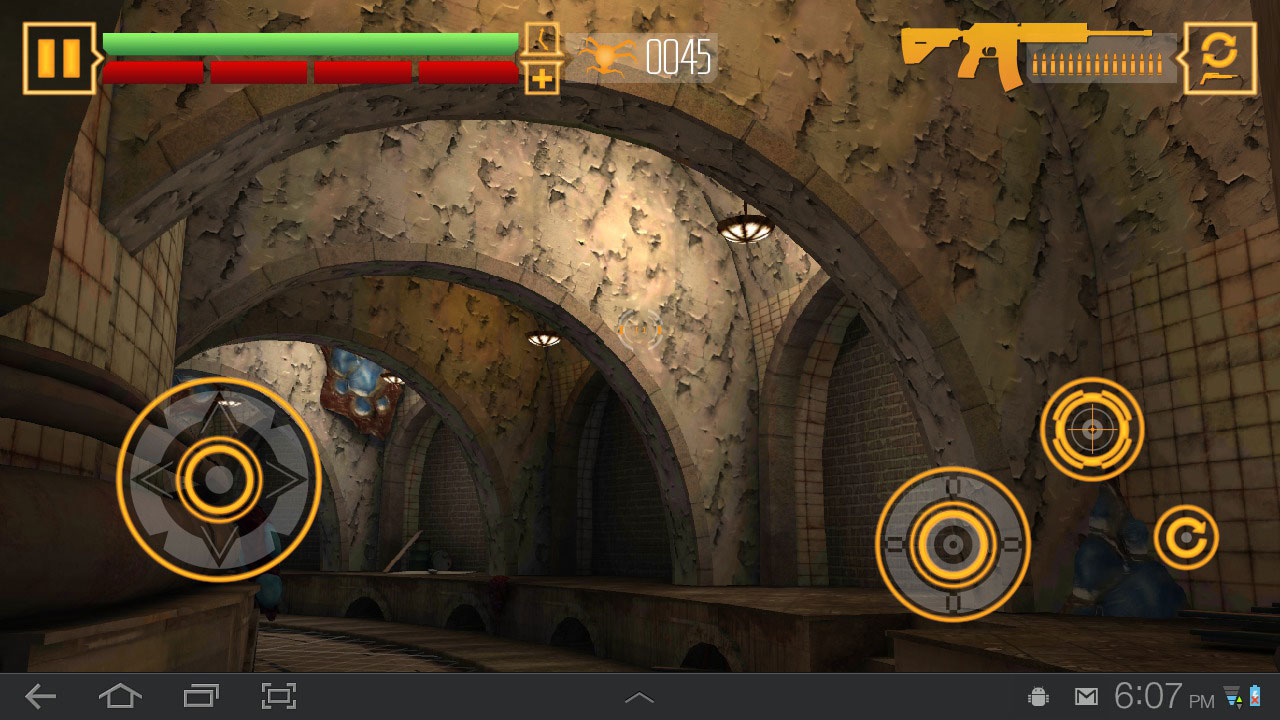
In this tutorial, we will learn about designing the user interface graphics for a game as well as how to prepare these graphics to bring into Unity. We'll get started by discussing the needs of our game in terms of user interface graphics and then learning how to set up a document in Photoshop to design them in. Next, we'll learn some strategies for building graphics and examine some possible pitfalls. Moving on, we'll learn about different states of a specific graphic and how we can set up our file to make saving this type of graphic out a bit easier. After all the graphics for our game have been created, we'll shift our focus to preparing them for Unity. We'll learn about important things to consider when cropping and saving our files. Then we'll wrap this course up by learning how Unity handles transparency and learning some workflows we will need to utilize to accommodate this. After going through this course, you will gain insight into the process of creating and saving user interface graphics for our mobile game. Software required: Photoshop CS5, Illustrator CS5.
Unity Mobile Game Development: User Interface Design
Advanced
Table of contents



Eddie is a content producer for Unity as well as a seasoned shading, texturing, lighting and rendering artist. He takes pride in helping creative professionals reach their learning goals.
