
- Course
Accelerating the Face-rigging Process in Maya
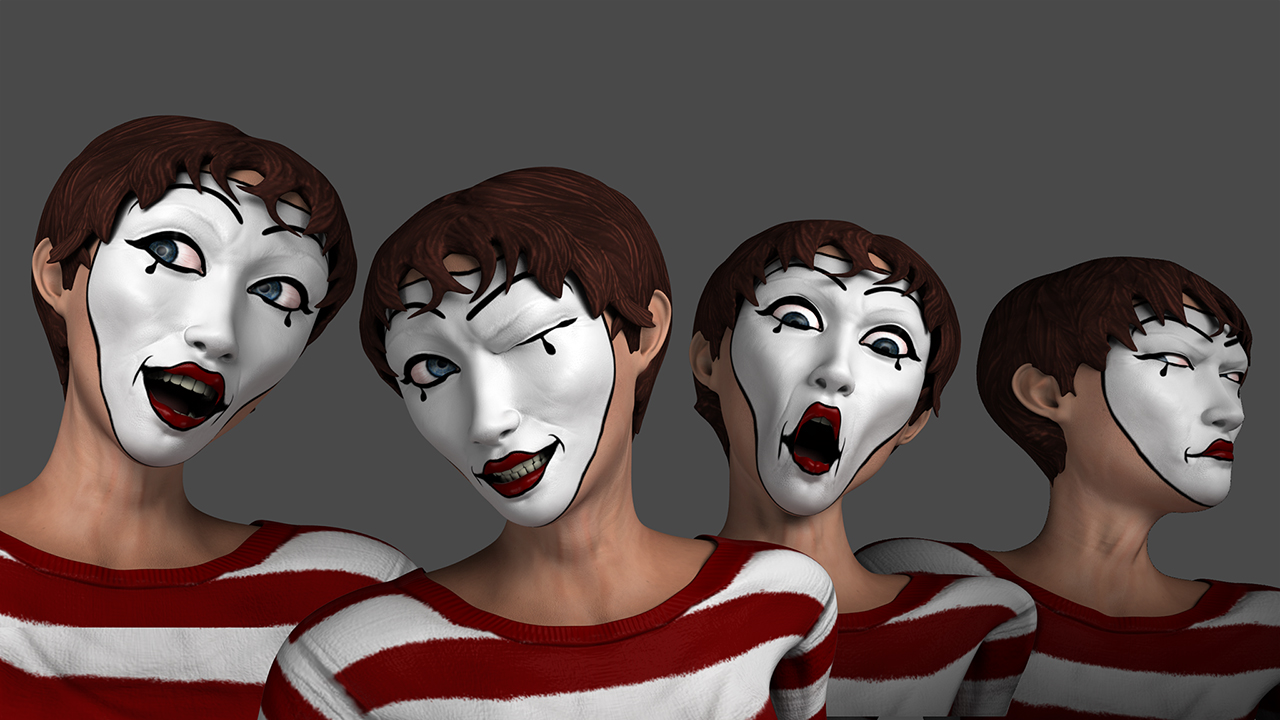
In this Maya tutorial, we'll explore node-centric, pose-based deformers as drivers for corrective blend shapes. Software required: Maya 2015, abAutoRig 6.0.3.
Advanced
- Course
Accelerating the Face-rigging Process in Maya
In this Maya tutorial, we'll explore node-centric, pose-based deformers as drivers for corrective blend shapes. Software required: Maya 2015, abAutoRig 6.0.3.
Advanced
Get started today
Access this course and other top-rated tech content with one of our business plans.
Try this course for free
Access this course and other top-rated tech content with one of our individual plans.
This course is included in the libraries shown below:
- Core Tech
What you'll learn
In this Maya tutorial, we'll explore node-centric, pose-based deformers as drivers for corrective blend shapes. We'll learn how to accelerate the rigging process by using a free MEL script called abAutoRig.mel, as well as several code snippets and Python utilities to create a character rig, skin the model, paint weights, and apply corrective blend shapes. By the end of this Maya training, you'll have learned new strategies for completing the rigging process quickly and efficiently. Software required: Maya 2015, abAutoRig 6.0.3.
Accelerating the Face-rigging Process in Maya
Advanced
Table of contents
