
- Course
Creating a Fashion Illustration in Illustrator and Photoshop
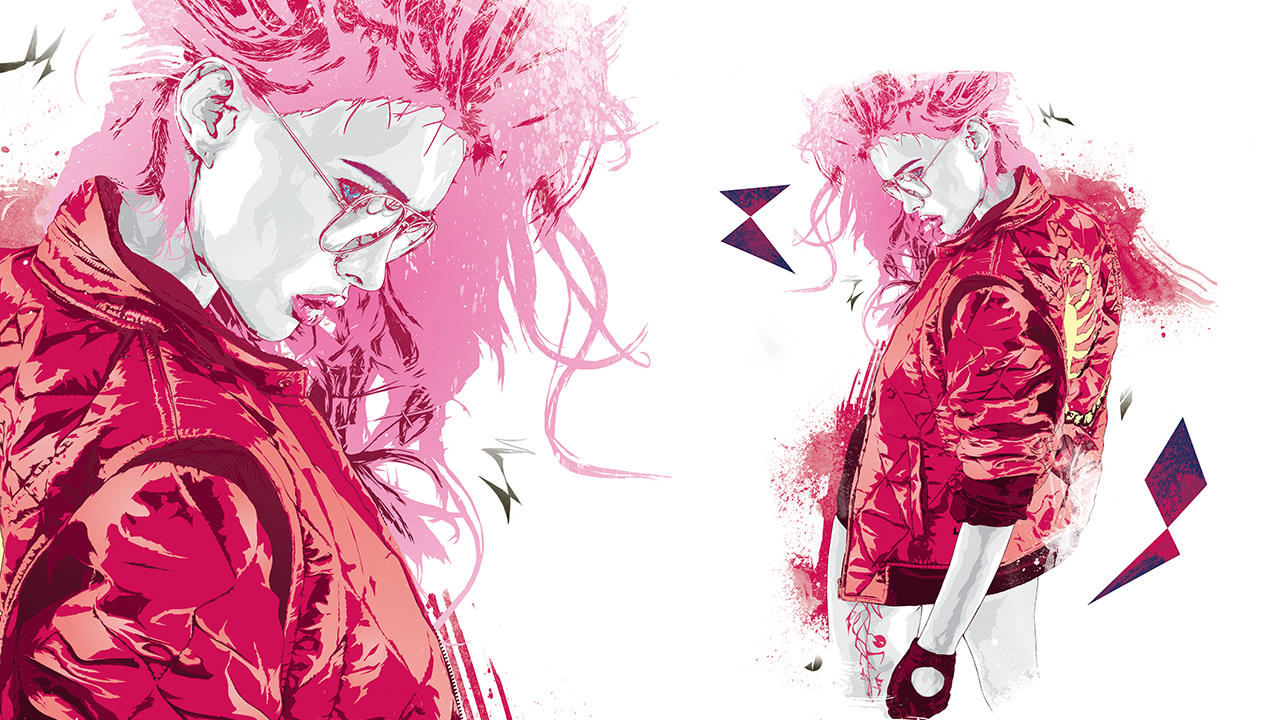
During this Illustrator and Photoshop tutorial we'll learn how to prepare a reference image in Photoshop before crossing over to Illustrator to create a striking vector portrait. Software required: Adobe Illustrator CS6, Adobe Photoshop CS6.
Advanced
- Course
Creating a Fashion Illustration in Illustrator and Photoshop
During this Illustrator and Photoshop tutorial we'll learn how to prepare a reference image in Photoshop before crossing over to Illustrator to create a striking vector portrait. Software required: Adobe Illustrator CS6, Adobe Photoshop CS6.
Advanced
Get started today
Access this course and other top-rated tech content with one of our business plans.
Try this course for free
Access this course and other top-rated tech content with one of our individual plans.
This course is included in the libraries shown below:
- Core Tech
What you'll learn
During this Illustrator and Photoshop tutorial we'll learn how to prepare a reference image in Photoshop before crossing over to Illustrator to create a striking vector portrait. Then, we'll cross back over into Photoshop and create the final compositions. We'll add drama to the piece by adding scanned in mixed media elements such as: watercolors, hand drawn shapes, and vector shapes. By the end of this Illustrator and Photoshop training, you'll be able to exhibit many cool tips and tricks in composition and illustration that are used for commercial projects to achieve outstanding results quickly and effectively. Software required: Adobe Illustrator CS6, Adobe Photoshop CS6.
Creating a Fashion Illustration in Illustrator and Photoshop
Advanced
Table of contents
