
- Course
Modeling Compound and Stacked Walls in Revit
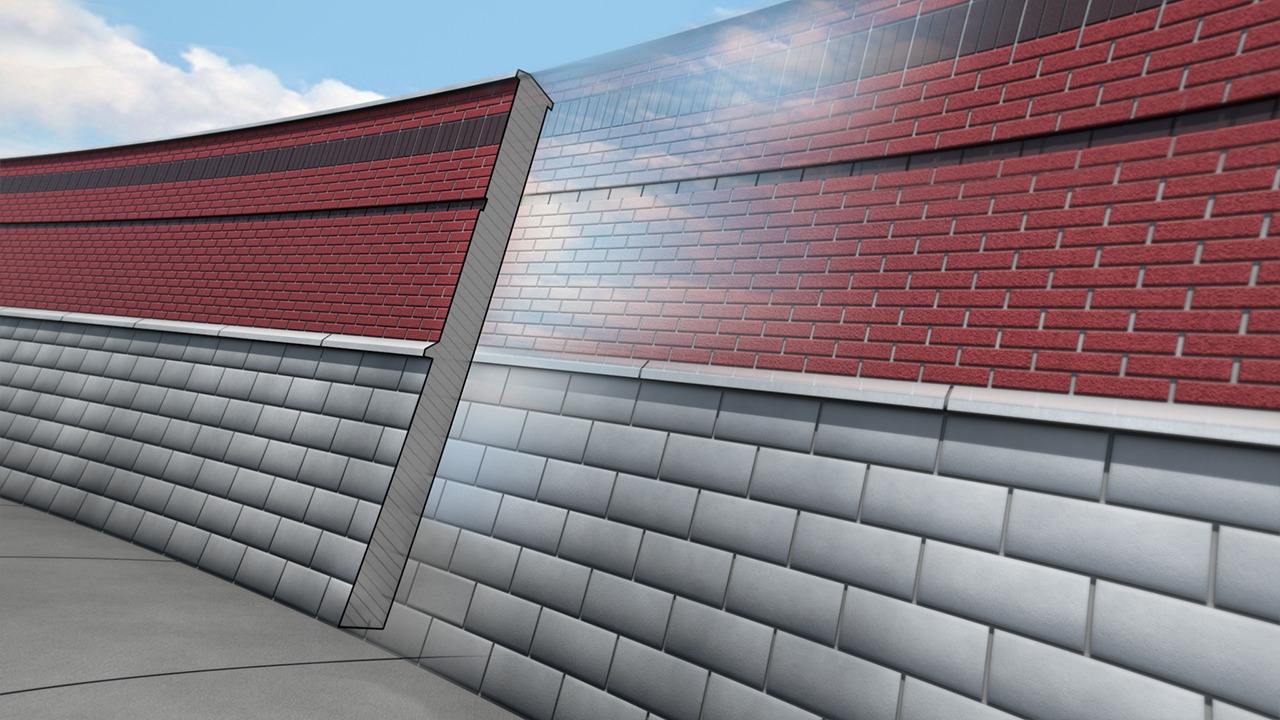
In this tutorial you'll learn how edit and create customized stacked and compound wall systems. Software required: Revit 2014.
Intermediate
- Course
Modeling Compound and Stacked Walls in Revit
In this tutorial you'll learn how edit and create customized stacked and compound wall systems. Software required: Revit 2014.
Intermediate
Get started today
Access this course and other top-rated tech content with one of our business plans.
Try this course for free
Access this course and other top-rated tech content with one of our individual plans.
This course is included in the libraries shown below:
- Core Tech
What you'll learn
In this tutorial you'll learn how edit and create customized stacked and compound wall systems. We'll start by learning to edit Revit's predefined walls. Once we become comfortable with how to change up these preloaded families, we'll then learn how to create our own stacked and compound walls from scratch. You'll see how we can create sweeps and reveals that can really customize your design. We'll also explore how to use the split region tool to add layers to a stacked wall system. By the end of this course you'll have the skills necessary to create your own wall systems using Revit 2014. Software required: Revit 2014.
Modeling Compound and Stacked Walls in Revit
Intermediate
Table of contents
