


- Course
Rigging and Animating a Game Boss in 3ds Max
In this set of 3ds Max tutorials we will learn how to rig and animate a boss for a video game. Software required: 3ds Max 2014.
Intermediate
- Course
Rigging and Animating a Game Boss in 3ds Max
In this set of 3ds Max tutorials we will learn how to rig and animate a boss for a video game. Software required: 3ds Max 2014.
Intermediate
Get started today
Access this course and other top-rated tech content with one of our business plans.
Try this course for free
Access this course and other top-rated tech content with one of our individual plans.
This course is included in the libraries shown below:
- Core Tech
What you'll learn
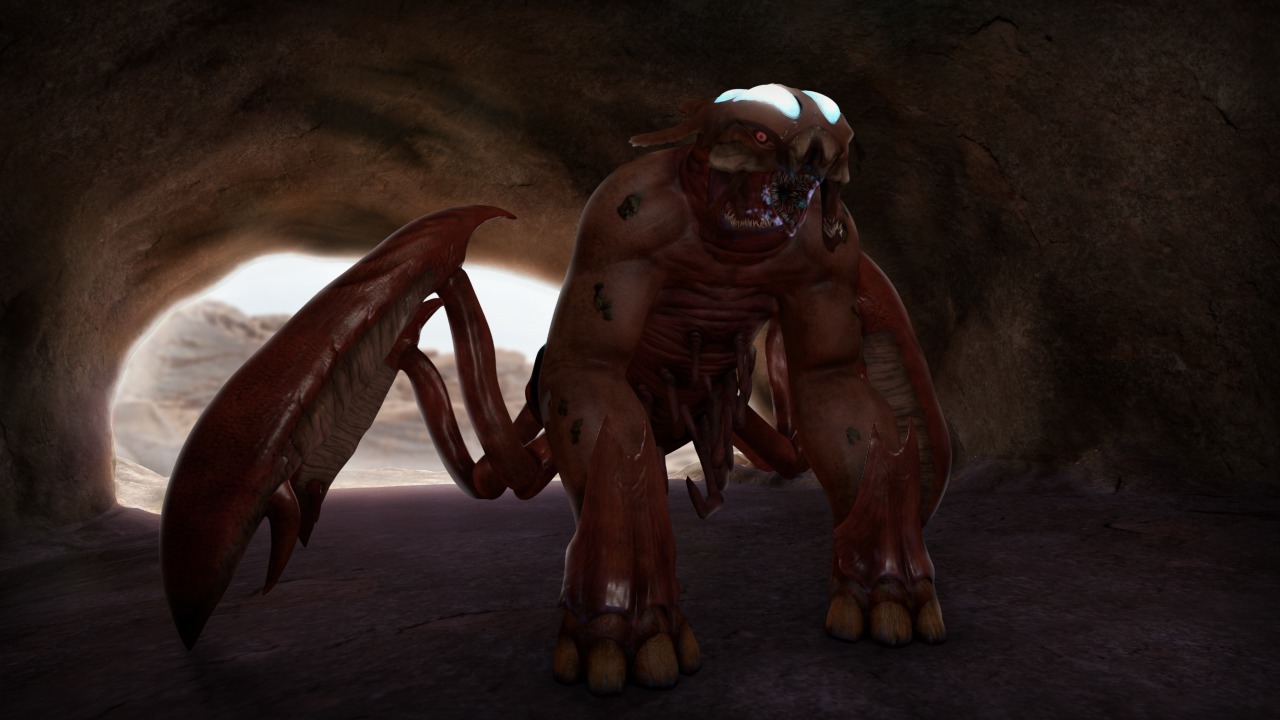
In this set of 3ds Max tutorials we will learn how to rig and animate a boss for a video game. What are the steps that go into creating a control rig and a sequence of animations for a game boss, and how do we export all of this data our for a game engine like Unity? These are the topics that we will cover in this course. We'll start by creating a skeleton for our boss asset. We'll then cover time-saving skinning techniques and learn how to set up control objects. We'll learn how to keep the entire rig clean and animator-friendly. We'll also learn how to set up systems to automate certain movements that will help to enhance our animations! To conclude the tutorial, we will learn how to approach animating various sequences of our game boss before exporting all of our work for use in Unity. By the end of this tutorial, you will have the skill-set to rig and animate your own game boss. Software required: 3ds Max 2014.
Rigging and Animating a Game Boss in 3ds Max
Intermediate
Table of contents