


- Course
Rigging Hands in 3ds Max
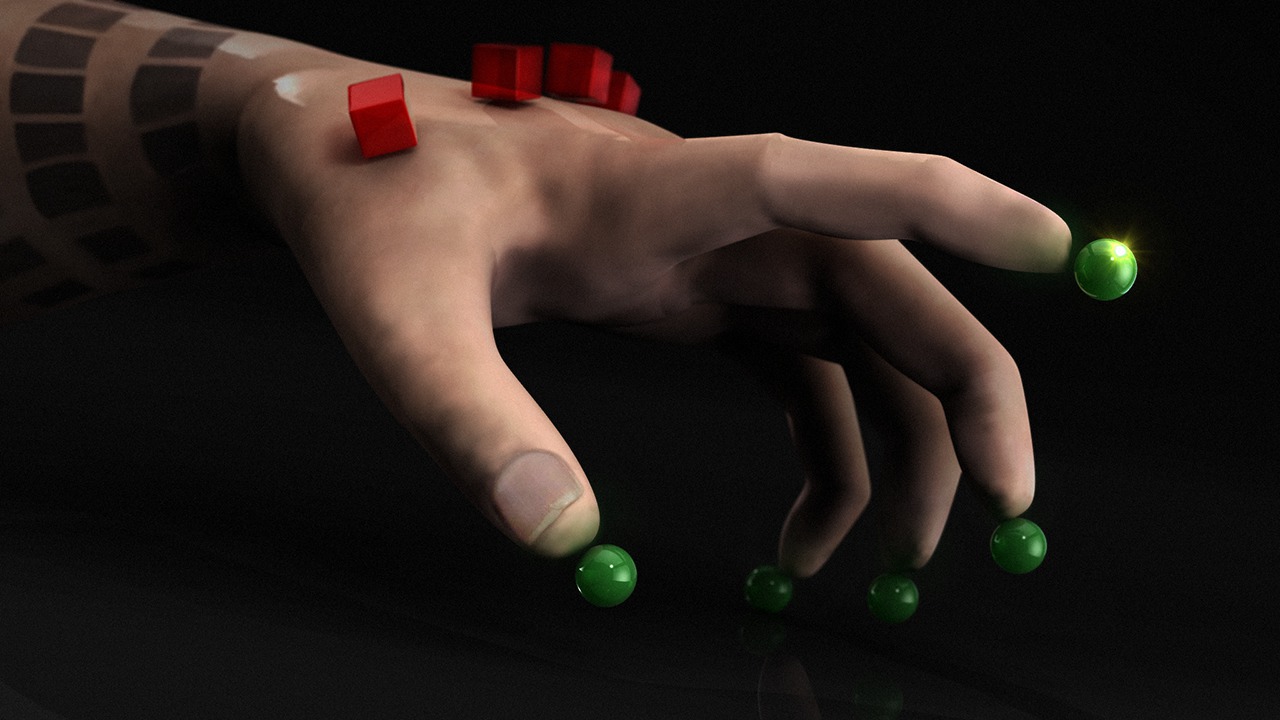
In this set of 3ds Max tutorials, we'll learn how to improve our control systems for hands in order to achieve more believable results. We'll start by learning where to position our bones for natural deformations. Software required: Autodesk 3ds Max 2015.
Intermediate
- Course
Rigging Hands in 3ds Max
In this set of 3ds Max tutorials, we'll learn how to improve our control systems for hands in order to achieve more believable results. We'll start by learning where to position our bones for natural deformations. Software required: Autodesk 3ds Max 2015.
Intermediate
Get started today
Access this course and other top-rated tech content with one of our business plans.
Try this course for free
Access this course and other top-rated tech content with one of our individual plans.
This course is included in the libraries shown below:
- Core Tech
What you'll learn
In this set of 3ds Max tutorials, we'll learn how to improve our control systems for hands in order to achieve more believable results. We'll start by learning where to position our bones for natural deformations. We'll then learn a technique for rigging knuckles and preserving volume in the hand overall. Finally, we'll enhance our rig by creating a system that will allow animators to switch between with IK and FK modes. By the end of this 3ds Max training, you will have the skills needed to rig hands more proficiently. Software required: Autodesk 3ds Max 2015.
Rigging Hands in 3ds Max
Intermediate
Table of contents