


- Course
Texture Painting with Maya and Photoshop
Learn a proven workflow to texture painting with Maya and Photoshop and using their powerful tools and capabilities to achieve best results. Software required: Maya 8.5 and up (Maya 2008 required for project files).
Intermediate
- Course
Texture Painting with Maya and Photoshop
Learn a proven workflow to texture painting with Maya and Photoshop and using their powerful tools and capabilities to achieve best results. Software required: Maya 8.5 and up (Maya 2008 required for project files).
Intermediate
Get started today
Access this course and other top-rated tech content with one of our business plans.
Try this course for free
Access this course and other top-rated tech content with one of our individual plans.
This course is included in the libraries shown below:
- Core Tech
What you'll learn
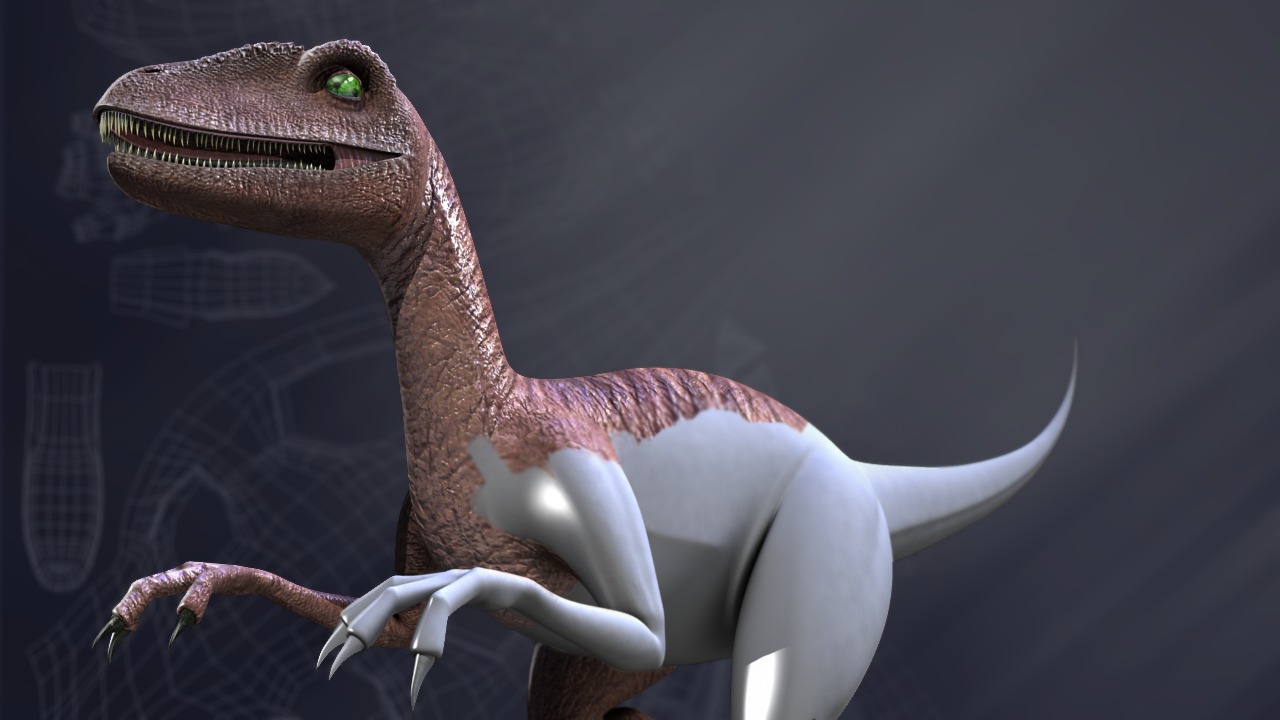
Learn a proven workflow to texture painting with Maya and Photoshop and using their powerful tools and capabilities to achieve best results. Learn several texture creation and texture painting techniques and a flexible workflow that can be used with other software. Contains nearly five hours of project-based training. Popular highlights include the following: Texturing Workflow Overview; Painting Texture Guides in Maya; Creating Seamless Textures; Adjusting Sub-D UVs to Minimize Distortion; Integrating Maya and Photoshop with PSD Networks; UV Snapshots as Texture Guides; Adjusting Pen Sensitivity on Tablet; Photoshop Brushes and Settings; Adjusting Layers with Curves; Adjusting Hue, Saturation, and Value; Blending Detail with Layer Masks; Color Maps for Bump and Specular; Creating Procedural Textures in Maya; Texturing with Photographs; Opening 3D Models in Photoshop; Generating Individual Texture Maps; Dodge and Burn Tools for Details; Smudge Tool to Blend Texture Detail; and Eliminating Texture Seams. Software required: Maya 8.5 and up (Maya 2008 required for project files).
Texture Painting with Maya and Photoshop
Intermediate
Table of contents



Justin thrives as a lead modeling author at Pluralsight. Growing up, Justin found a deep interest for the computer graphics industry after watching movies like Jurassic Park, Toy Story and The Abyss. His ambition would lead him to work at Sony Imageworks in Los Angeles on movies like Monster House and Surf's Up. Justin has also had numerous articles, tutorials and images published in 3D World and 3D Artist.