
- Course
Game Character Sculpting in ZBrush
Creating a high-resolution sculpted mesh is often the first step in building a character model to be used in a game. In this course, you’ll learn to use ZBrush to create these detailed character sculpts.
Intermediate
- Course
Game Character Sculpting in ZBrush
Creating a high-resolution sculpted mesh is often the first step in building a character model to be used in a game. In this course, you’ll learn to use ZBrush to create these detailed character sculpts.
Intermediate
Get started today
Access this course and other top-rated tech content with one of our business plans.
Try this course for free
Access this course and other top-rated tech content with one of our individual plans.
This course is included in the libraries shown below:
- Core Tech
What you'll learn
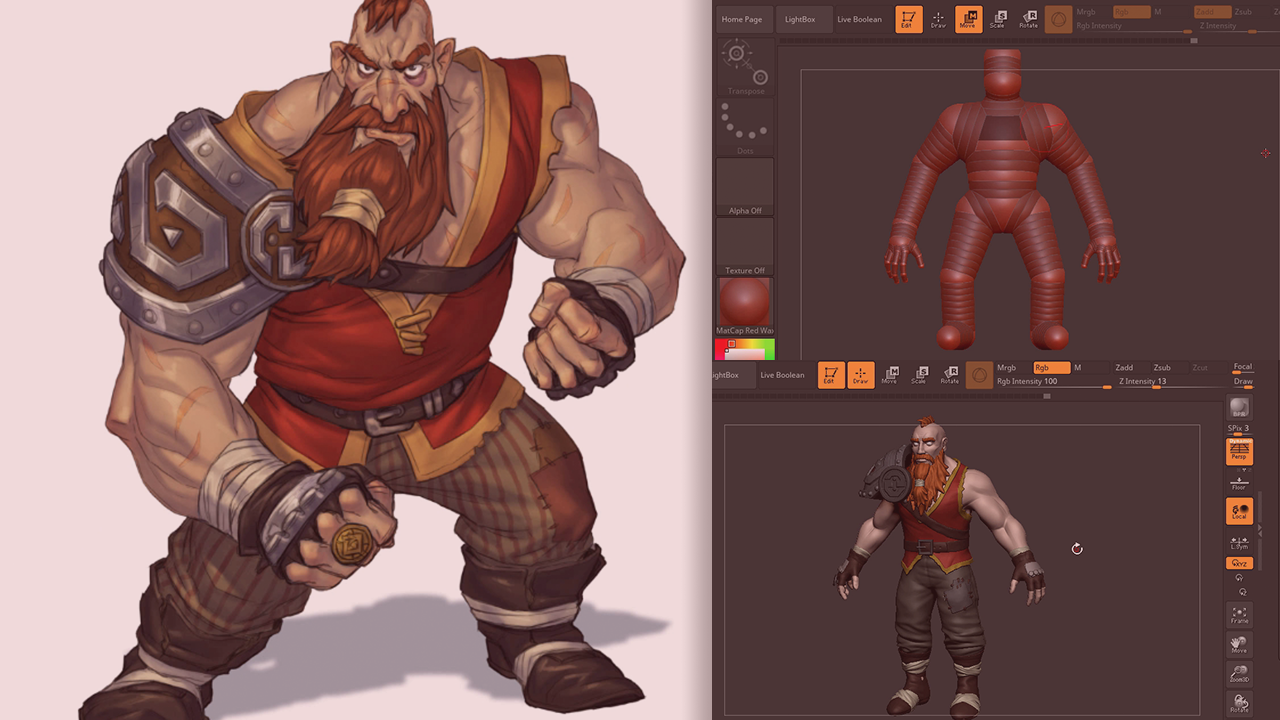
Once a character design has been settled on, the first step in getting that character into your Unity game is often sculpting the model. Probably the best tool around for creating these highly detailed sculpts is ZBrush. In this course, Game Character Sculpting in ZBrush, you’ll learn to use ZBrush to create the hero character from the Unity game, Swords and Shovels. Working from the ground up, you’ll start by creating the initial armature using a very flexible tool called ZSpheres. From there, you’ll learn to use several of ZBrush’s powerful sculpting brushes to edit the geometry at its base and to begin sculpting in all the character’s musculature and detail. Next, you’ll also learn to stylize your model and to create things like clothing and accessories by extracting geometry from existing shapes. When you're finished with this ZBrush course, you’ll have learned the process of creating a sculpted character from start to finish. But even though we’re building a dwarf, you’re not just learning to build one character. So sprinkled in along the way, you’ll get challenges that will allow you to see that what you’ve learned can apply to many different kinds of characters. Let’s start with the first module by looking at our artwork, creating a plan, and creating our ZSphere armature. Software required: Zbrush.
Game Character Sculpting in ZBrush
Intermediate



Justin thrives as a lead modeling author at Pluralsight. Growing up, Justin found a deep interest for the computer graphics industry after watching movies like Jurassic Park, Toy Story and The Abyss. His ambition would lead him to work at Sony Imageworks in Los Angeles on movies like Monster House and Surf's Up. Justin has also had numerous articles, tutorials and images published in 3D World and 3D Artist.
