
- Course
Access 2019 Essentials
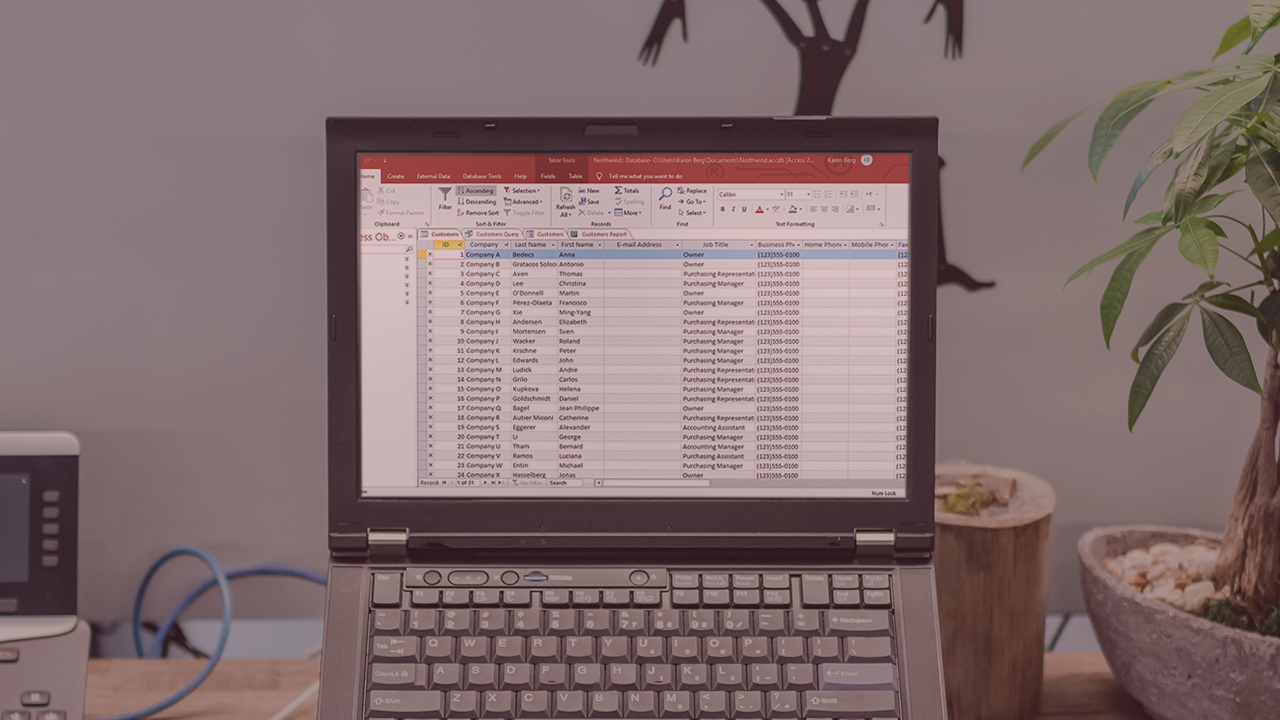
In this course, you’ll learn the basics of working with Access 2019. You'll explore the Access user interface and begin the process of building working database solutions.
Beginner
- Course
Access 2019 Essentials
In this course, you’ll learn the basics of working with Access 2019. You'll explore the Access user interface and begin the process of building working database solutions.
Beginner
Get started today
Access this course and other top-rated tech content with one of our business plans.
Try this course for free
Access this course and other top-rated tech content with one of our individual plans.
This course is included in the libraries shown below:
- Core Tech
What you'll learn
Microsoft Access is an information management tool that helps you store information for reference, reporting, and analysis. In this course, Access 2019 Essentials, you will be will introduced to Access 2019, Microsoft’s application for creating working database solutions. First, you’ll begin with navigation lessons to help you find your way around the Access interface. Next, you will explore the basics of working with databases and tables. From there you’ll move into working with and sorting records, working with filters, forms, queries, and reporting. Finally, you'll explore and understand database objects. When you’re finished with this course, you will have the skills and knowledge of Access 2019 needed to begin development (and begin preparation for the Microsoft Office exams).
Access 2019 Essentials
Beginner
Table of contents
-
Getting Started | 2m 15s
-
Database Basics | 2m 3s
-
Opening Microsoft Access | 1m 12s
-
The Getting Started Window | 1m 15s
-
Opening an Existing Database | 55s
-
Touring the Access Interface | 1m 21s
-
Working with the Ribbon | 2m 24s
-
Using the Quick Access Toolbar | 2m 53s
-
Using the Help Features | 1m 49s
-
Using Tell Me | 1m 12s
-
Setting Navigation Options | 1m 52s
-
Closing Microsoft Access | 1m 42s


Shari majored in Business Administration and minored in Communication at the University of Colorado. She has over 12 years of training experience in the areas of Leadership, Team Building, and Personal Development in addition to a wide range of computer software programs and operating systems.
