
- Course
Accessibility: Keyboard Input and Forms
To meet the WCAG guidelines, your website has to work for keyboard-only users. We'll run through all the code changes necessary for this and also for making forms that are accessible and easy to use, with clear labels and validation errors.
Intermediate
- Course
Accessibility: Keyboard Input and Forms
To meet the WCAG guidelines, your website has to work for keyboard-only users. We'll run through all the code changes necessary for this and also for making forms that are accessible and easy to use, with clear labels and validation errors.
Intermediate
Get started today
Access this course and other top-rated tech content with one of our business plans.
Try this course for free
Access this course and other top-rated tech content with one of our individual plans.
This course is included in the libraries shown below:
- Core Tech
What you'll learn
Keyboard traps can cause a variety of problems and frustrations for keyboard-only users.
In this course, Accessibility: Keyboard Input and Forms, you'll gain the ability to create solutions for some of the challenges that keyboard-only users can face with websites.
First, you'll learn how to ensure that a site is accessible to them, why keyboard focus indicators are essential, how to spot and prevent keyboard traps, and how to make a custom control keyboard-friendly.
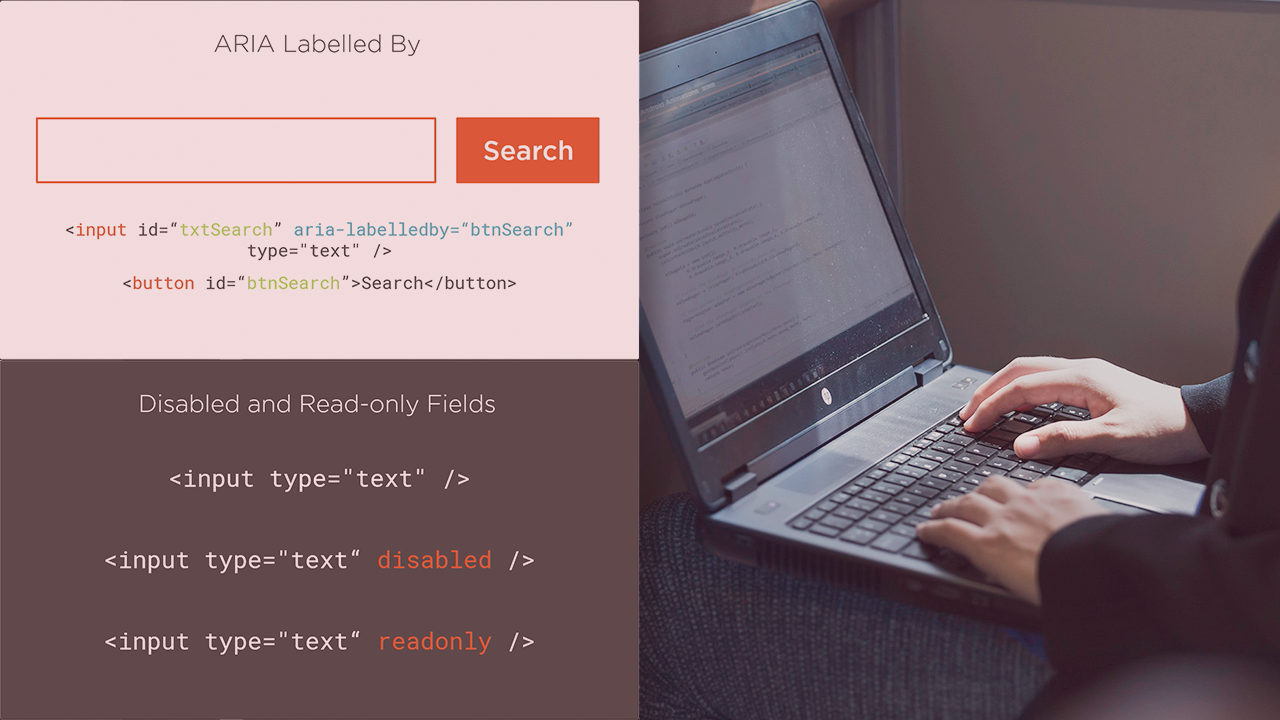
Next, you'll discover various methods for labelling and describing input controls, as well as making CAPTCHAs more accessible.
Finally, you'll explore validation messages and error handling, how to link error messages to the form controls, and how to inform a screen reader user that there was an issue with the input.
When you're finished with this course, you’ll have a clear understanding of the techniques necessary to make a website accessible to keyboard-only users, and how to make forms easy to use for a wider audience.
Accessibility: Keyboard Input and Forms
Intermediate



Fiona Holder is an Enterprise Architect primarily working with Microsoft applications and the Azure Cloud.
