
- Course
Acrobat DC Fundamentals
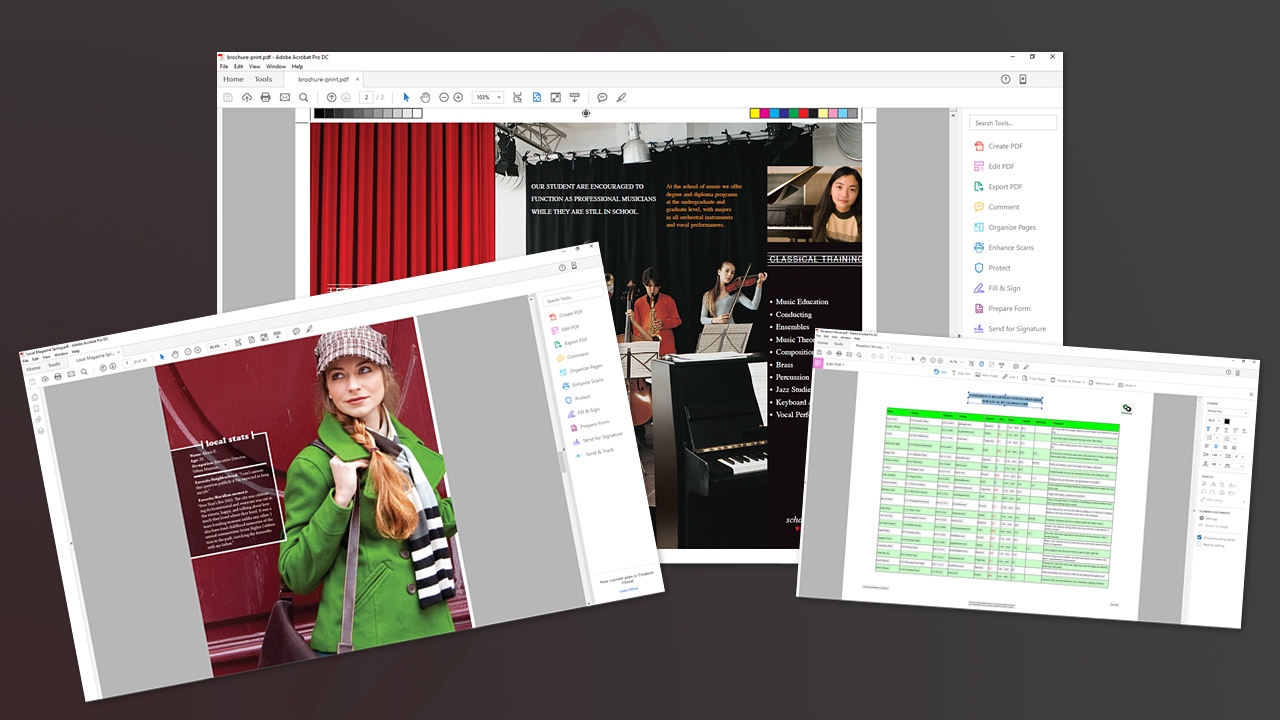
Working with PDF files is a vital skill set, whether for personal use or professional settings. This course will teach you fundamentals such as PDF creation, viewing, editing, and extraction. Software required: Adobe Acrobat DC.
Beginner
- Course
Acrobat DC Fundamentals
Working with PDF files is a vital skill set, whether for personal use or professional settings. This course will teach you fundamentals such as PDF creation, viewing, editing, and extraction. Software required: Adobe Acrobat DC.
Beginner
Get started today
Access this course and other top-rated tech content with one of our business plans.
Try this course for free
Access this course and other top-rated tech content with one of our individual plans.
This course is included in the libraries shown below:
- Core Tech
What you'll learn
Whether you're at home, in school, or at work, knowing how to create and use Adobe PDF files is essential. This course, Acrobat DC Fundamentals, will teach you how to get the most out of this very common file type. You'll start by learning about the interface and the basics of Acrobat; topics like viewing and creating PDFs are covered in detail. You'll also learn other functions, such as editing text and creating graphics. Finally, you'll discover how to extract PDF content for use in other applications. At the end of this course, you will have a solid foundation of PDFs and Adobe Acrobat DC, as well as a highly-valuable, widely-applicable skillset. Software required: Adobe Acrobat DC.
Acrobat DC Fundamentals
Beginner
Table of contents
-
Version Check | 15s
-
Getting to Know Acrobat DC | 2m 57s
-
Navigating Documents | 3m 56s
-
Working with Multiple Documents | 2m 9s
-
Customize the Toolbar | 3m 3s
-
Tools Pane and Tools Well | 2m 45s
-
Using Tools | 2m 13s
-
Selection Tool | 3m 35s
-
Rotating Pages | 3m 14s
-
Page Display Options | 2m 56s
-
Preferences | 2m 37s
-
Find Command | 2m 7s



Matthew Pizzi is an Adobe Certified instructor with over 15 years of experience teaching Adobe applications.
