
- Course
PowerPoint: Advanced Productivity with QAT Shortcuts
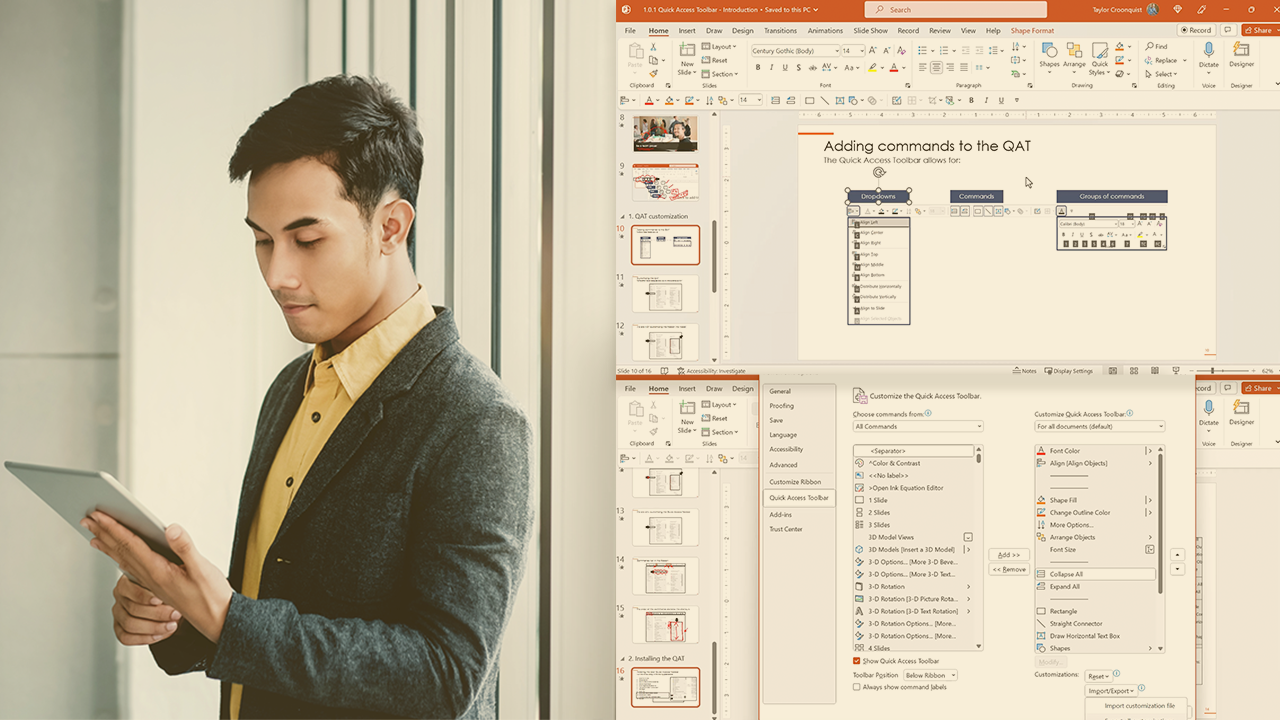
This course will teach you how to take full advantage of the Quick Access Toolbar. You will also get to import and practice using my recommended QAT to speed up your everyday work in PowerPoint.
Intermediate
- Course
PowerPoint: Advanced Productivity with QAT Shortcuts
This course will teach you how to take full advantage of the Quick Access Toolbar. You will also get to import and practice using my recommended QAT to speed up your everyday work in PowerPoint.
Intermediate
Get started today
Access this course and other top-rated tech content with one of our business plans.
Try this course for free
Access this course and other top-rated tech content with one of our individual plans.
This course is included in the libraries shown below:
- Core Tech
What you'll learn
The Quick Access Toolbar is the best productivity feature of PowerPoint that very few people know how to properly use. In this course, PowerPoint: Advanced Productivity with QAT Shortcuts, you’ll learn to customize and leverage the Quick Access toolbar to radically boost your speed in PowerPoint. First, you’ll explore how to customize and arrange commands on your Quick Access Toolbar. Next, you’ll discover how to use the commands put on your QAT to speed up your everyday formatting and alignment tasks.. Finally, you’ll learn how to use some advanced picture and shape tools so that nothing trips you up in PowerPoint. When you’re finished with this course, you’ll have the skills and knowledge of QAT Shortcuts and Speed Drills needed to radically boost your productivity in PowerPoint as you build and edit slides. This course is a partner presentation by Nuts & Bolts for PowerPoint.
PowerPoint: Advanced Productivity with QAT Shortcuts
Intermediate
Table of contents



Through his interactive workshops, engaging courses and YouTube tutorials with over 11M views, Taylor Croonquist helps professionals improve their PowerPoint skills.
