
- Course
PowerPoint: Advanced Templates
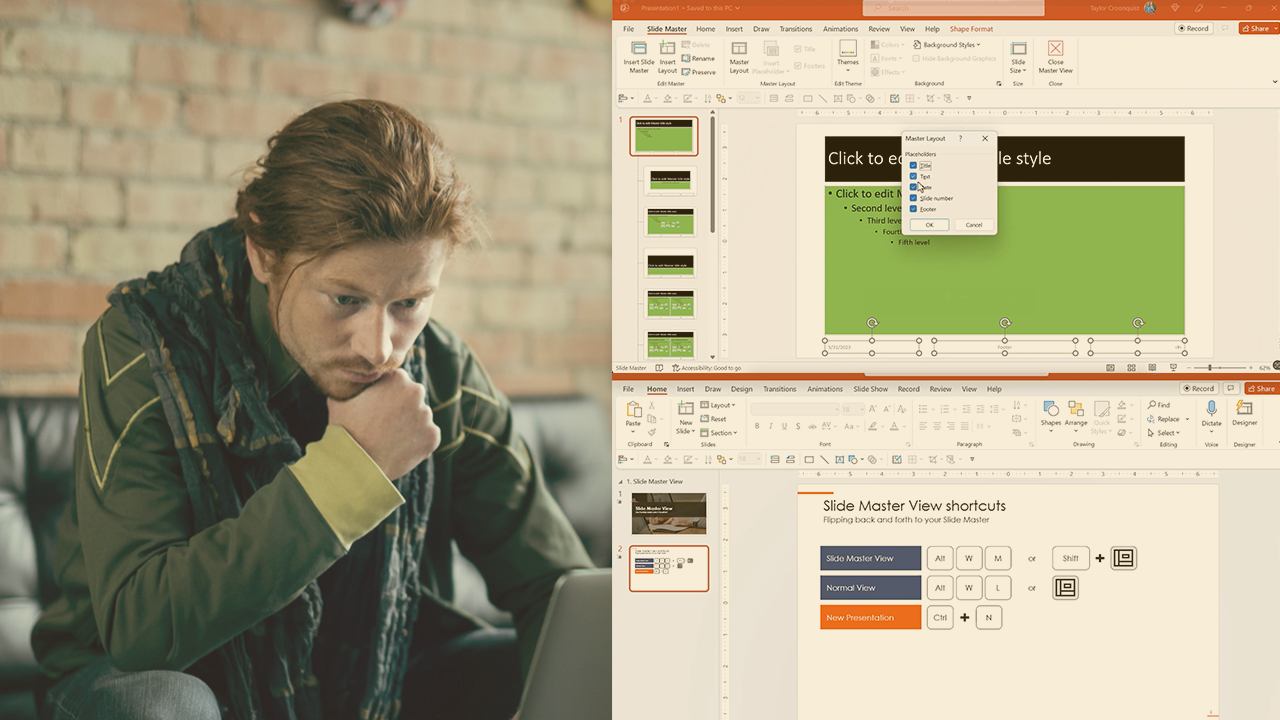
This course will teach you how these master views work, and how to use these views to make macro level edits to all the slides in your presentation at once, and how to quickly and easily build professional looking handouts.
Intermediate
- Course
PowerPoint: Advanced Templates
This course will teach you how these master views work, and how to use these views to make macro level edits to all the slides in your presentation at once, and how to quickly and easily build professional looking handouts.
Intermediate
Get started today
Access this course and other top-rated tech content with one of our business plans.
Try this course for free
Access this course and other top-rated tech content with one of our individual plans.
This course is included in the libraries shown below:
- Core Tech
What you'll learn
The Slide Master View creates a lot of confusion in PowerPoint, as most professionals don’t understand how it drives and influences their presentations. In this course, PowerPoint: Advanced Templates, you’ll learn to use Master view and troubleshoot common PowerPoint template issues. First, you’ll explore how the Slide Master View works and what you should and should not be doing in it. Next, you’ll discover how to properly set up and format your placeholders, list levels, and alignment guides to make building your presentations easier in PowerPoint. Finally, you’ll learn how to create professional handouts for your slides so that you stand out from your peers. When you’re finished with this course, you’ll have the skills and knowledge of advanced PowerPoint templates needed to troubleshoot and fix the most common template issues that can only be solved in the PowerPoint master views. This course is a partner presentation by Nuts & Bolts for PowerPoint.
PowerPoint: Advanced Templates
Intermediate
Table of contents



Through his interactive workshops, engaging courses and YouTube tutorials with over 11M views, Taylor Croonquist helps professionals improve their PowerPoint skills.
