
- Course
After Effects and Premiere Pro CC Team Projects
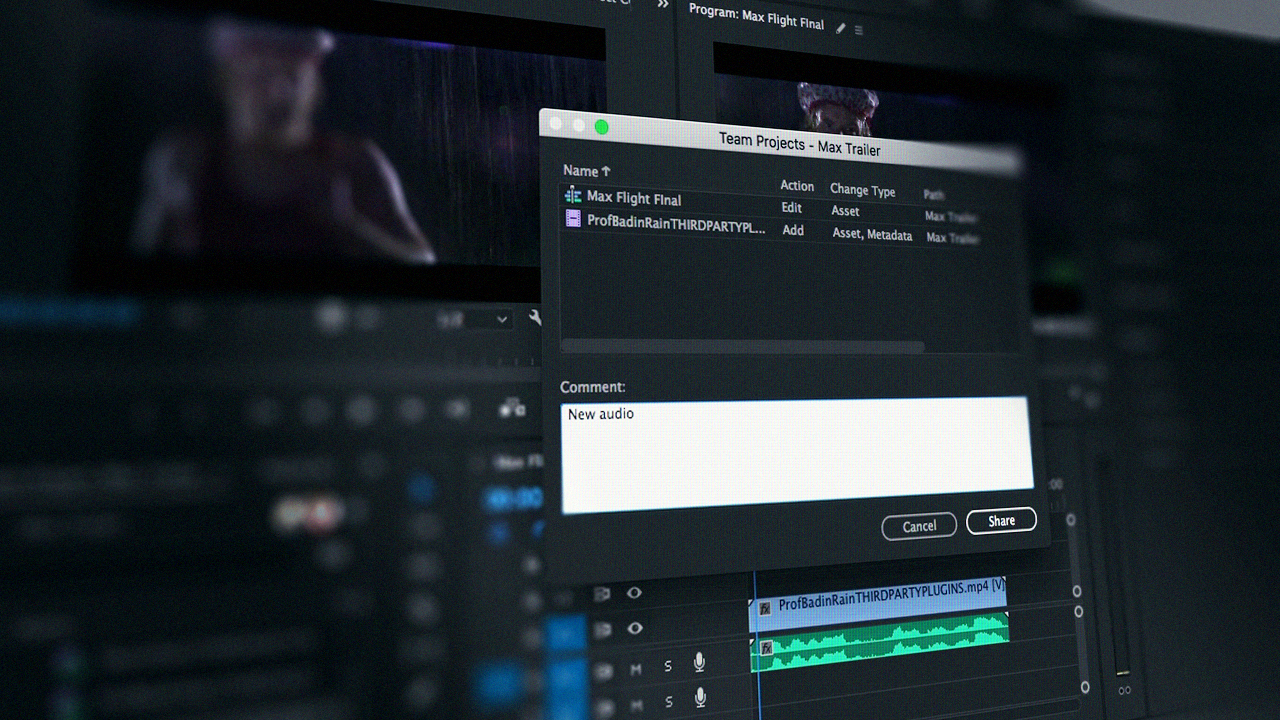
Team Projects in Premiere Pro and After Effects CC let you work on the same project with multiple team members. You will learn how to create team projects, manage shared files, accept and share project changes, and much more! Software Required: Premiere Pro CC and After Effects CC.
Intermediate
- Course
After Effects and Premiere Pro CC Team Projects
Team Projects in Premiere Pro and After Effects CC let you work on the same project with multiple team members. You will learn how to create team projects, manage shared files, accept and share project changes, and much more! Software Required: Premiere Pro CC and After Effects CC.
Intermediate
Get started today
Access this course and other top-rated tech content with one of our business plans.
Try this course for free
Access this course and other top-rated tech content with one of our individual plans.
This course is included in the libraries shown below:
- Core Tech
What you'll learn
Team Projects in Premiere Pro and After Effects CC make editing and building project files with teammates a reality. Because editing can be a busy process, there are failsafes in place to prevent overridden files and progress. In this course, After Effects and Premiere Pro CC Team Projects, you will learn about this exciting way to work on your projects as a team. You will first learn how to create team projects. Next, you'll learn how to manage shared files. Finally you'll learn how to accept and share project changes and much more! By the end of this course, your team can work on the same project and be located anywhere! As long as everyone has access to an Adobe Business Account, realtime team-based workflows can be implemented and shared. Software Required: Premiere Pro CC and After Effects CC.
After Effects and Premiere Pro CC Team Projects
Intermediate
Table of contents
-
What Are Team Projects? | 1m 40s
-
Setting up a Business Creative Cloud Account | 1m 52s
-
Creating a Team Project | 3m 41s
-
Opening Team Projects | 3m 4s
-
Converting to Team Projects | 3m 2s
-
Inviting Others to Collaborate | 4m 15s
-
Removing Collaborators | 2m 16s
-
Accepting Invites | 2m 36s
-
Adding a Profile Image | 3m 20s
-
Overview of Creating, Opening, and Converting | 2m 1s
