
- Course
Creating Artistic Playing Cards in Photoshop
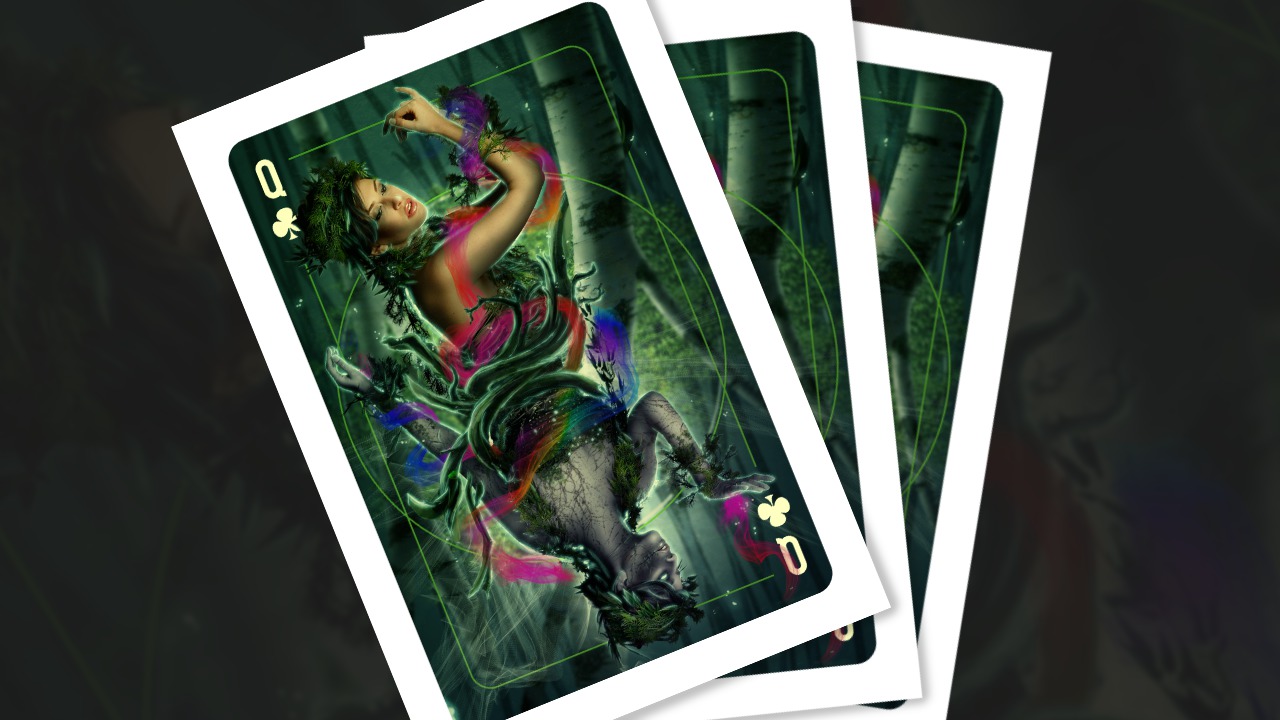
In this Photoshop tutorial, we'll learn how to create playing cards in Photoshop. Software required: Photoshop CC (2014), Painter 2015.
Advanced
- Course
Creating Artistic Playing Cards in Photoshop
In this Photoshop tutorial, we'll learn how to create playing cards in Photoshop. Software required: Photoshop CC (2014), Painter 2015.
Advanced
Get started today
Access this course and other top-rated tech content with one of our business plans.
Try this course for free
Access this course and other top-rated tech content with one of our individual plans.
This course is included in the libraries shown below:
- Core Tech
What you'll learn
In this Photoshop tutorial, we'll learn how to create playing cards in Photoshop. We'll use photo manipulation, digital painting techniques, and will add special effects with some new brushes in Painter to complete our digital artwork. We'll also learn basic graphic design techniques for creating card ornaments before using Illustrator to create the back of the card and print the template file. Some of the key takeaways from this tutorial include learning how to blend photographs with digital painting; working with mirrored compositions to create double-sided, poster-sized playing-card artwork; and organizing files to create various overlapping details. By the end of the Photoshop training, you'll be familiar with controlling lights and shadows, adjusting colors with color blends, as well as the various layouts and artistic possibilities in creating playing cards. Software required: Photoshop CC (2014), Painter 2015.
Creating Artistic Playing Cards in Photoshop
Advanced
Table of contents
