
- Course
Creating Assembly Drawings in AutoCAD
In this set of tutorials, we'll learn how to use AutoCAD's 3D environment and tools to create assembly drawings. Software required: AutoCAD 2015.
Intermediate
- Course
Creating Assembly Drawings in AutoCAD
In this set of tutorials, we'll learn how to use AutoCAD's 3D environment and tools to create assembly drawings. Software required: AutoCAD 2015.
Intermediate
Get started today
Access this course and other top-rated tech content with one of our business plans.
Try this course for free
Access this course and other top-rated tech content with one of our individual plans.
This course is included in the libraries shown below:
- Core Tech
What you'll learn
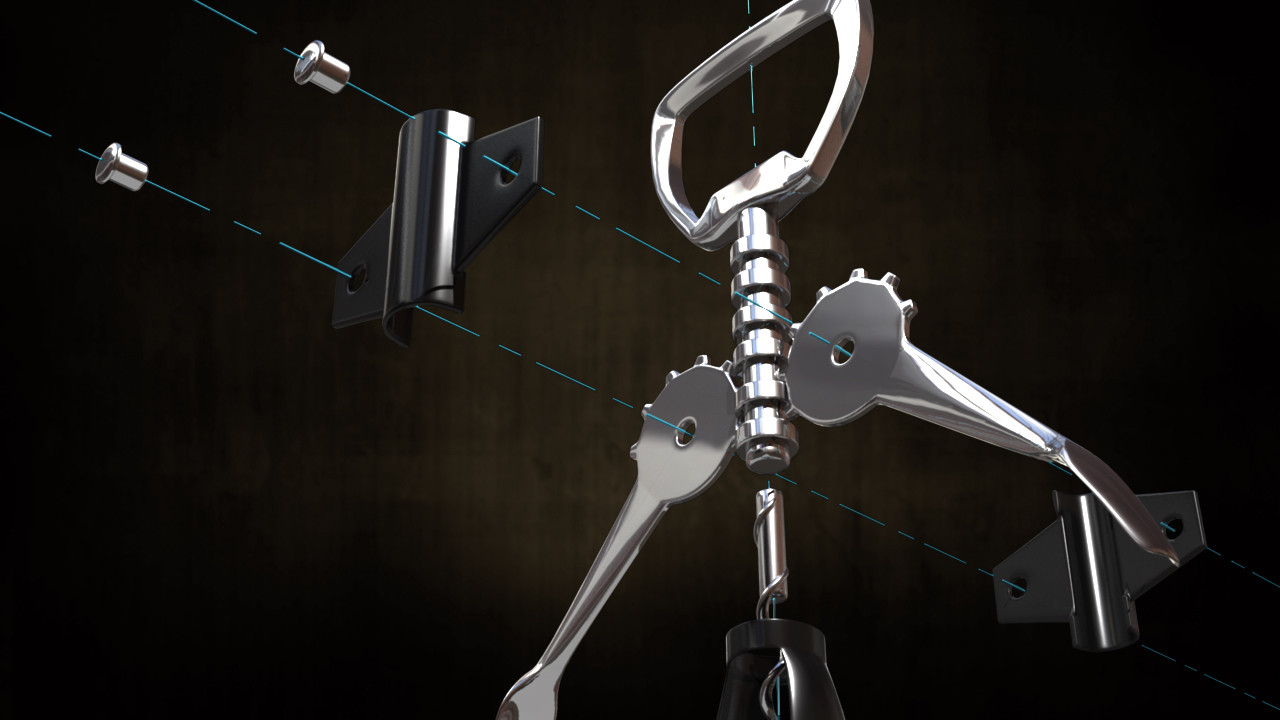
In this set of tutorials, we'll learn how to use AutoCAD's 3D environment and tools to create assembly drawings. We'll begin by modeling the exterior shell of the bottle opener using several surface and solid modeling tools including planar, extrude, and subtract, just to name a few. From there, we'll continue using solid and surface modeling tools to create the rest of the 3D model. Once the model is complete, we'll work in Layout to create a view that we'll annotate with multileaders, text, and even a parts and assembly table. By the end of this course, you'll be able to use the 3D environment in AutoCAD to create technical drawings with speed and efficiency. Software required: AutoCAD 2015.
Creating Assembly Drawings in AutoCAD
Intermediate
Table of contents
