
- Course
Audition CC Building on the Fundamentals
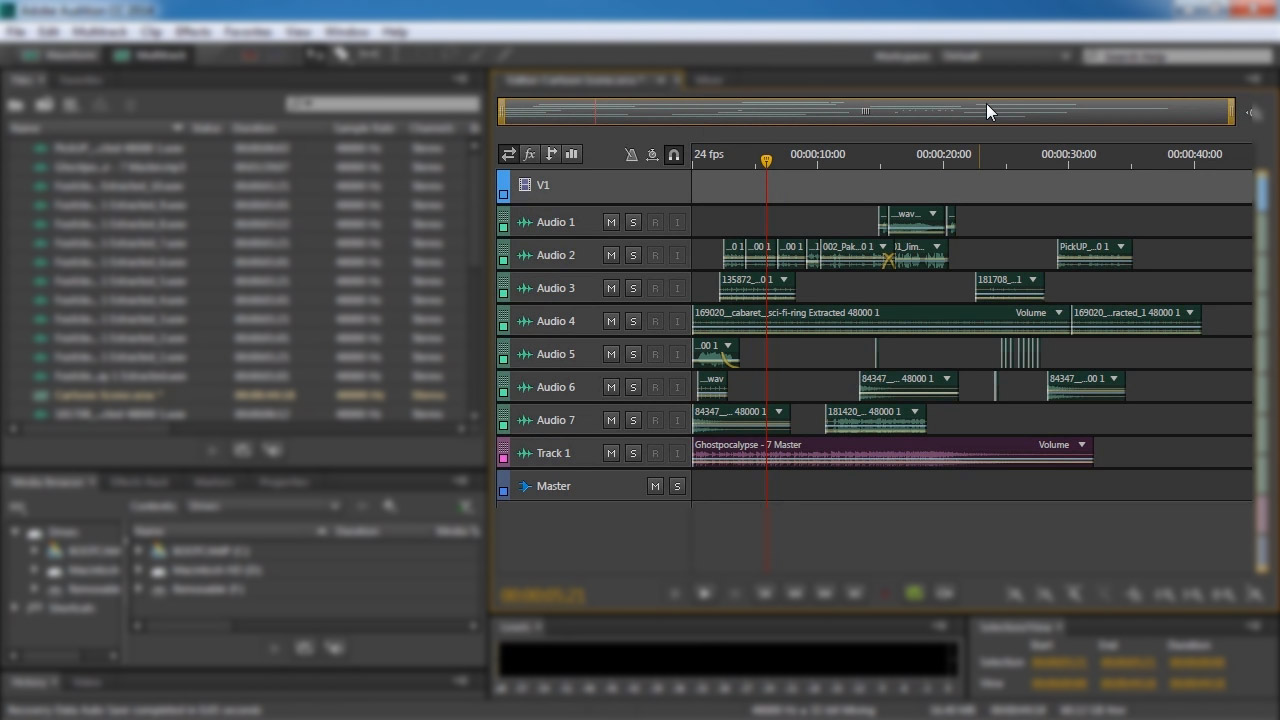
in this course, you will learn how to work with multi-tracks and essential techniques for getting the most out of your audio products. Software required: Adobe Audition CC.
Beginner
- Course
Audition CC Building on the Fundamentals
in this course, you will learn how to work with multi-tracks and essential techniques for getting the most out of your audio products. Software required: Adobe Audition CC.
Beginner
Get started today
Access this course and other top-rated tech content with one of our business plans.
Try this course for free
Access this course and other top-rated tech content with one of our individual plans.
This course is included in the libraries shown below:
- Core Tech
What you'll learn
This course builds on the knowledge gained from a previous course, Audition CC Fundamentals. In this course, you'll learn how to work with multi-tracks and learn essential techniques for getting the most out of your audio products. Towards the end of this course, you'll learn to export and share your work created in Audition. Software required: Adobe Audition CC.
Audition CC Building on the Fundamentals
Beginner
Table of contents
-
Working with Track Tabs | 6m 8s
-
Using the Mute Button | 1m 57s
-
Using the Solo Button | 1m 43s
-
Setting up Track Inputs and Outputs | 4m 23s
-
Working with the Master Track | 3m 56s
-
Working with Buses | 4m 46s
-
Using the Arm for Record Button | 3m 4s
-
Using the Monitor Input Button | 1m 32s
-
Working with Playback Controls | 5m 37s
-
Working with Multitrack tools | 5m 4s
