
- Course
Azure Virtual Desktop: Plan and Implement User Environments and Apps
Grow your experience with the user side of virtual desktop administration. This course will teach you how to manage user experience settings, user profile solutions, and deploy applications.
Intermediate
- Course
Azure Virtual Desktop: Plan and Implement User Environments and Apps
Grow your experience with the user side of virtual desktop administration. This course will teach you how to manage user experience settings, user profile solutions, and deploy applications.
Intermediate
Get started today
Access this course and other top-rated tech content with one of our business plans.
Try this course for free
Access this course and other top-rated tech content with one of our individual plans.
This course is included in the libraries shown below:
- Core Tech
What you'll learn
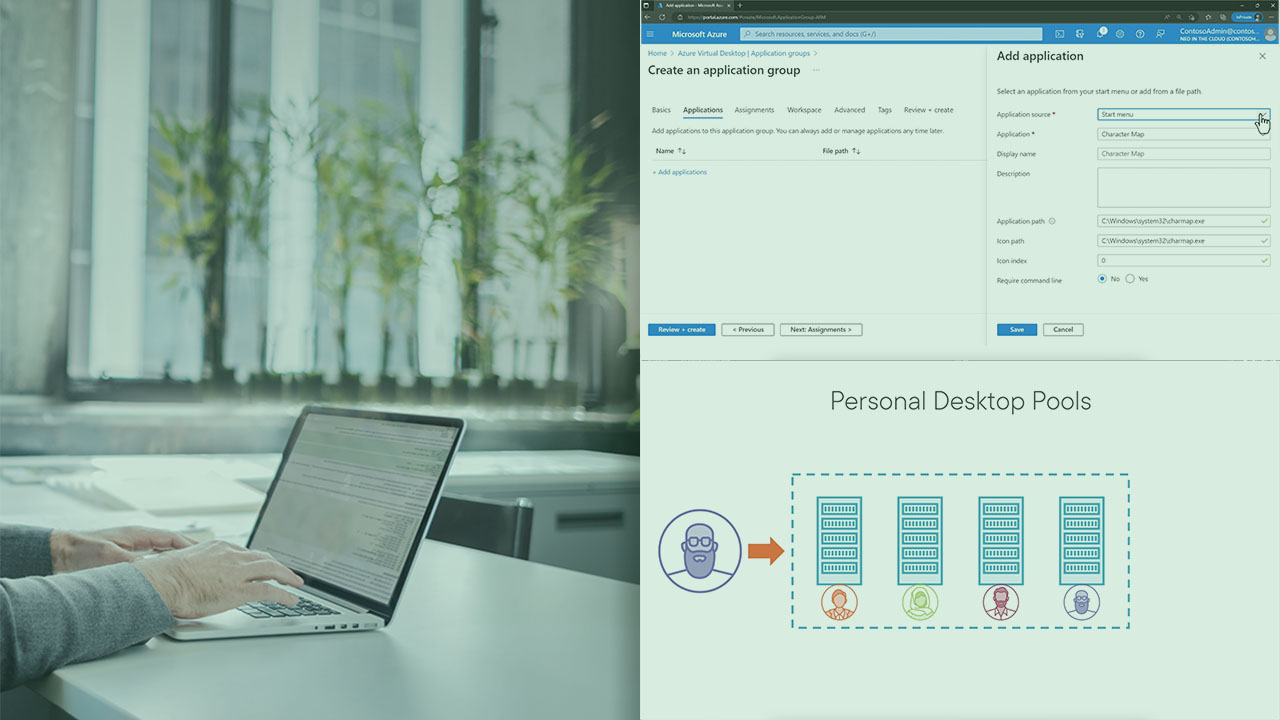
You've spent so much time working with all of the components that surround your virtual desktops, including the virtual machine objects themselves that you could easily forget what's inside those VMs, and what's most important to the user. In this course, Azure Virtual Desktop: Plan and Implement User Environments and Apps, you'll delve into the applications and user profile content inside each AVD session host. First, you'll explore the variety of user settings that control how users interact with their virtual desktop environments, including the types of devices that are redirected into their user sessions. Next, you'll dig into applications and the means and mechanisms for automating the delivery of applications onto session hosts, including Microsoft's MSIX App Attach solution and application masking. Finally, you'll expand your FSLogix knowledge from previous courses in this learning path by exploring office containers and Cloud Cache. When you’re finished with this course, you’ll have the skills and knowledge to appropriately deliver applications and manage user environments in an AVD deployment.
Azure Virtual Desktop: Plan and Implement User Environments and Apps
Intermediate
Table of contents


Ned Bellavance is an IT professional and Microsoft MVP with almost 20 years of experience in the industry. Passionate about technology, he is always looking to embrace future trends and share new discoveries with the community.
