
- Course
Brackets Overview
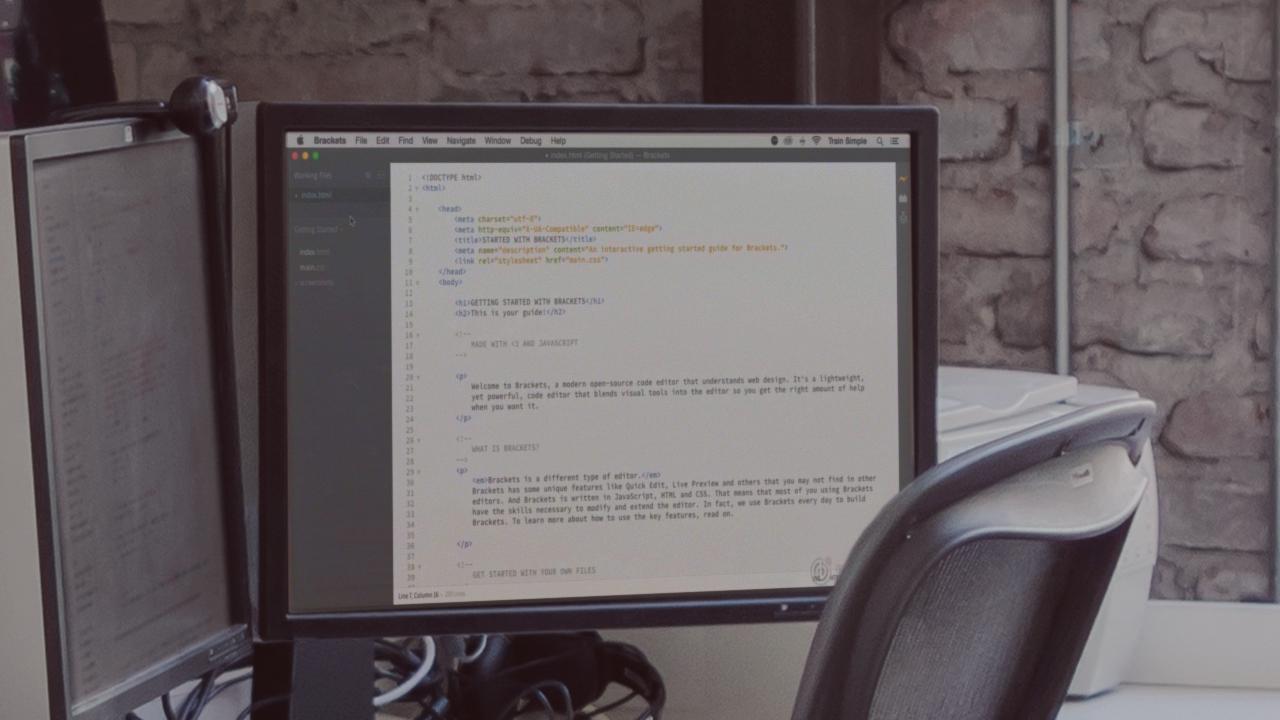
Brackets is a lightweight and powerful code editor for web designers and developers. In this course, you'll explore the its features and working environment so you can use it on your next project. Software required: Brackets text editor.
Beginner
- Course
Brackets Overview
Brackets is a lightweight and powerful code editor for web designers and developers. In this course, you'll explore the its features and working environment so you can use it on your next project. Software required: Brackets text editor.
Beginner
Get started today
Access this course and other top-rated tech content with one of our business plans.
Try this course for free
Access this course and other top-rated tech content with one of our individual plans.
This course is included in the libraries shown below:
- Core Tech
What you'll learn
Brackets is a lightweight and powerful code editor for web designers and developers. It offers innovative features like inline editing so you can work on linked files without having to switch between different tabs in the document window. Live Preview creates a real-time connection between Brackets and a web browser so you can see visual changes instantly as you code. In this course, Brackets Overview, you'll explore the application and get comfortable with the features and working environment so you can use it on your next project. Software required: Brackets text editor.
Brackets Overview
Beginner
Table of contents



Matthew Pizzi is an Adobe Certified instructor with over 15 years of experience teaching Adobe applications.
