
- Course
Bringing Your Website to Life with Edge Animate
In this series of tutorials, we'll be adding parallax scrolling and responsiveness to a website using Edge Animate. Software required: Edge Animate.
Beginner
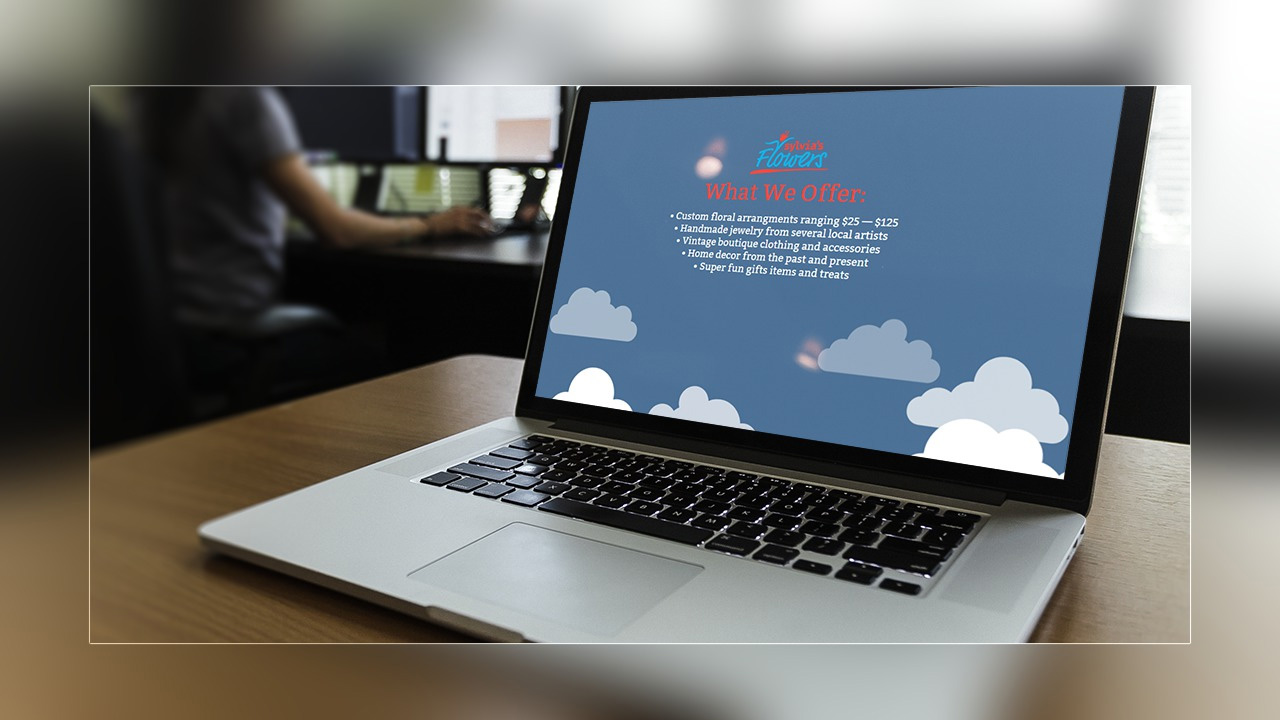
- Course
Bringing Your Website to Life with Edge Animate
In this series of tutorials, we'll be adding parallax scrolling and responsiveness to a website using Edge Animate. Software required: Edge Animate.
Beginner
Get started today
Access this course and other top-rated tech content with one of our business plans.
Try this course for free
Access this course and other top-rated tech content with one of our individual plans.
This course is included in the libraries shown below:
- Core Tech
What you'll learn
In this series of tutorials, we'll be adding parallax scrolling and responsiveness to a website using Edge Animate. We'll start by referencing sketches from our client to know what it is they want their site to do. We'll pull in elements to help us build our site and take a look at how we can sample colors from elements to create color swatches. Then we'll go over how we can create animations that are controlled by scrolling and what we can do with animation to create the illusion of parallax. We'll also take a look at ways we can make our site responsive to the size of the browser window by adjusting stage settings and the relationship of elements in our project. Finally, we'll finish by adding some interactivity to our site with a small line of JavaScript. Software required: Edge Animate.
Bringing Your Website to Life with Edge Animate
Beginner
Table of contents
