
- Course
Bringing a Still Image to Life Using Projection Man in CINEMA 4D
In this CINEMA 4D tutorial, we will learn how to create a visual effects shot using CINEMA 4D's projection man. We will also use other techniques such as 3D modeling, Hair and Cloth dynamics, painting our image to conform to our composition, and creating atmospheric elements with After Effects. Software required: CINEMA 4D 14, Photoshop CS6, After Effects, and Red Giant Suite.
Advanced
- Course
Bringing a Still Image to Life Using Projection Man in CINEMA 4D
In this CINEMA 4D tutorial, we will learn how to create a visual effects shot using CINEMA 4D's projection man. We will also use other techniques such as 3D modeling, Hair and Cloth dynamics, painting our image to conform to our composition, and creating atmospheric elements with After Effects. Software required: CINEMA 4D 14, Photoshop CS6, After Effects, and Red Giant Suite.
Advanced
Get started today
Access this course and other top-rated tech content with one of our business plans.
Try this course for free
Access this course and other top-rated tech content with one of our individual plans.
This course is included in the libraries shown below:
- Core Tech
What you'll learn
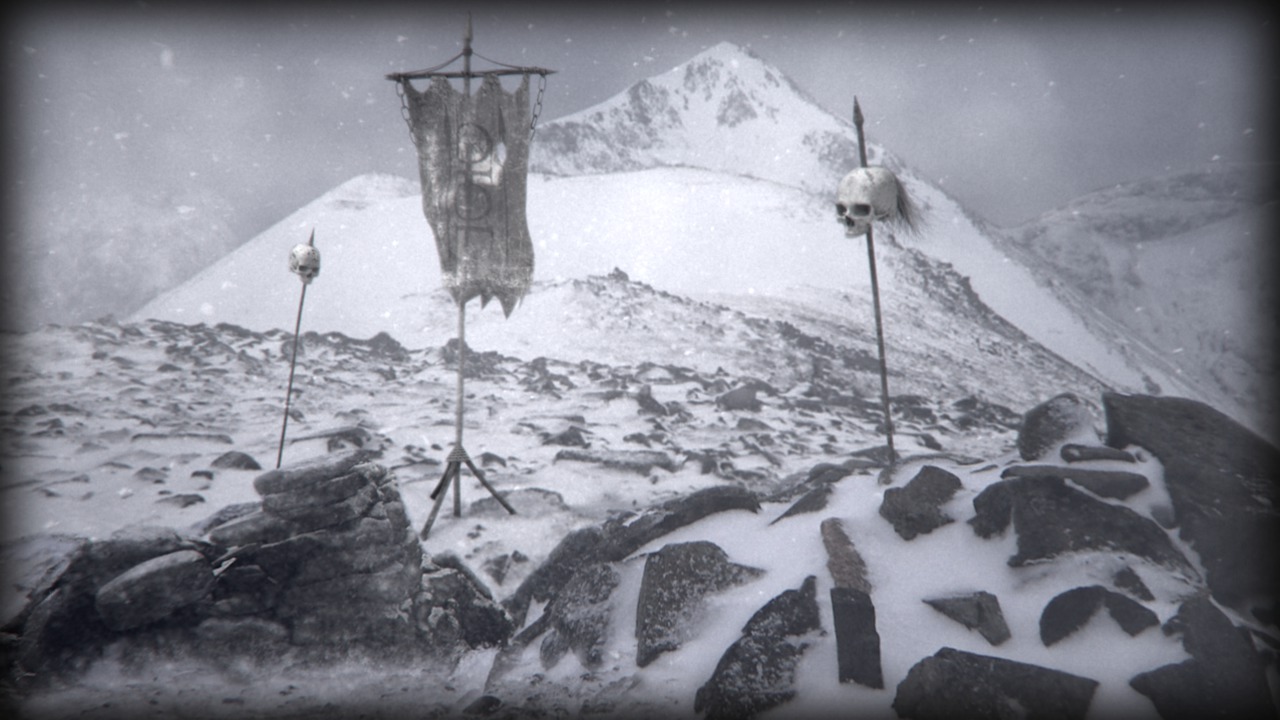
In this CINEMA 4D tutorial, we will learn how to create a visual effects shot using CINEMA 4D's projection man. We will also use other techniques such as 3D modeling, Hair and Cloth dynamics, painting our image to conform to our composition, and creating atmospheric elements with After Effects. The tutorial will start by looking at how to concept the image and researching what options we'll have available. We'll next prepare the image for camera mapping in CINEMA 4D; model, texture and light 3D geometry to project into the 2D plate; create dynamic simulations to match the shot's vision; finally, we'll bring it all together to create a seamless final shot. Software required: CINEMA 4D 14, Photoshop CS6, After Effects, and Red Giant Suite.
Bringing a Still Image to Life Using Projection Man in CINEMA 4D
Advanced
Table of contents
