
- Course
Building Your First VBA Module
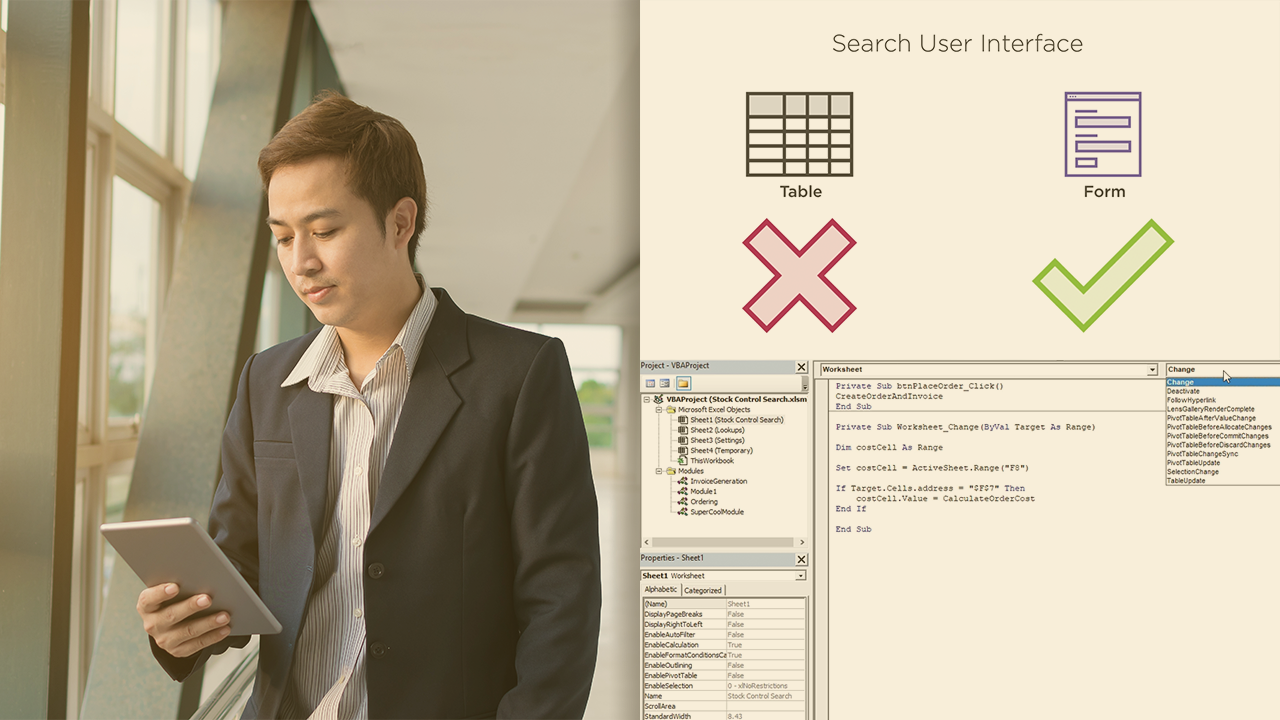
Visual Basic for Applications and Excel. What a combination! They can do lots of magical things, but just writing VBA code isn’t enough; you need to write efficient code. VBA modules help you do that, and this course will teach you how to use them!
Intermediate
- Course
Building Your First VBA Module
Visual Basic for Applications and Excel. What a combination! They can do lots of magical things, but just writing VBA code isn’t enough; you need to write efficient code. VBA modules help you do that, and this course will teach you how to use them!
Intermediate
Get started today
Access this course and other top-rated tech content with one of our business plans.
Try this course for free
Access this course and other top-rated tech content with one of our individual plans.
This course is included in the libraries shown below:
- Data
What you'll learn
There are lots of Excel VBA developers out there, and they’re all creating great Excel applications, but are they all structuring their code correctly? If you want to know about good code structure and how to make your code more reusable, this is the course to watch! In this course, Building Your First VBA Module, you'll use a pre-built application to learn about the three types of module VBA supports – Standard, Object, and Class. First, you’ll learn about the differences between them and when you might use each type of module. Next, the course takes a deep dive into class modules, outlining how to design and build a class module, how to use module events, and how to expose properties with getters, setters, and letters. You’ll also see how to test your code and how to extend your class module’s capabilities with external references. Finally, once you know how to build class modules, the course shows you how to use them, integrating the class module with a user form to build a completely custom user interface. You’ll find out how to add controls to user forms, as well as how to manipulate them via VBA. When you're finished with this course, you'll be able to take your VBA skills to the next level! Software required: Microsoft Excel, SQL Server Express, SQL Server Management Studio.
Building Your First VBA Module
Intermediate
Table of contents
-
Introduction | 2m 10s
-
Introducing the Application | 2m 11s
-
Methods and Module Types | 1m 58s
-
Standard Modules | 3m 45s
-
Creating Multiple Standard Modules | 2m 14s
-
Object Modules | 4m 42s
-
Object Module Events | 2m 46s
-
Class Modules | 2m 9s
-
Classes and Objects | 3m 46s
-
Application Improvements | 1m 47s
-
Summary | 54s


Mike loves to mess around with data and programming problems, the bigger the better. He’s worked with a variety of companies, helping to build and improve systems of all shapes and sizes.
