
- Course
Changing Seasons in After Effects and Photoshop
In this After Effects and Photoshop tutorial, we'll learn how to transition between seasons by making a spring-time park into fall. Software required: After Effects CC, Photoshop CC.
Intermediate
- Course
Changing Seasons in After Effects and Photoshop
In this After Effects and Photoshop tutorial, we'll learn how to transition between seasons by making a spring-time park into fall. Software required: After Effects CC, Photoshop CC.
Intermediate
Get started today
Access this course and other top-rated tech content with one of our business plans.
Try this course for free
Access this course and other top-rated tech content with one of our individual plans.
This course is included in the libraries shown below:
- Core Tech
What you'll learn
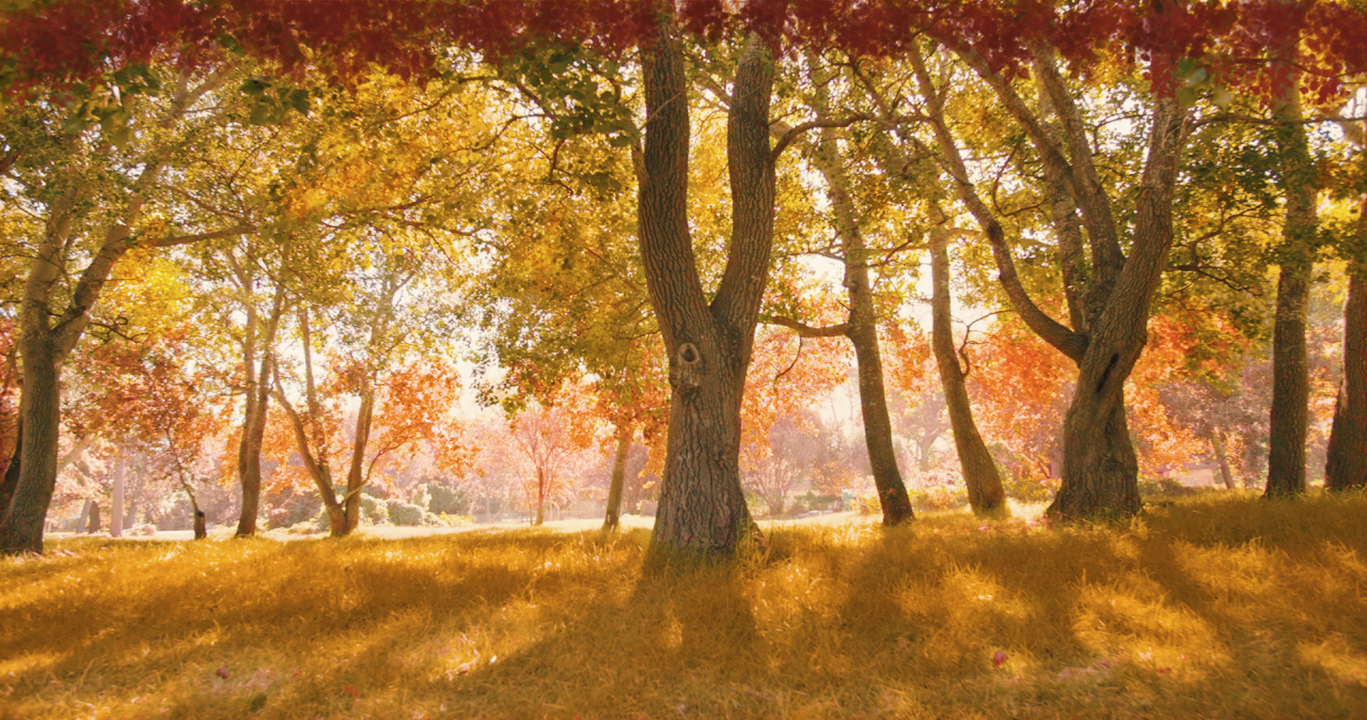
In this After Effects and Photoshop tutorial, we'll learn how to transition between seasons by making a spring-time park into fall. We'll start off by giving the shot a golden hue using a matte and an adjustment layer. We'll then paint colored leaf elements in Photoshop before bringing them back in After Effects to track the trees so we can get the leaf layers moving with the pan. We'll finish off the shot by adding some more orange leaves with a adjustment layer and a mask using tracking data. In the end of this After Effects and Photoshop training, you'll have created colorful fall foliage out of a scene that was shot in the spring. Software required: After Effects CC, Photoshop CC.
Changing Seasons in After Effects and Photoshop
Intermediate
Table of contents
